Test Cases
Update Test Case Result in a Test Plan
Steps to Update Test Case Results
Section titled “Steps to Update Test Case Results”-
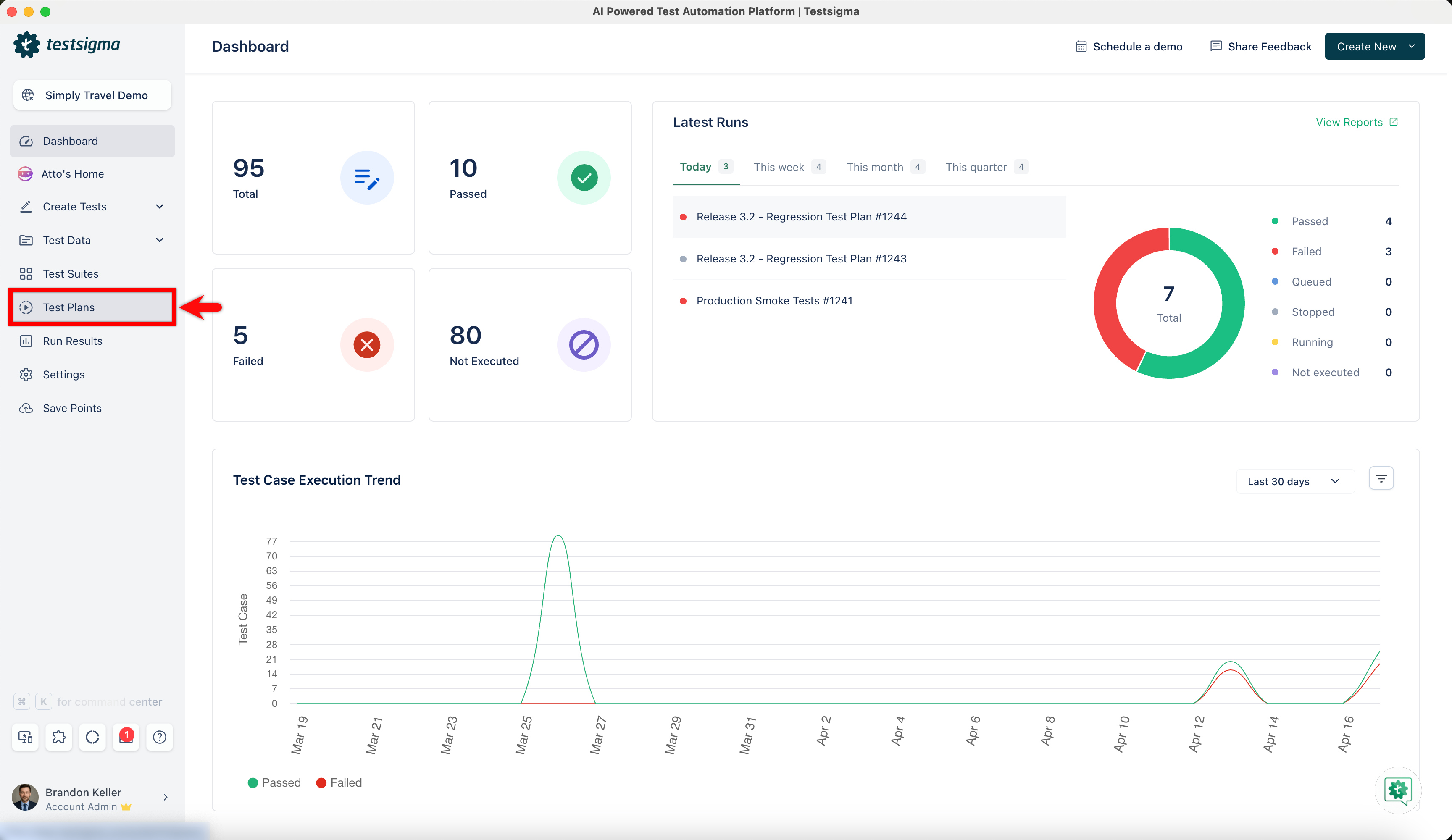
From the left-side navbar, go to Test Plans.
-
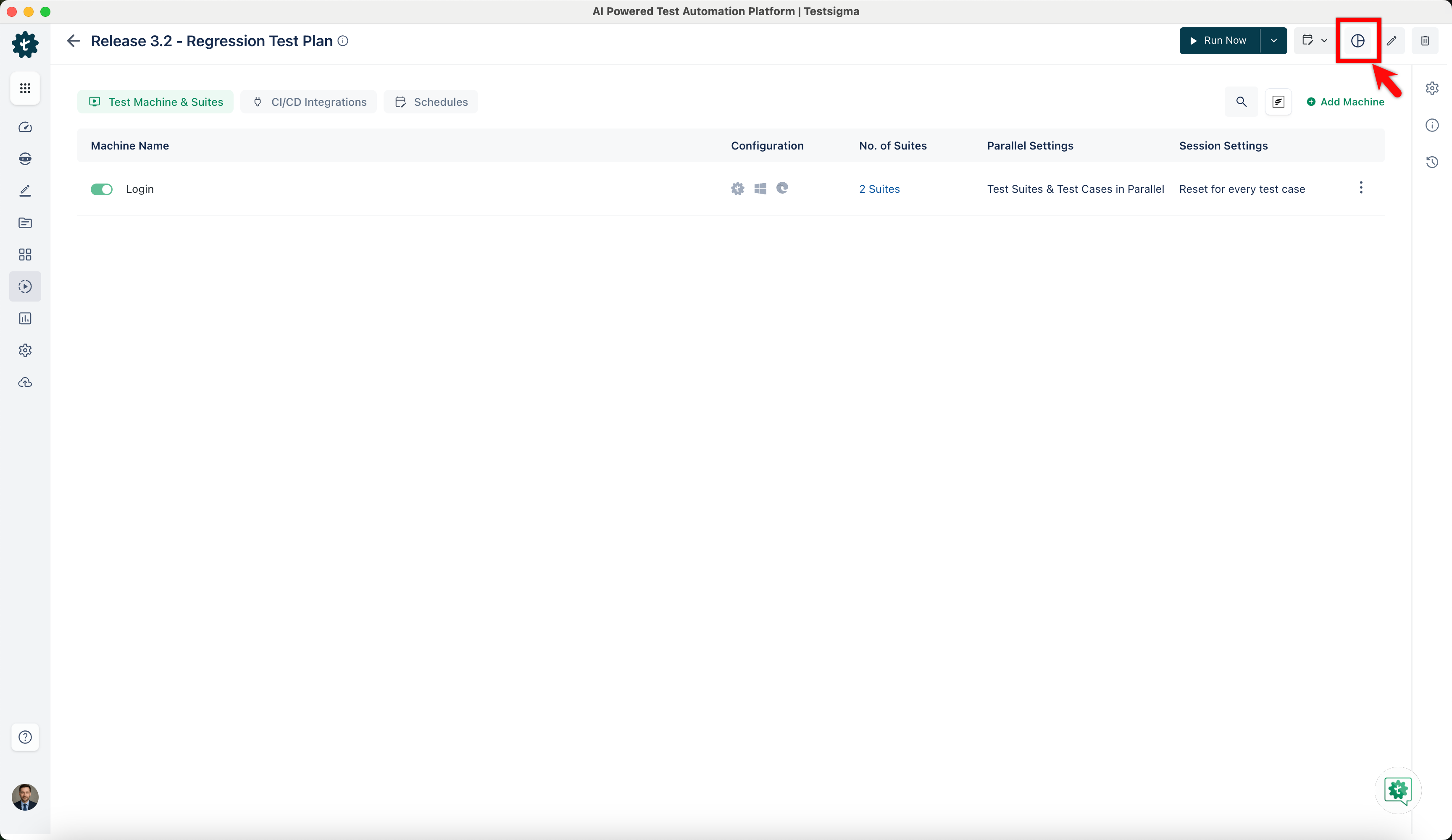
Select the test plan in which you want to update the test case result and click View Reports.
-
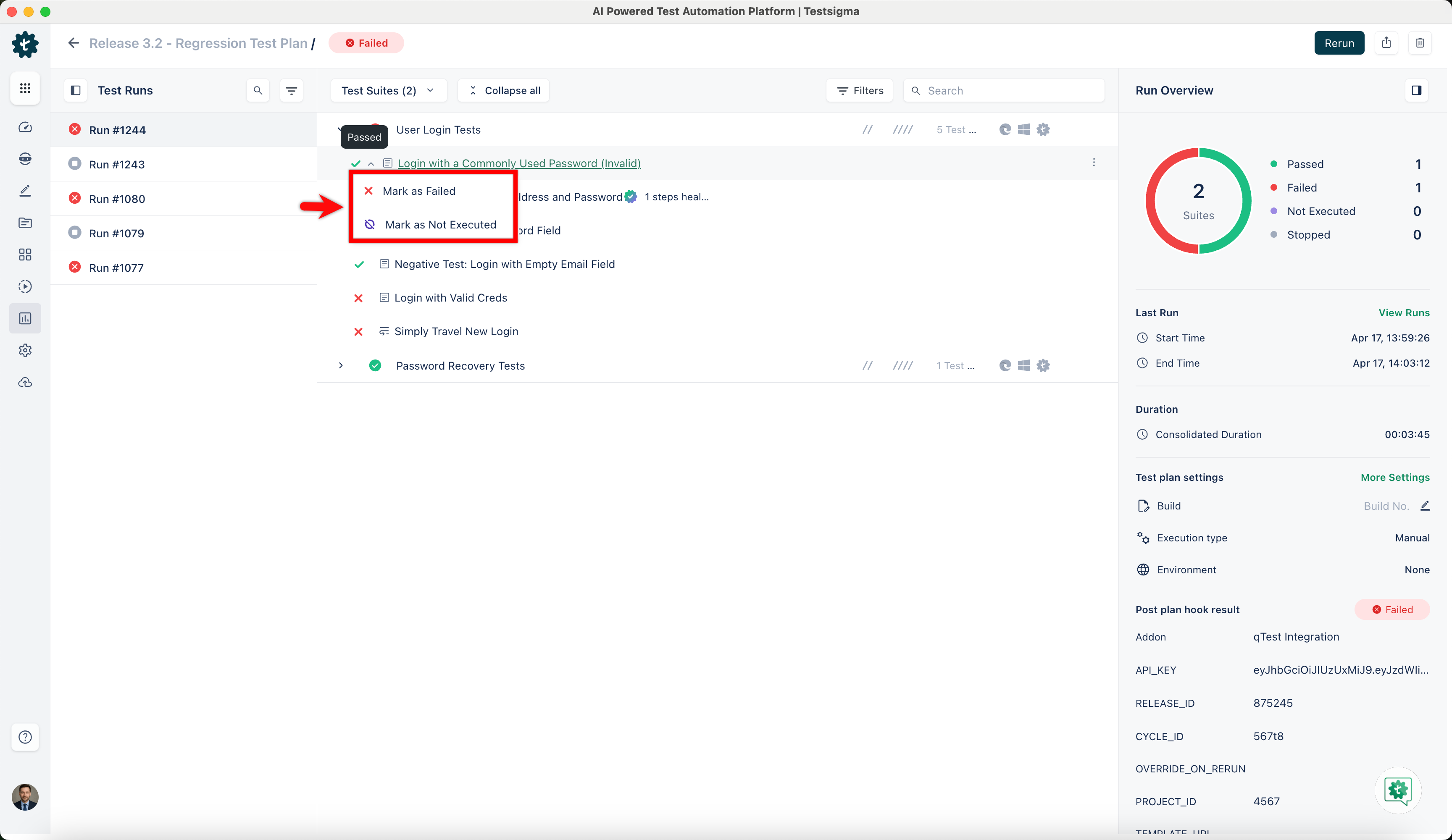
Hover over the test case result of which you want to change the status and click on the result you want to update from the dropdown menu.
-
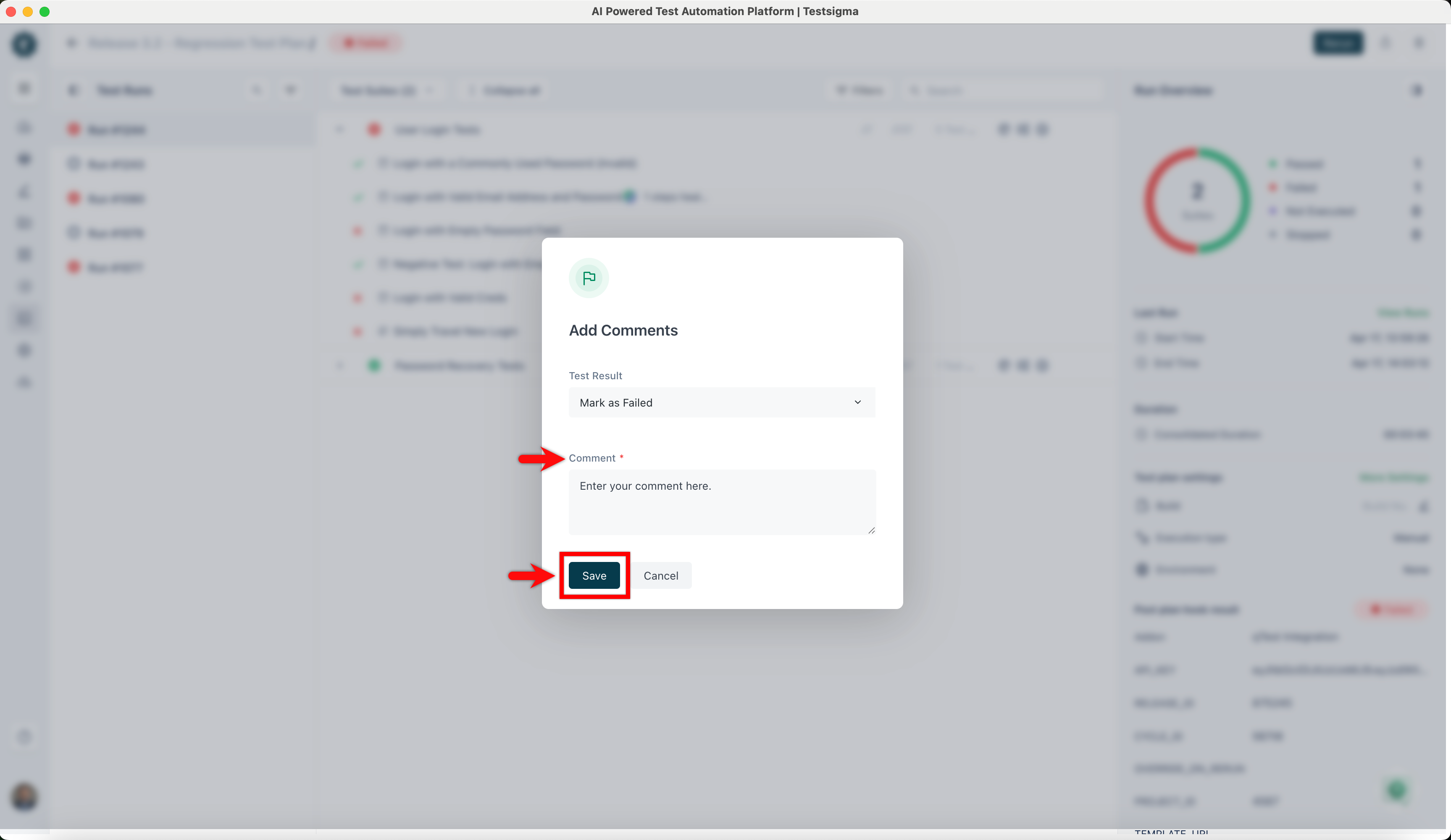
On the Add Comments dialog, add a comment and click on Save.
-
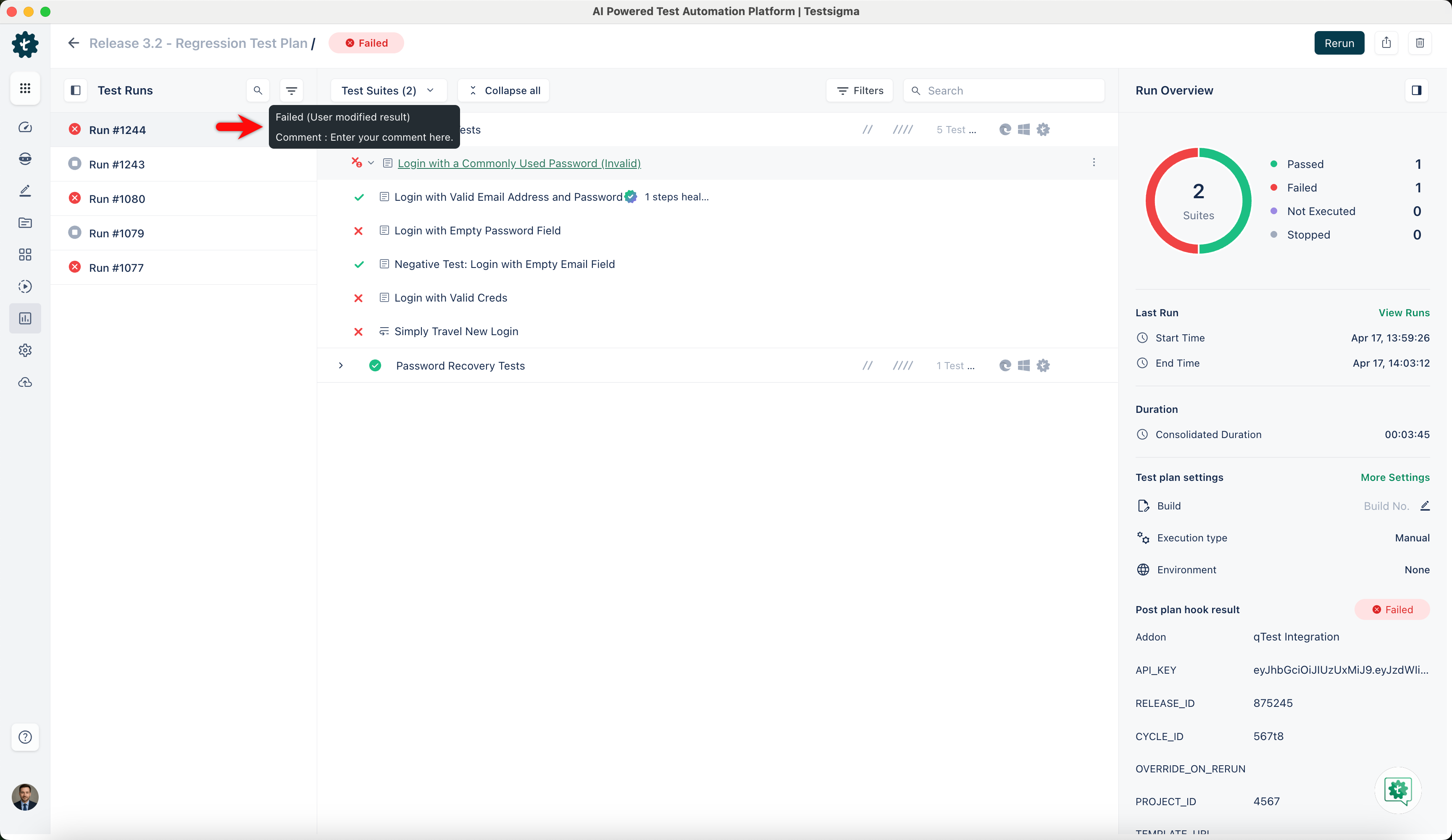
Hover over the same test case result to see the updated status and comment.