Test Data
Test Data Type: Data Generator
Prerequisites
Before you begin, ensure that you have referred to:
Add Data Generators in Test Steps
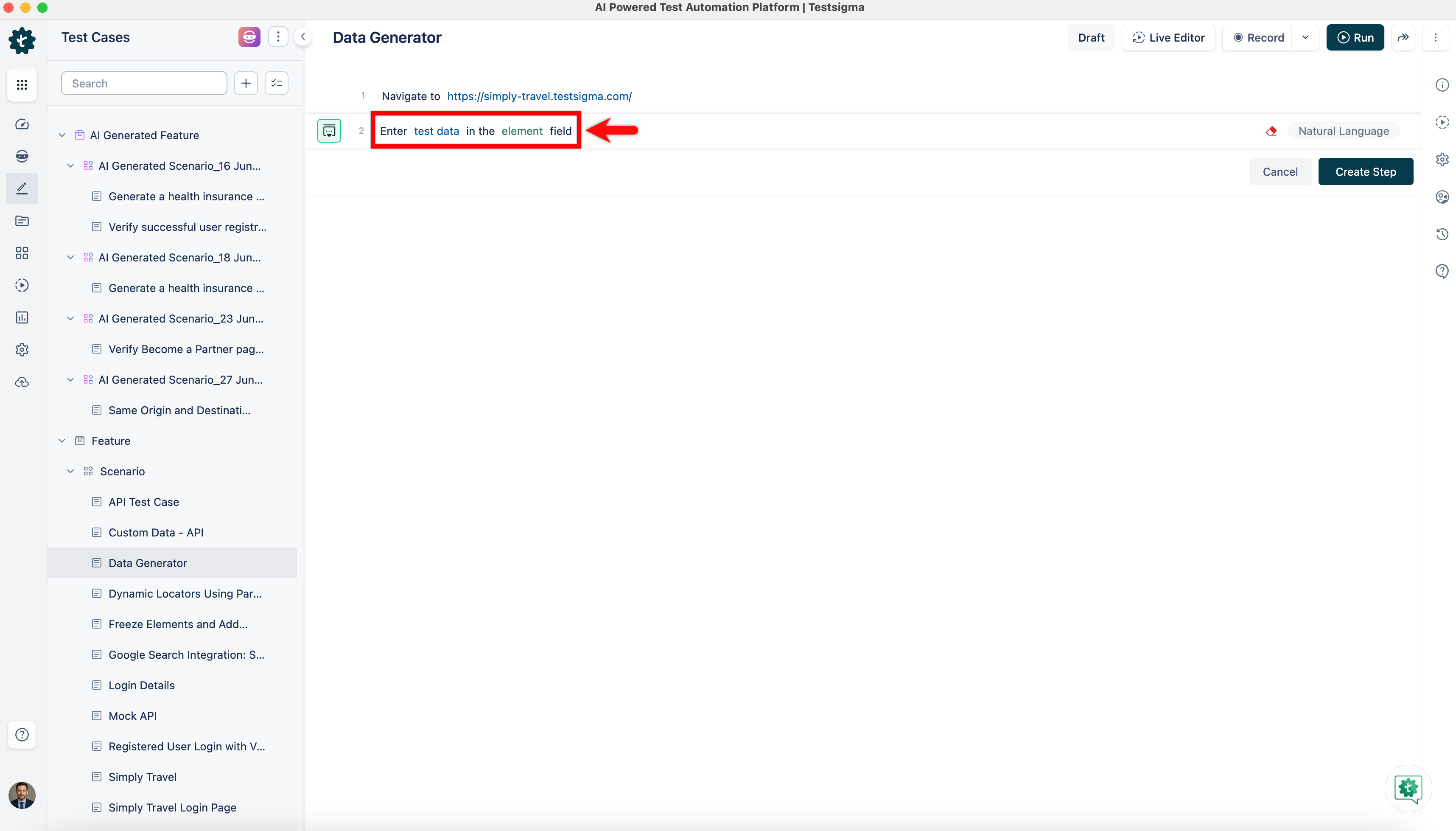
Section titled “Add Data Generators in Test Steps”- Use NLP to create a new step in the Test Case and include a placeholder for test data.
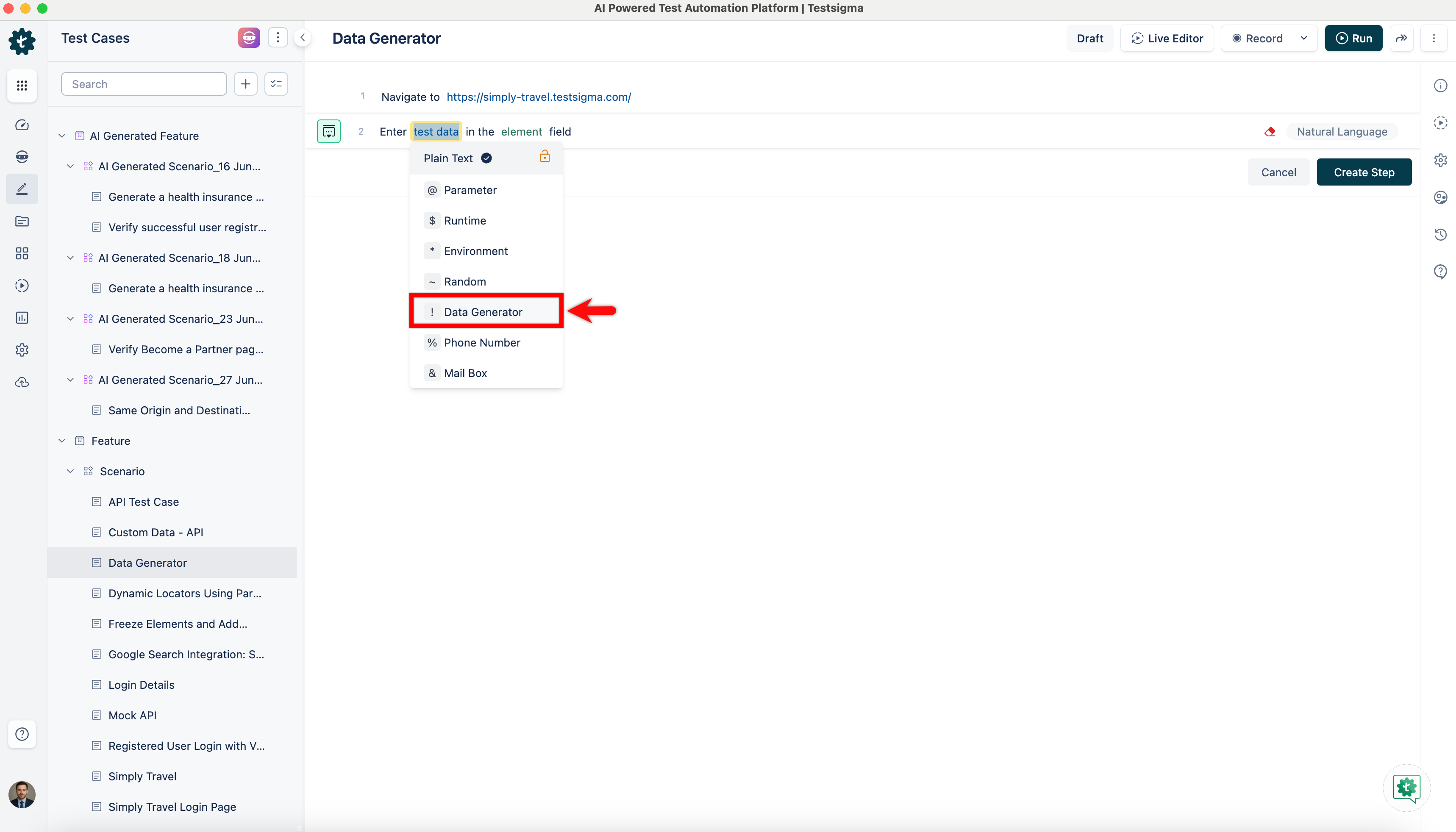
- Click the test data placeholder to replace it, and then select the ! Data Generator from the Test Data Types dropdown menu.
- Select Type as Default in the Data Generators overlay screen to use a collection of built-in test data generators.
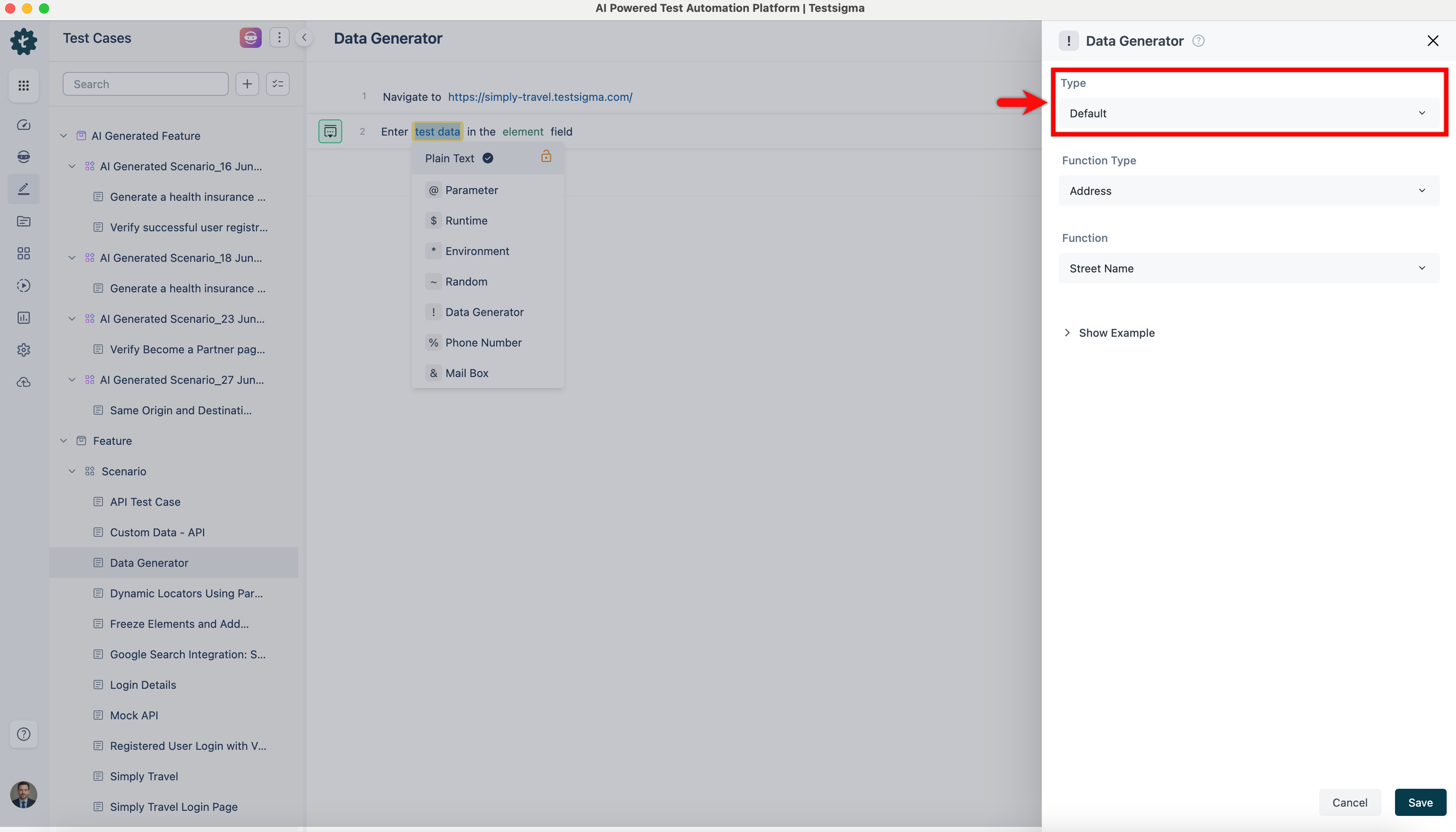
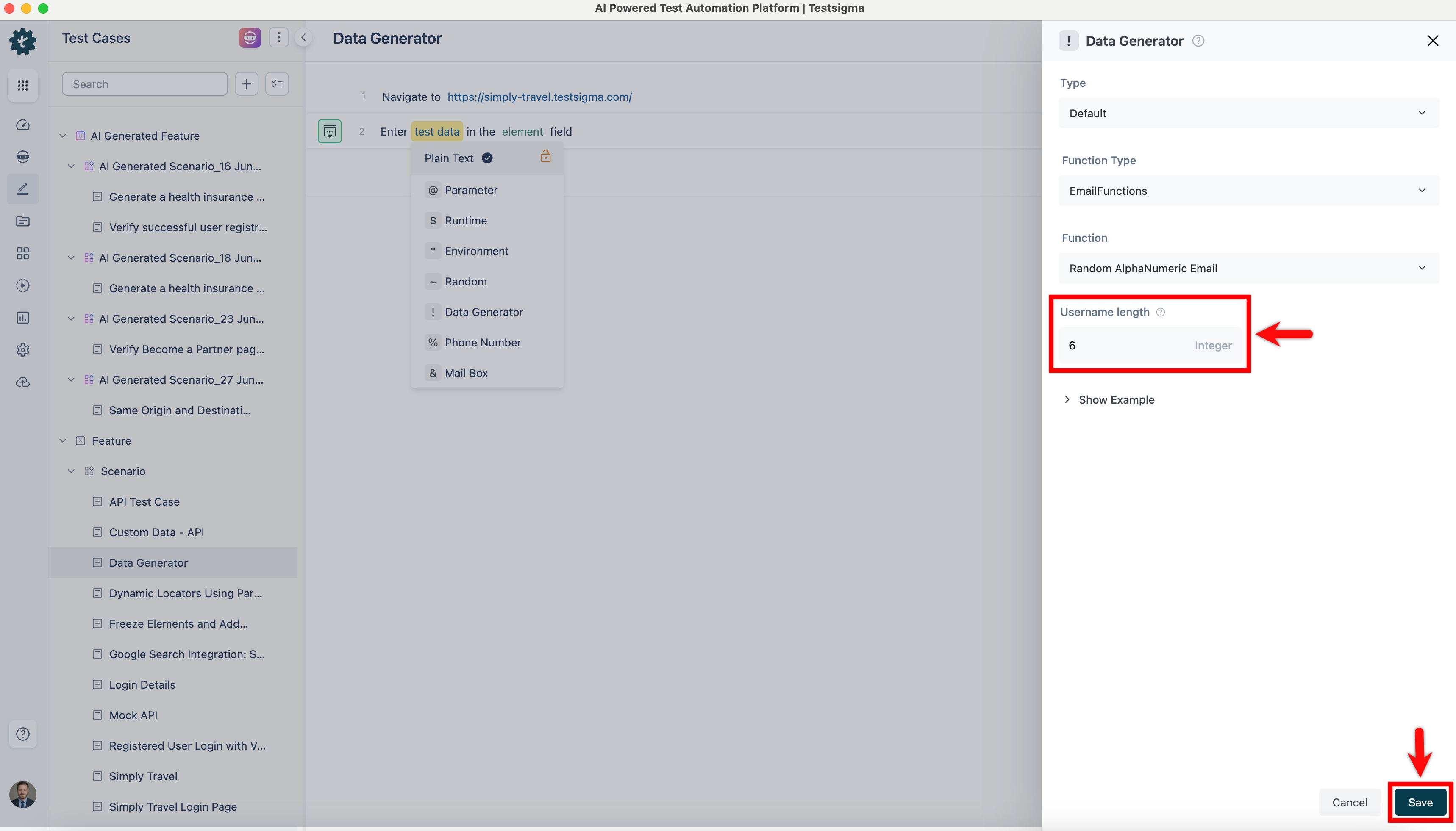
- Select Function Type from the dropdown list.
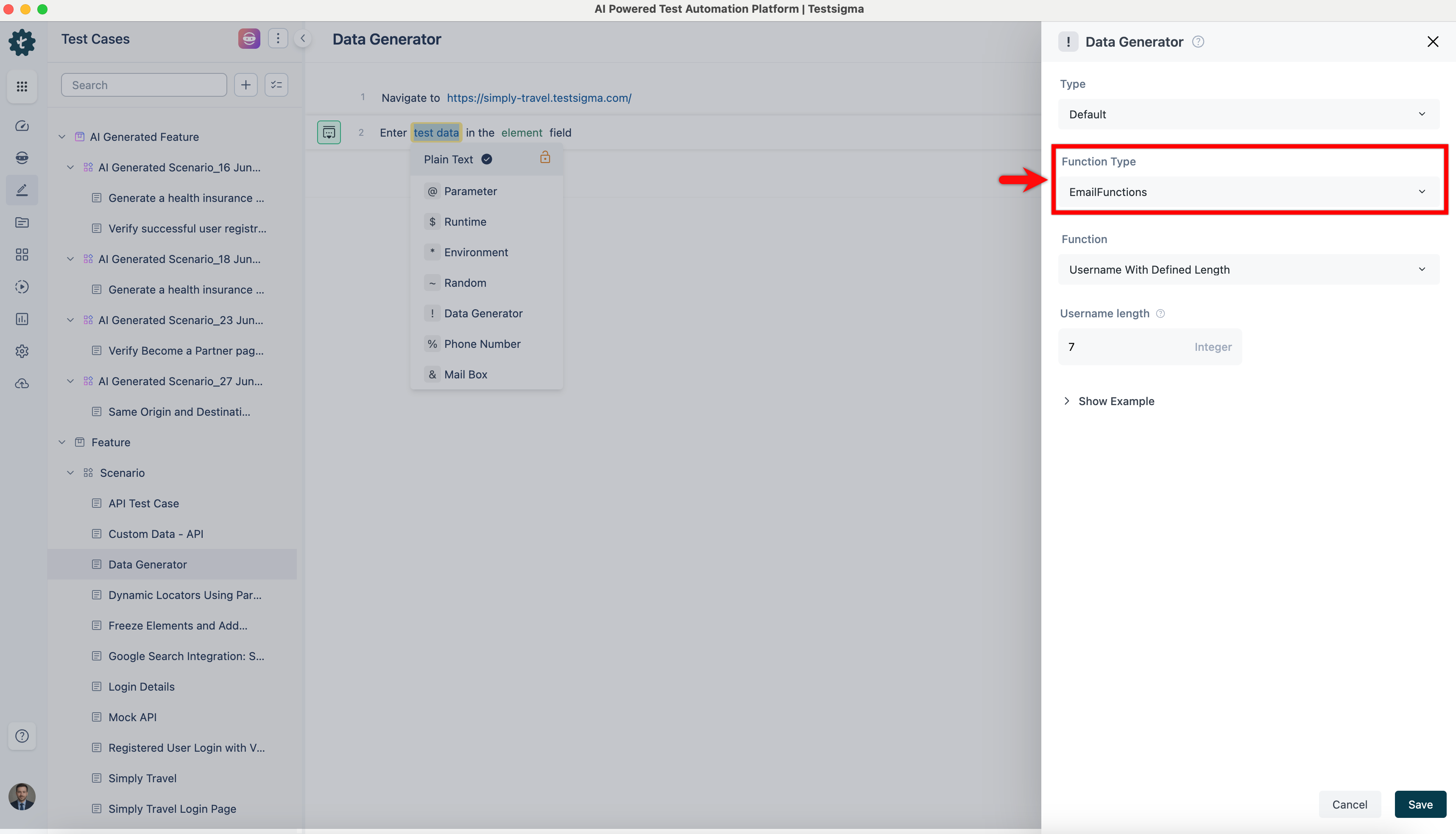
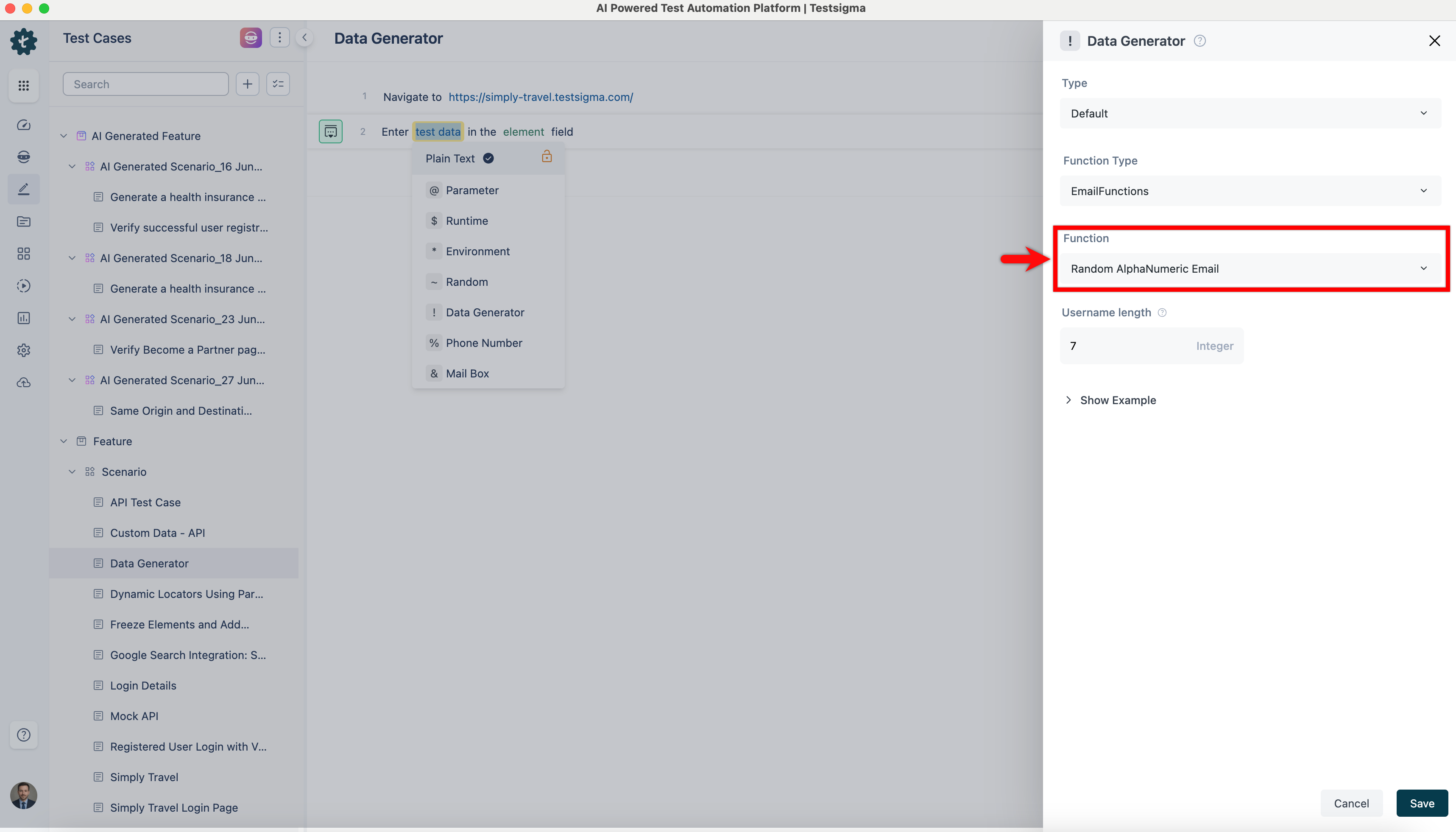
- Select Function from the dropdown list, and the system will display a built-in function list corresponding to the selected function type.
- Click the right arrow before Show Examples. Each function has examples; you can find descriptions of the functions and examples of inputs and outputs.
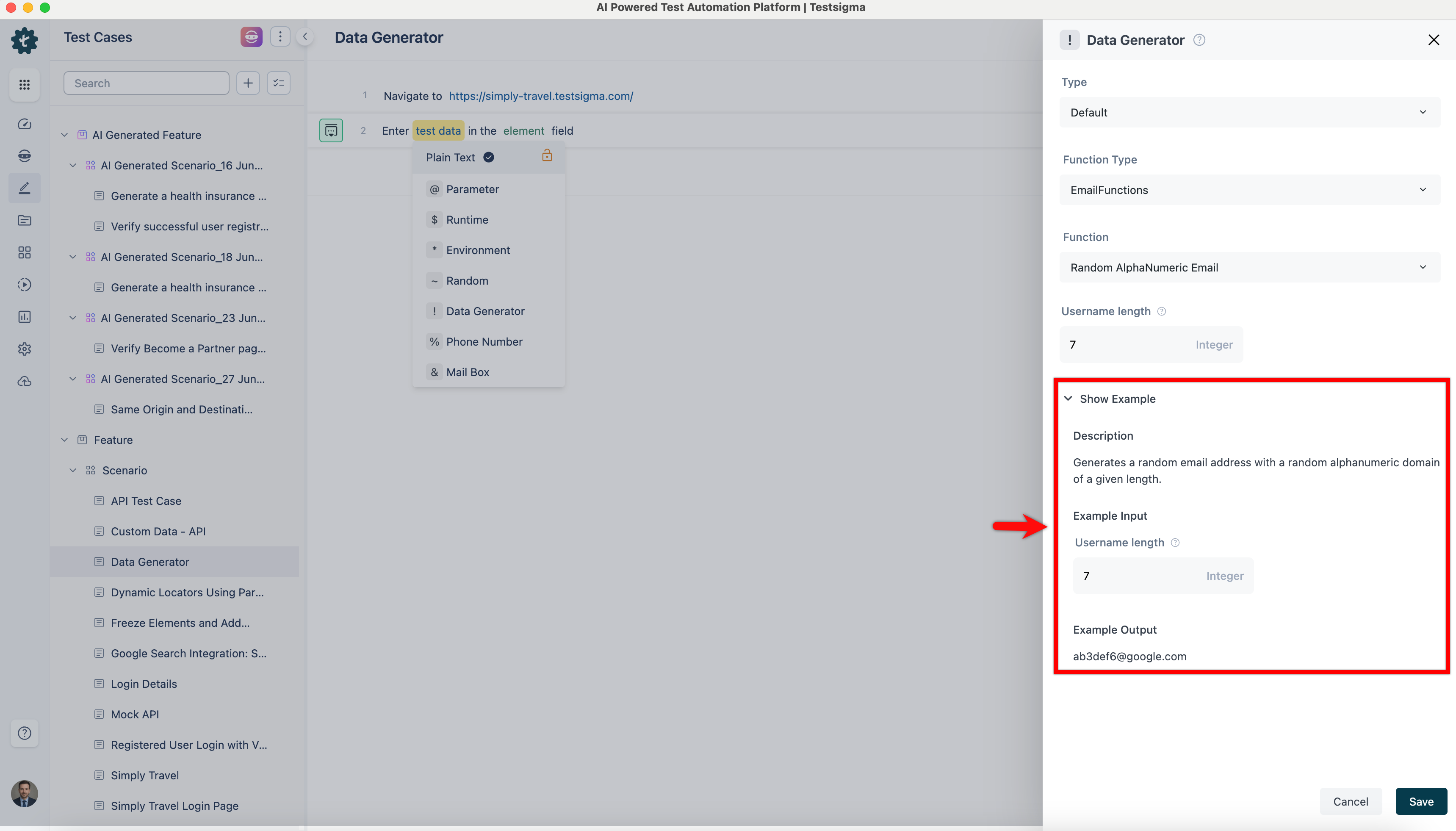
- Use the example as a reference, enter inputs in the function fields and click Save to add a data generator in the test step.