Testsigma Agent
How to Upgrade Testsigma Agent Automatically?
Testsigma can download and install the agent automatically if there’s a higher version available for installation. This article discusses how the agent is upgraded automatically in Testsigma.
Prerequisites
Before you begin, ensure that you have referred to:
Steps to Upgrade Testsigma Agent Automatically
Section titled “Steps to Upgrade Testsigma Agent Automatically”-
Start Testsigma agent. For more information, refer to the documentation on starting agent as a process.
-
Once you start the agent, if a higher version is available, it’ll automatically download the agent.
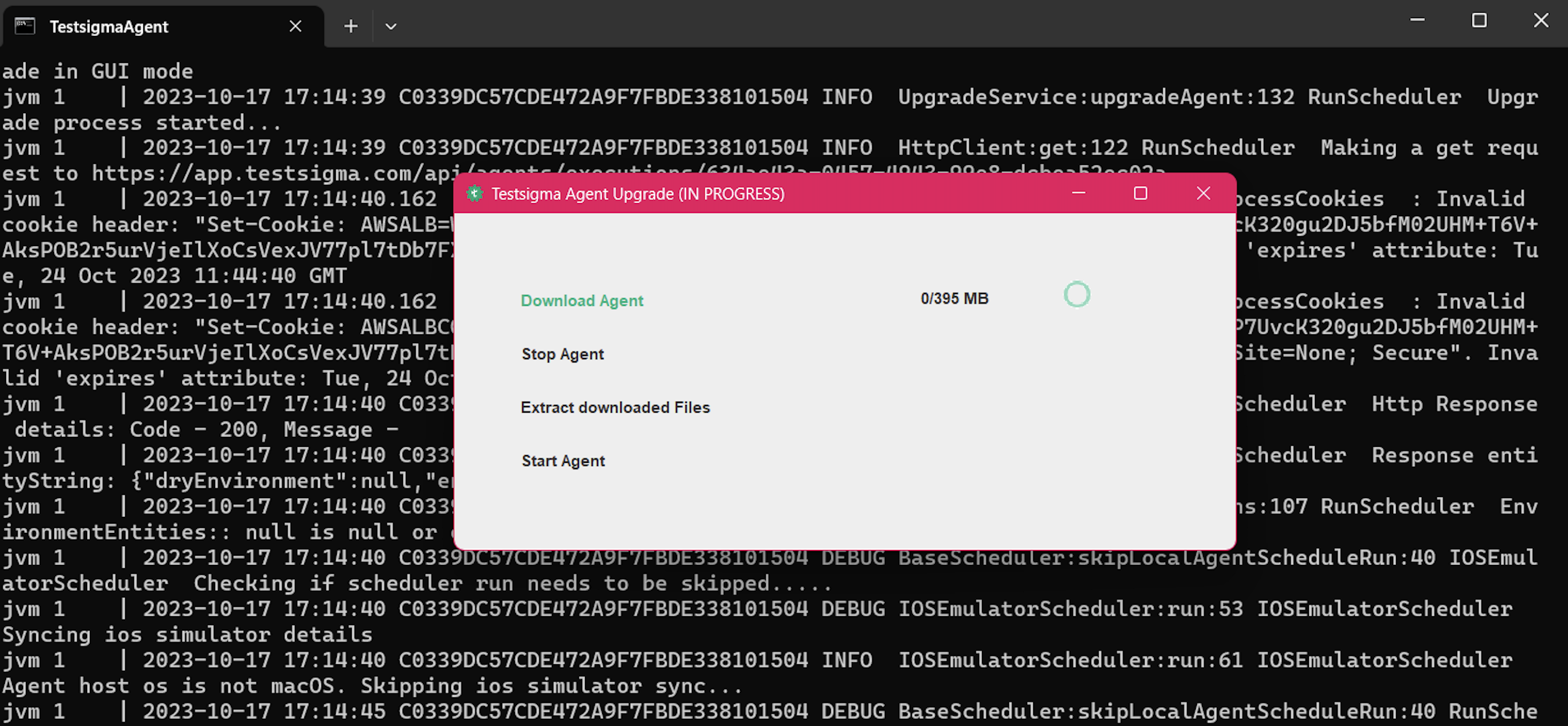
-
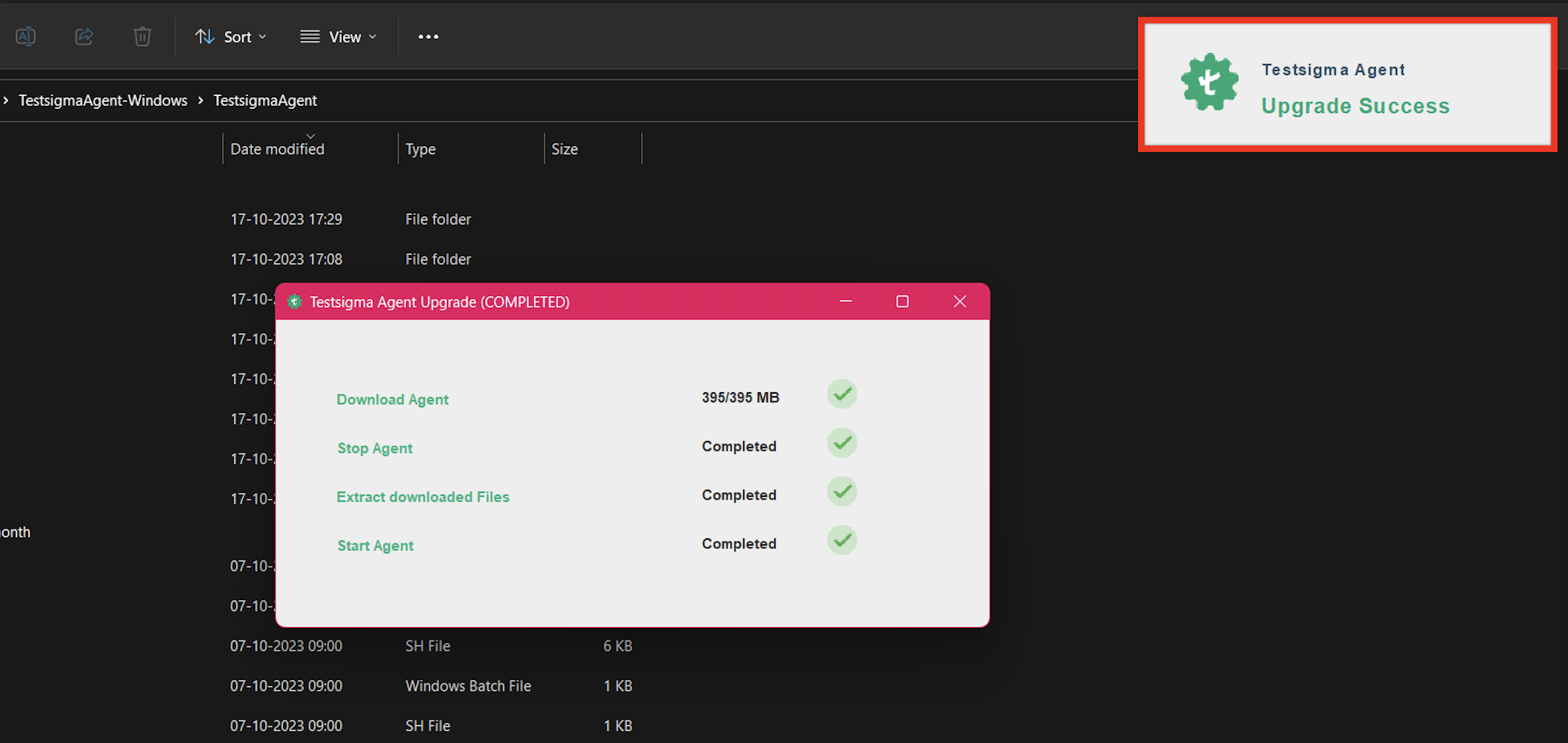
Post download, the agent will start automatically, and you’ll get the Upgrade Success message.