Testsigma Tunnel
Using Testsigma Tunnel
For Test Automation:
Section titled “For Test Automation:”-
In the test case details page, click Run on the top right corner.
-
In the Ad-Hoc Run overlay, select Test Lab, Test Machine, and click Desired Capabilities.
-
Enter the following:
Key Data Type Value testsigmaLab.tunnelName String <tunnel_Name>
For Live Testing REST API:
Section titled “For Live Testing REST API:”-
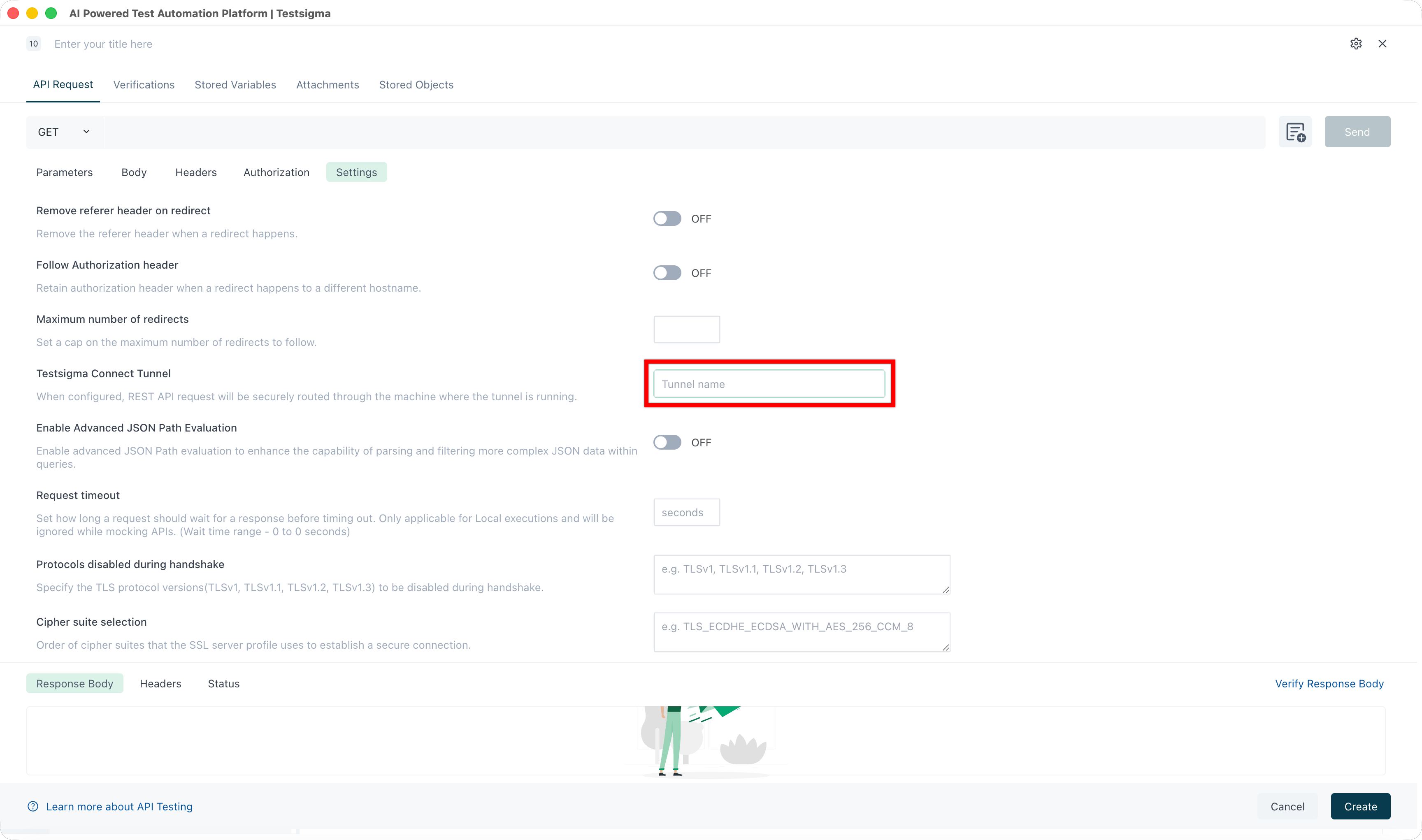
Open the REST API Step.
-
Go to Settings.
-
Enter the Testsigma Tunnel Name in the Tunnel Name field.