
Test Cases
Test Step Types - Overview
Prerequisites
- You should have Testsigma account.
Steps to Add Test Step Types
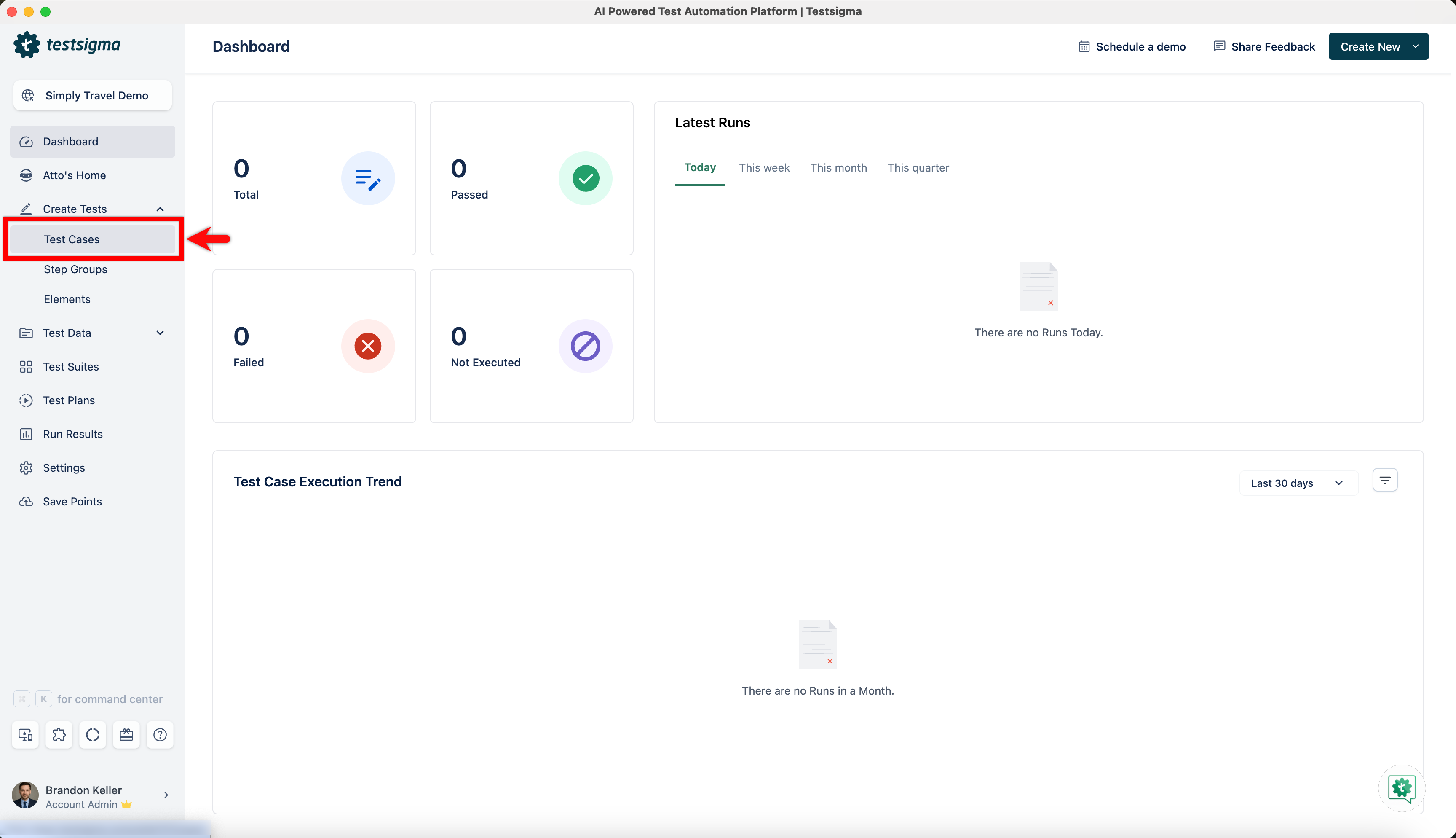
Section titled “Steps to Add Test Step Types”- From the left navigation bar, go to Create Tests > Test Cases and create a new test case.
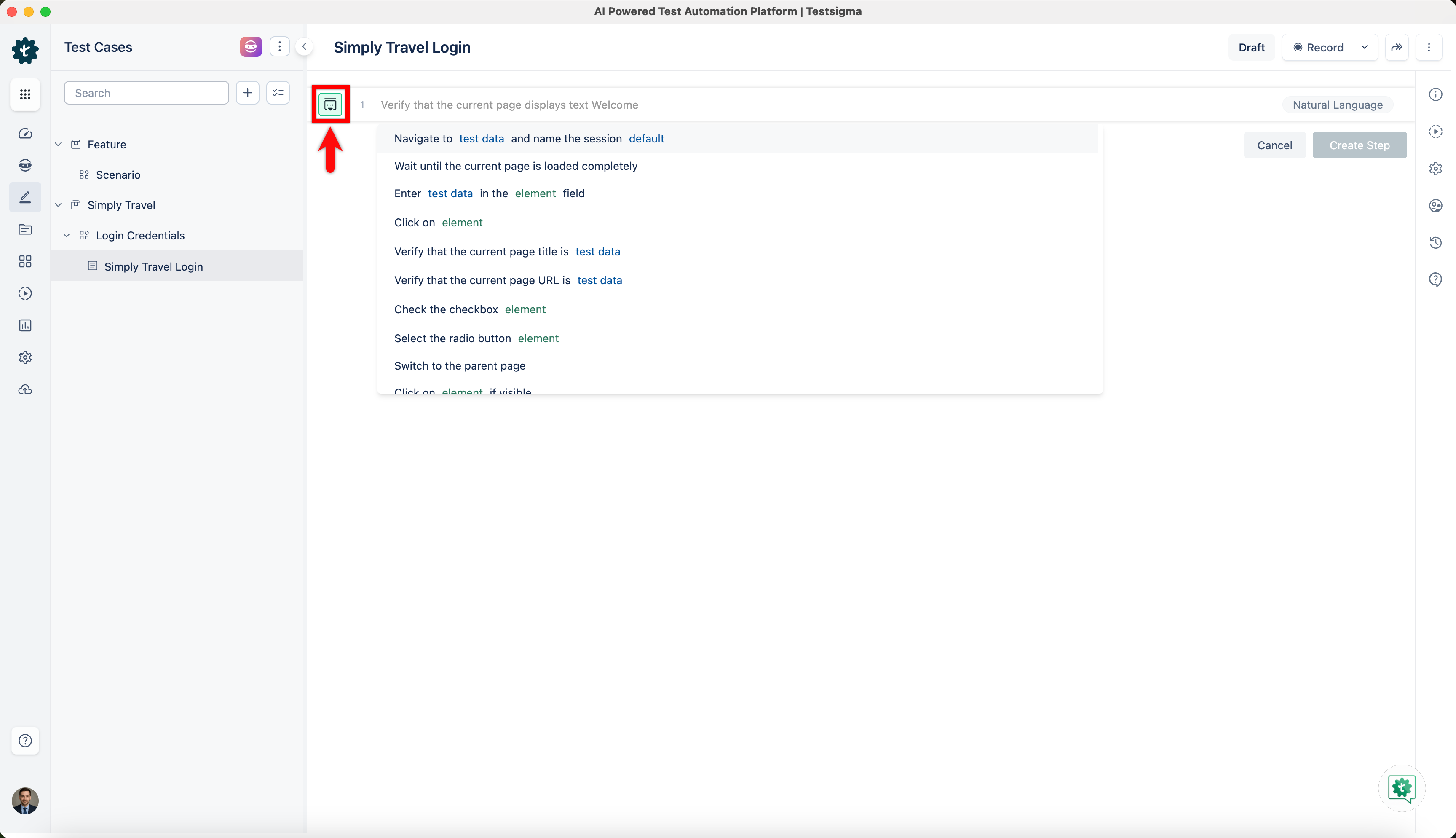
- In the Test Case Details page, click on the option on the left side of the test step.
- This will open a side panel from where you can choose different test steps.
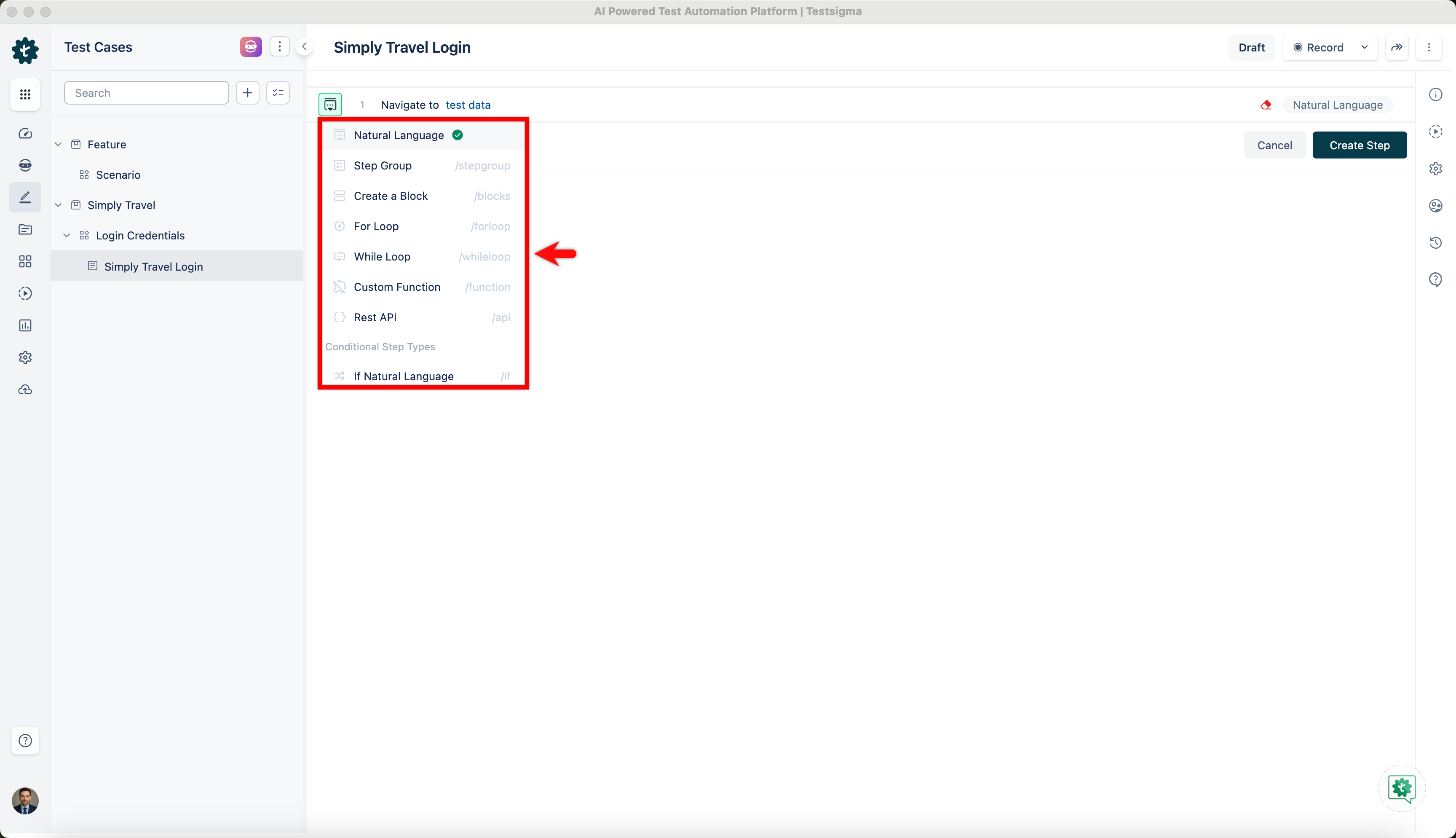
You can choose the type of test step you want to add to your test case from the panel. Read more about the different test steps and how to create them in the links below: