Runs
Dry Runs on Local Devices
Prerequisites
Before you begin, ensure that you have referred to:
Steps for Test Case Local Executions
Section titled “Steps for Test Case Local Executions”-
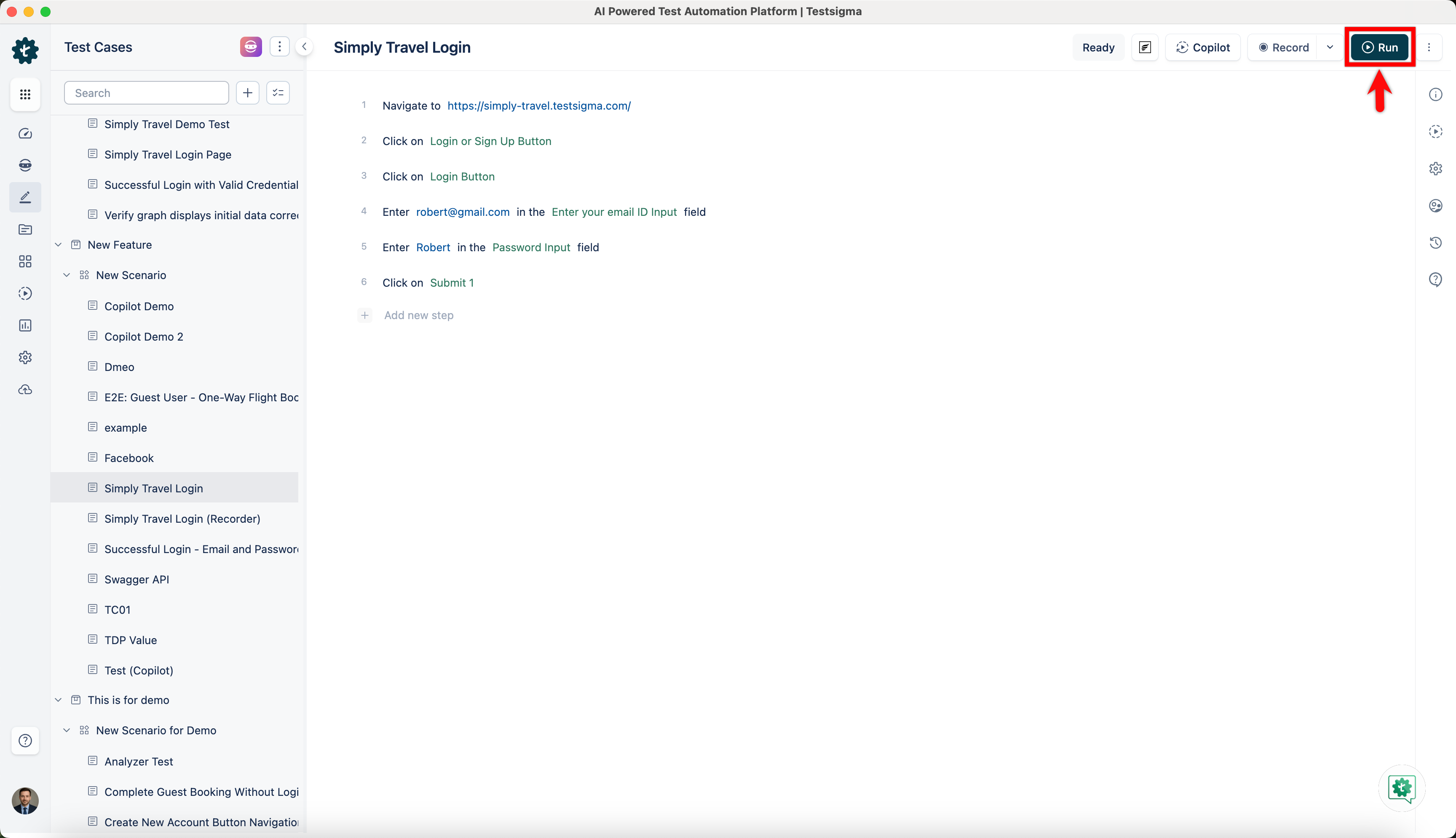
Create a Test Case and click on Run to execute the test case.
-
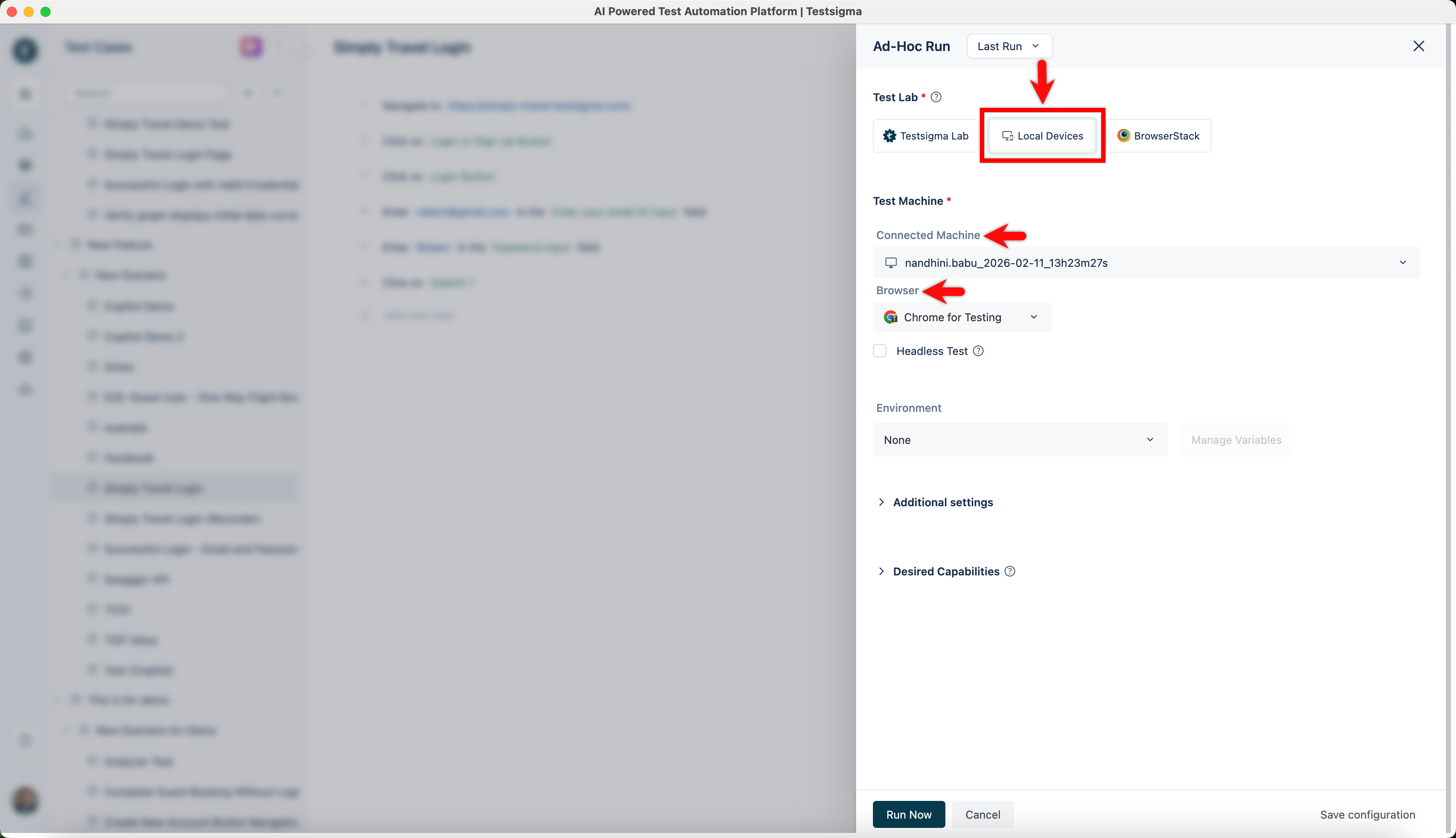
On Ad-Hoc Run overlay, select Local Devices as Test lab, and choose Connected Machine and a Browser in which you want to execute the test case.
-
Make necessary changes in Additional Settings & Desired Capabilities.
-
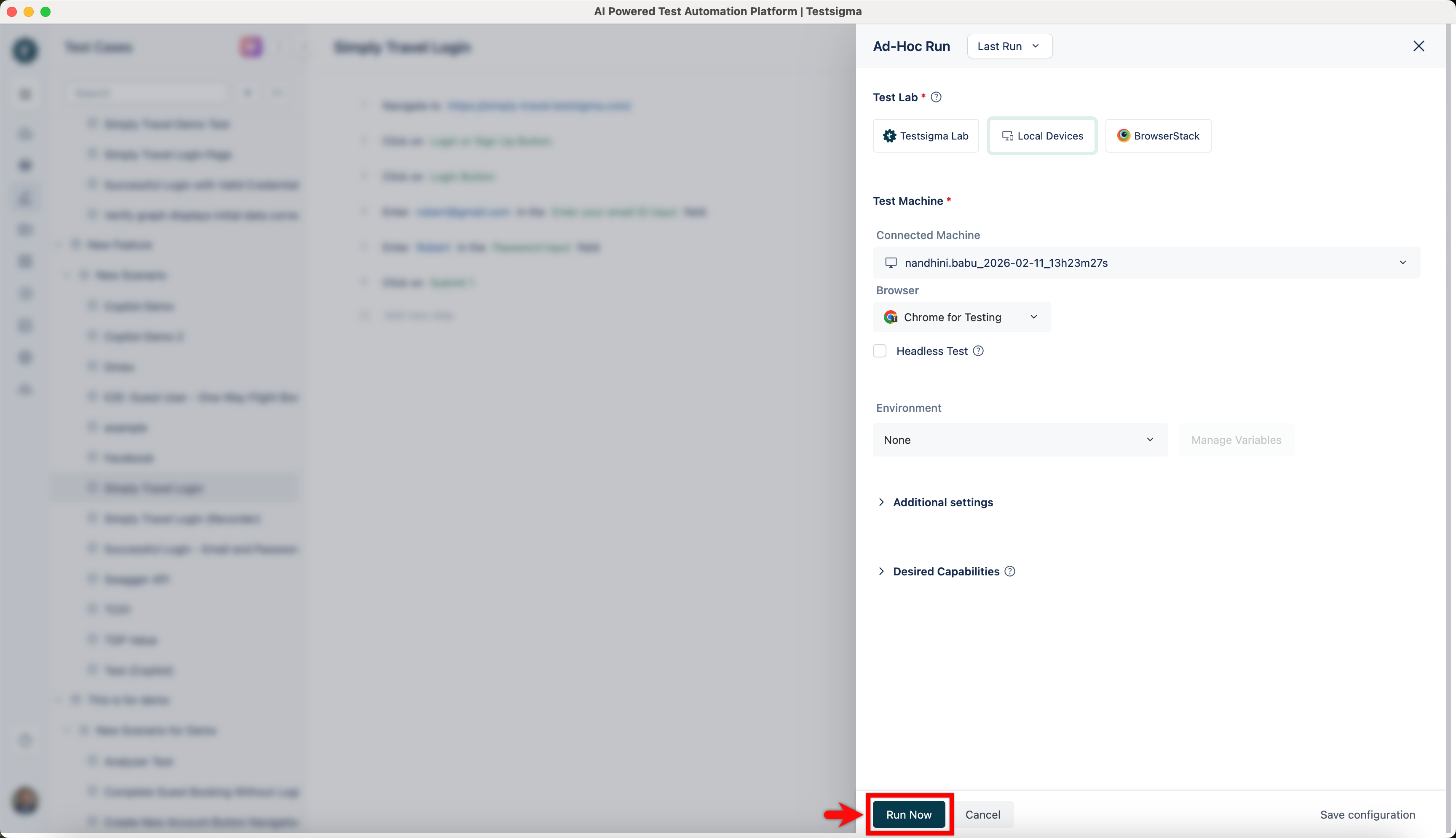
Click on Run Now to execute the Test Case.