Add-ons
Create OCR Text Extraction Addon
Prerequisites
- Before creating the OCR Text Extraction addon, ensure you have met the prerequisites for addon development. For more information on creating add-ons, refer to the documentation on creating add-on.
Update the Action Code
Section titled “Update the Action Code”- Unzip the downloaded zip file and open the extracted folder in your preferred IDE as a Java module.

- Import the Java module as Maven/Gradle from your IDE.
- Update the following template files:
- pom.xml: Contains dependencies for coding your functionality.
- src folder: Includes sample Java files with addon functions.
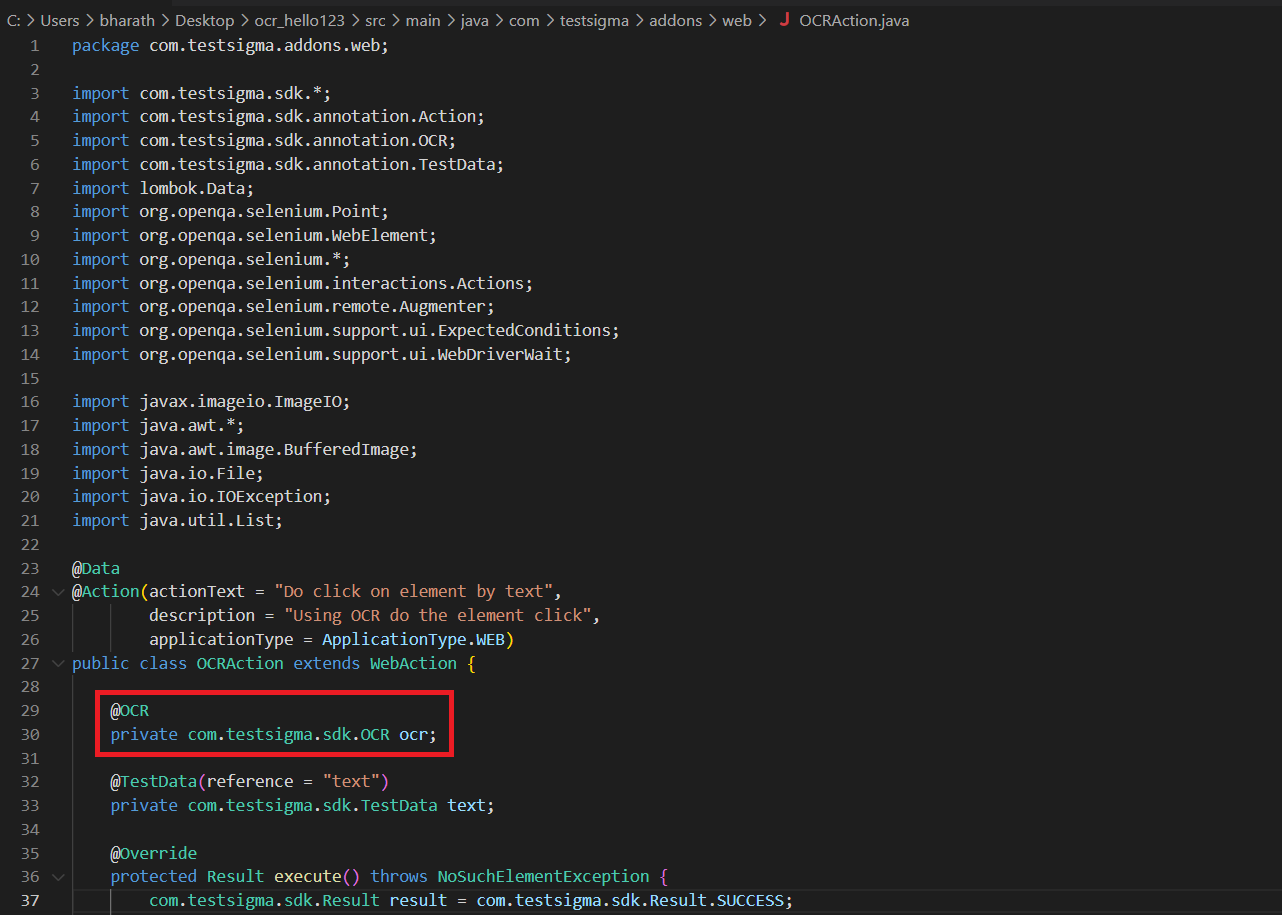
OCR Code Update
Section titled “OCR Code Update”- In the pom.xml file, add the necessary dependencies for OCR Text Extraction.
- Update the following methods in the Java module:
- extractTextFromPage(): Extracts text from an entire page.
- extractTextFromImage(OCRImage image): Extracts text from a specified OCRImage object.
- extractTextFromElement(Element element): Extracts text from a specific Element object.
Using OCR Addon in a Test case
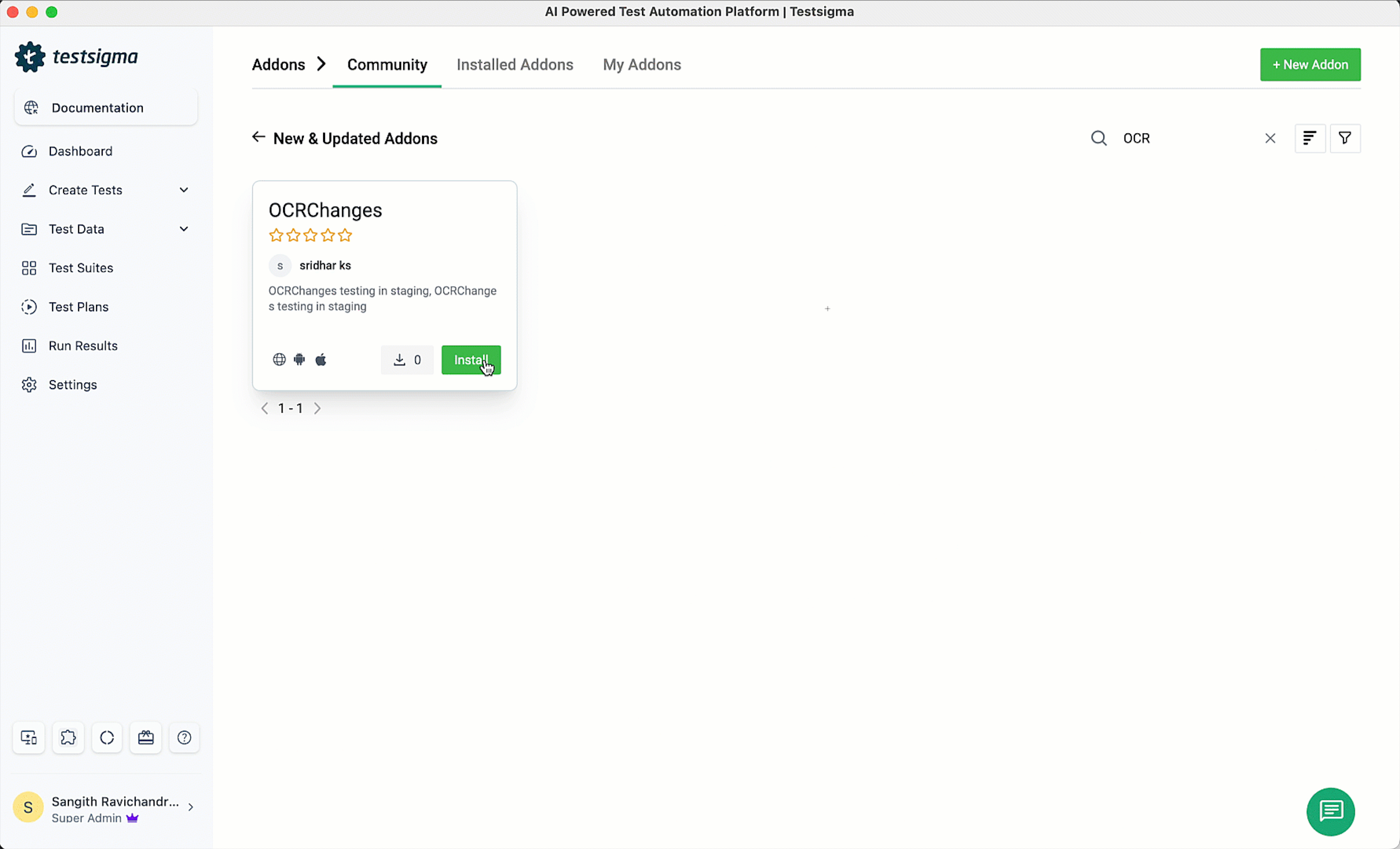
Section titled “Using OCR Addon in a Test case”Once the addon is published, NLPs become available in the application. Here’s a screenshot of the addon: