Help
Why Can’t Selenium ChromeDriver Interact With 3DS Authentication Pages?
Steps to Add the Desired Capability to the Test Case
Section titled “Steps to Add the Desired Capability to the Test Case”-
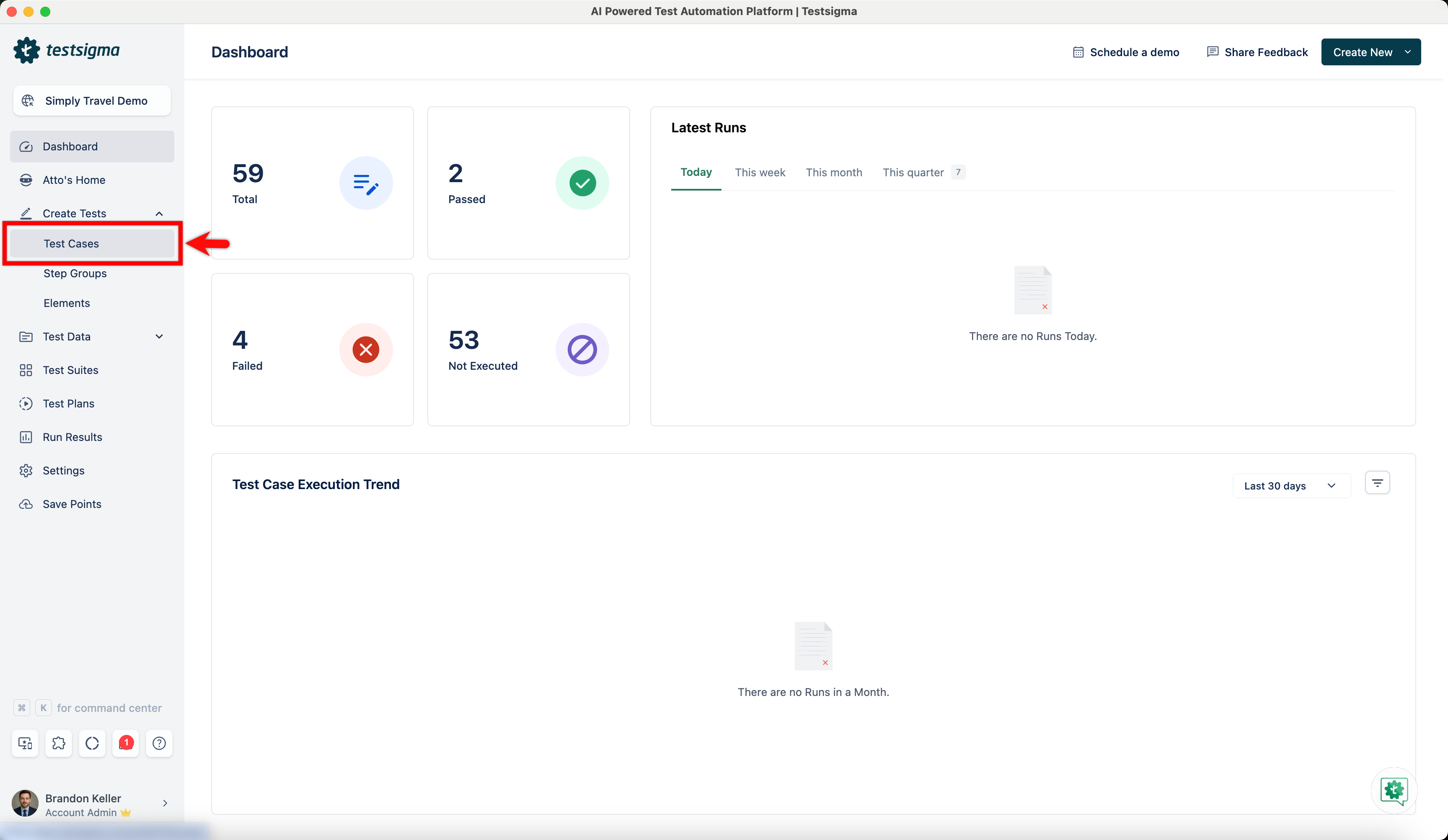
From the left navigation bar, go to Create Tests > Test Cases.
-
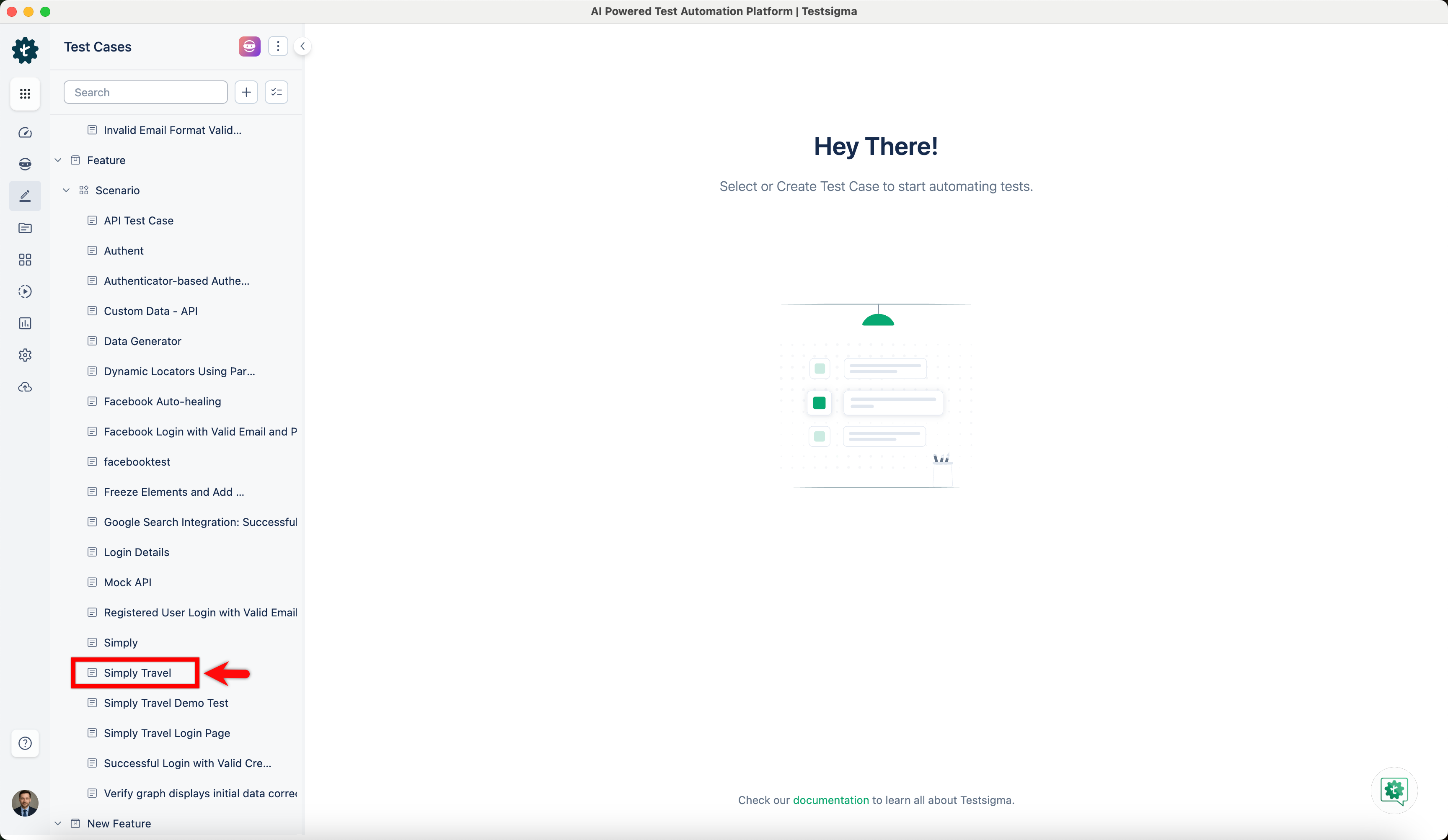
In the Test Case Explorer section, expand a Feature and a Scenario and select the required test case.
-
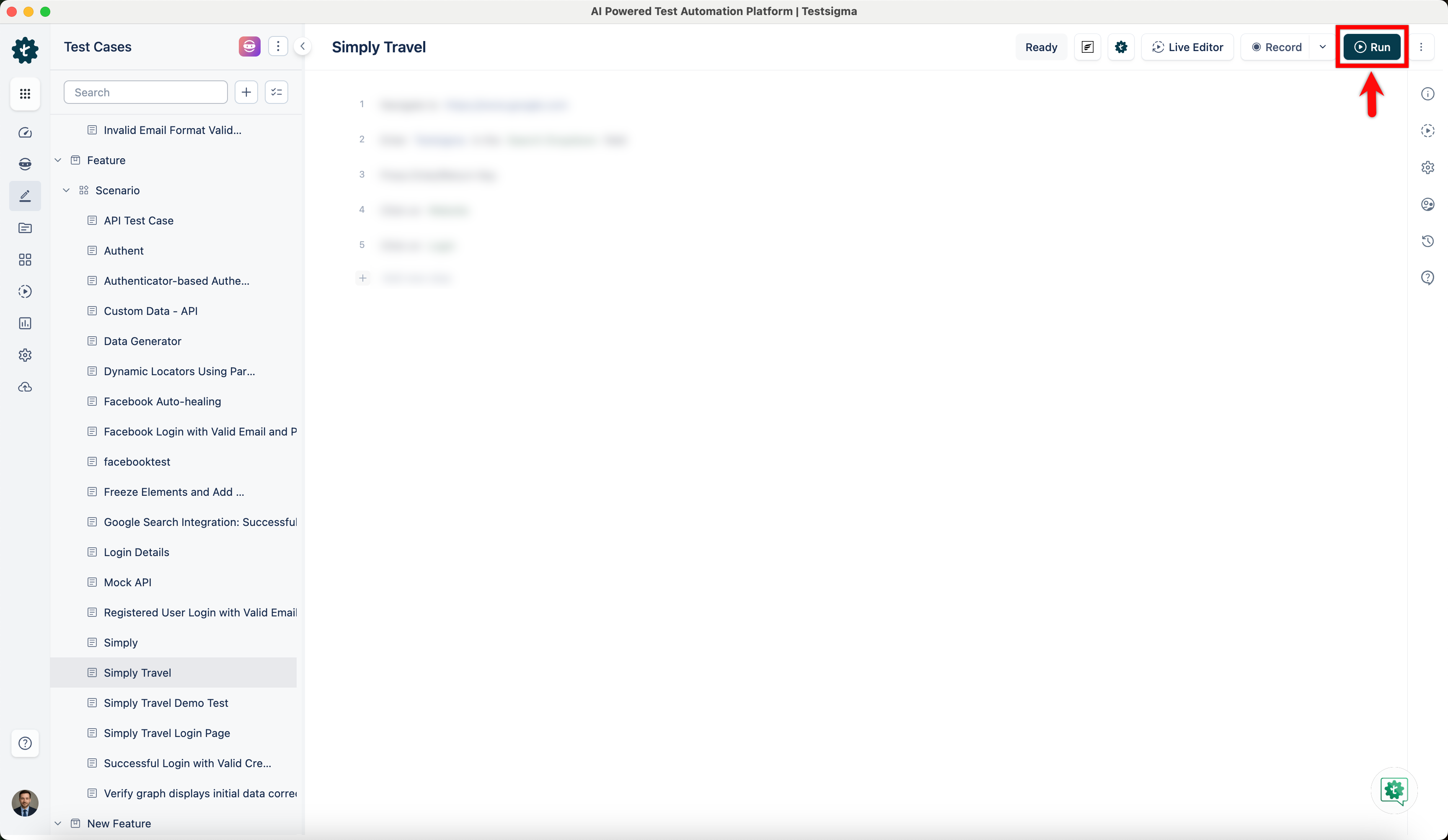
In the Test Case Details page, click Run.
-
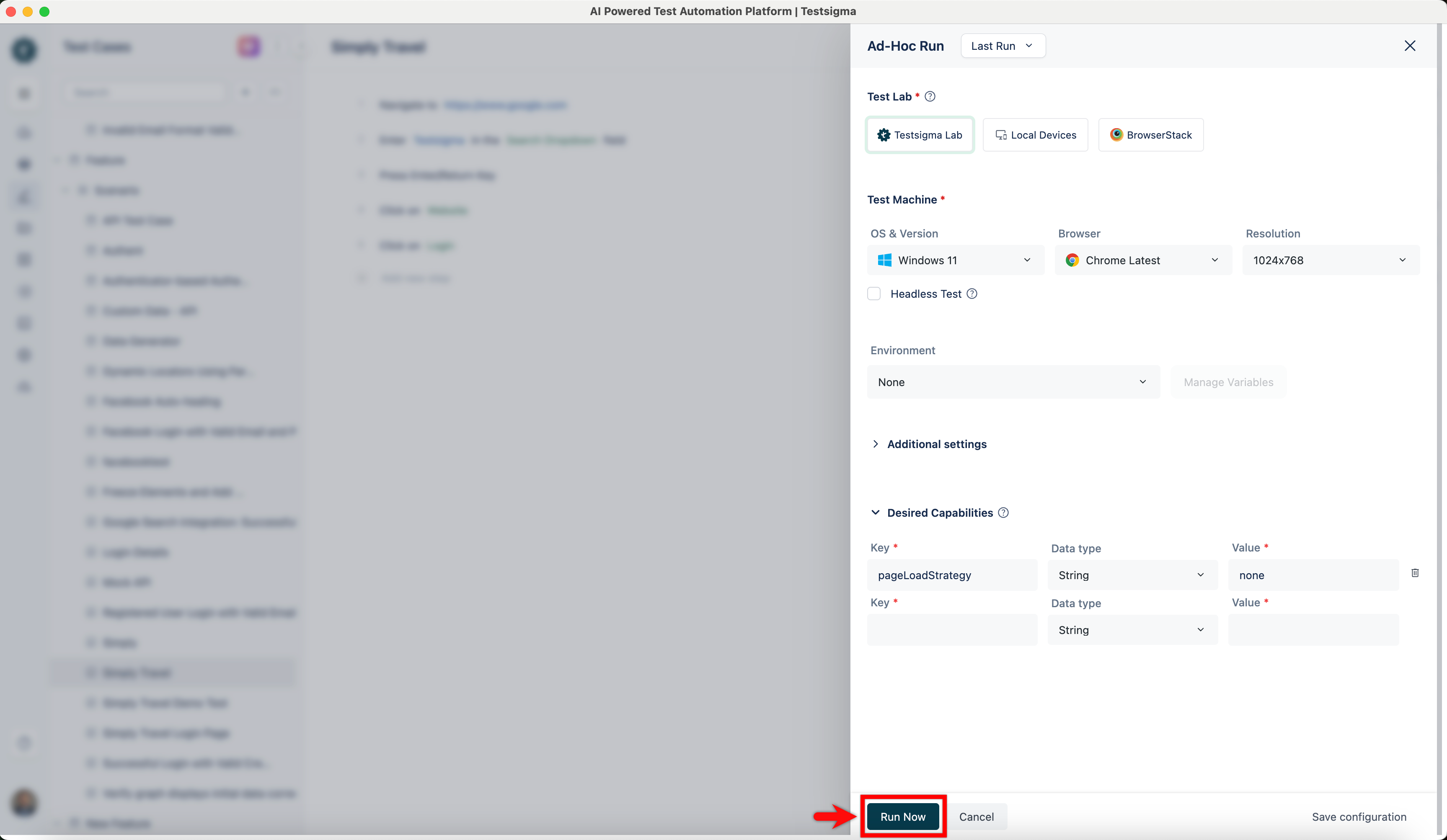
In the Ad-Hoc Run overlay, expand the Desired Capabilities section, enter the following:
Key Data Type Value pageLoadStrategy String none 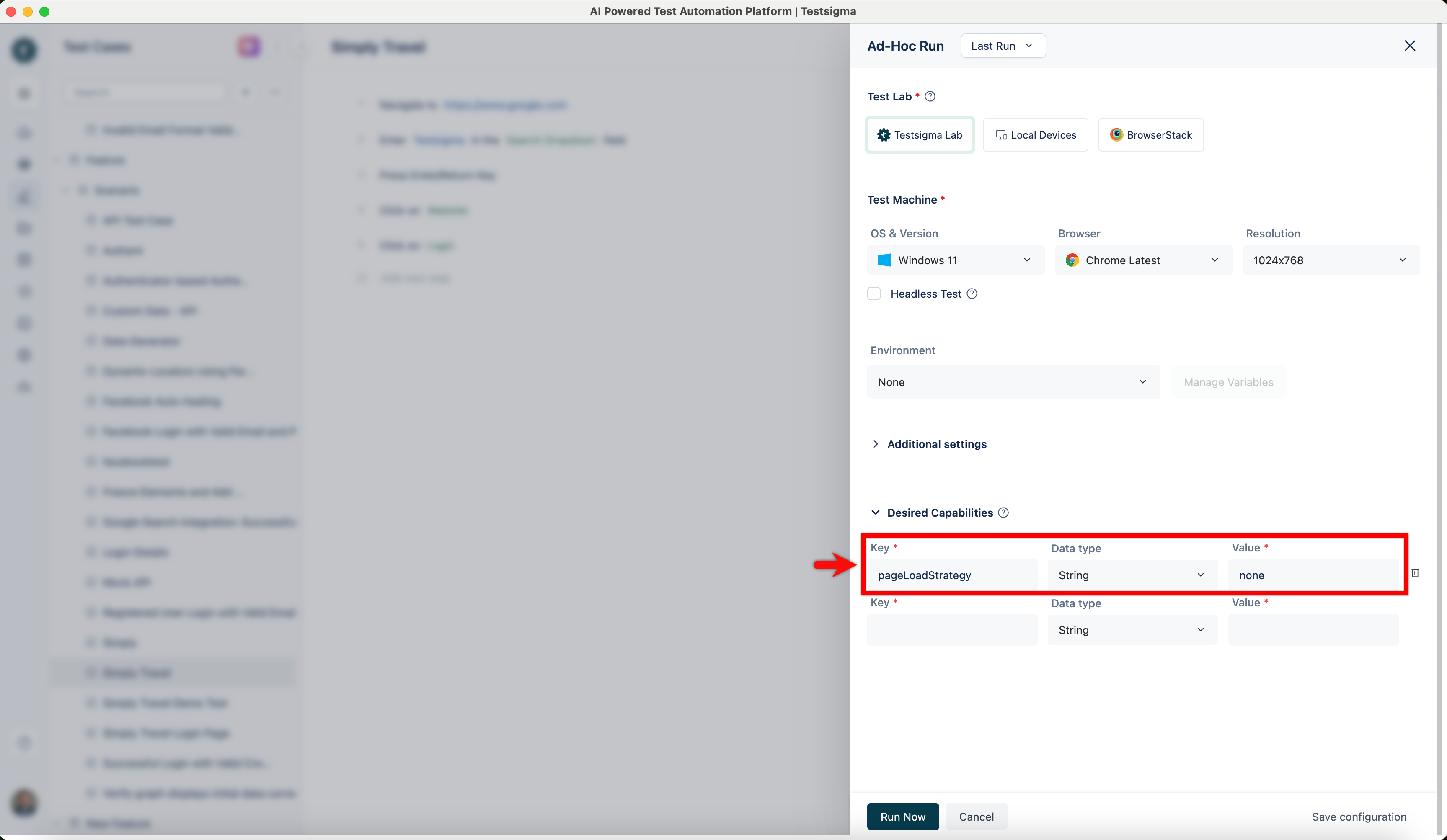
-
Click Run Now.