Help
Unable to Login to Testsigma Terminal?
Steps to Resolve the Issue
Section titled “Steps to Resolve the Issue”-
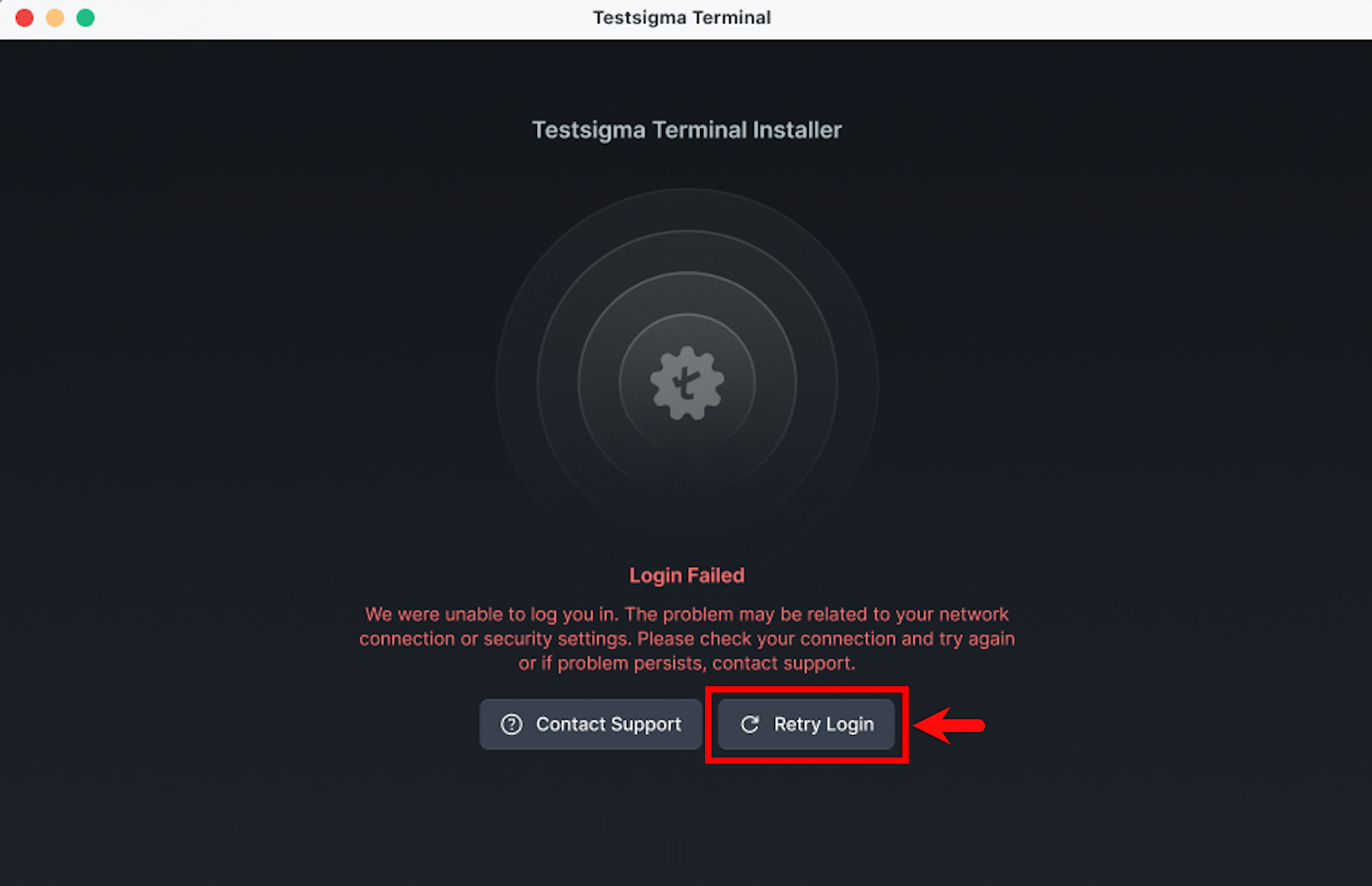
In the Testsigma Terminal window, click Retry Login. You will be redirected to Testsigma.
-
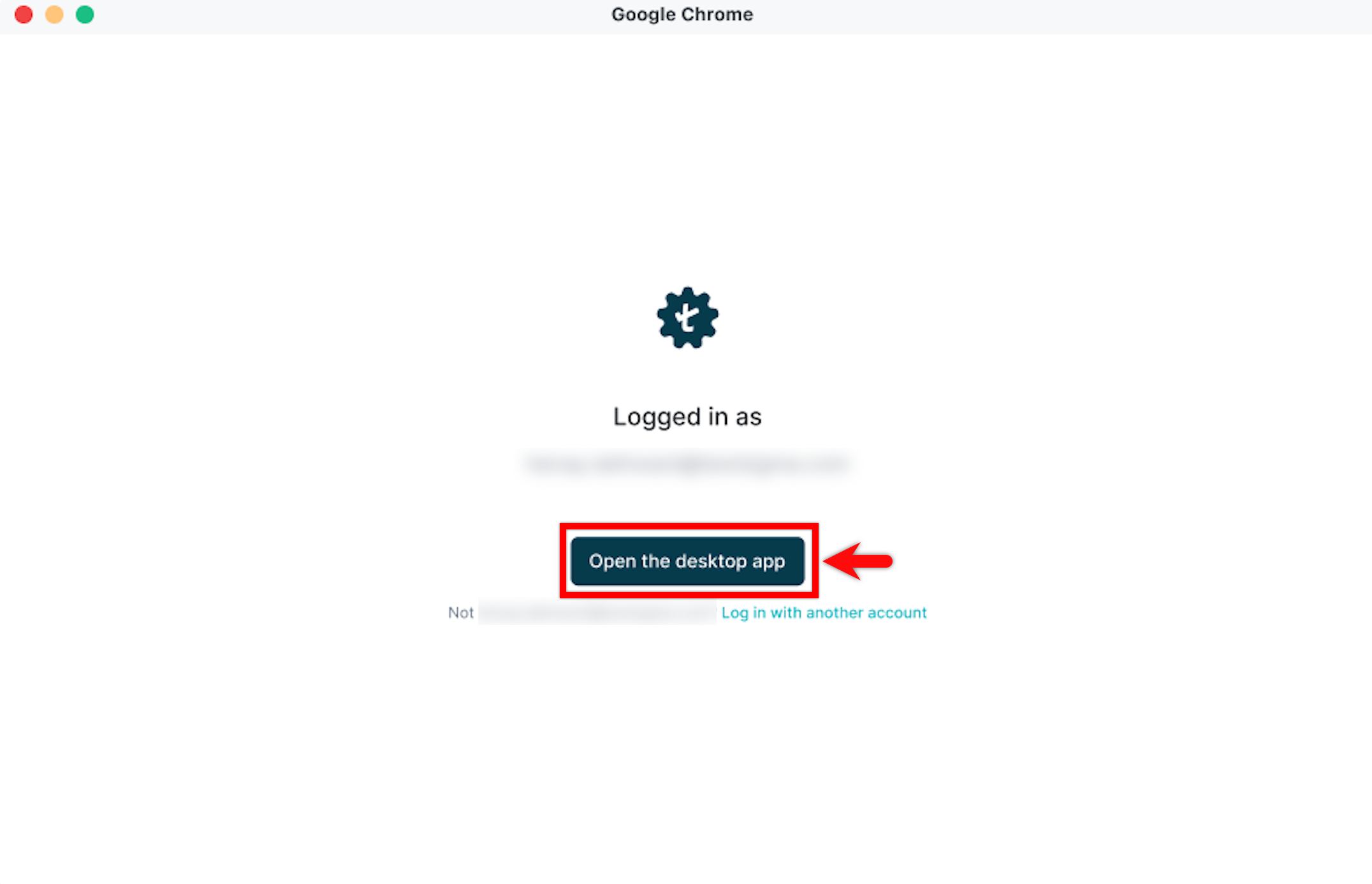
Click Open the desktop app. The Testsigma Terminal opens.
-
Wait until Testsigma Terminal downloads the necessary files and completes the installation.
-
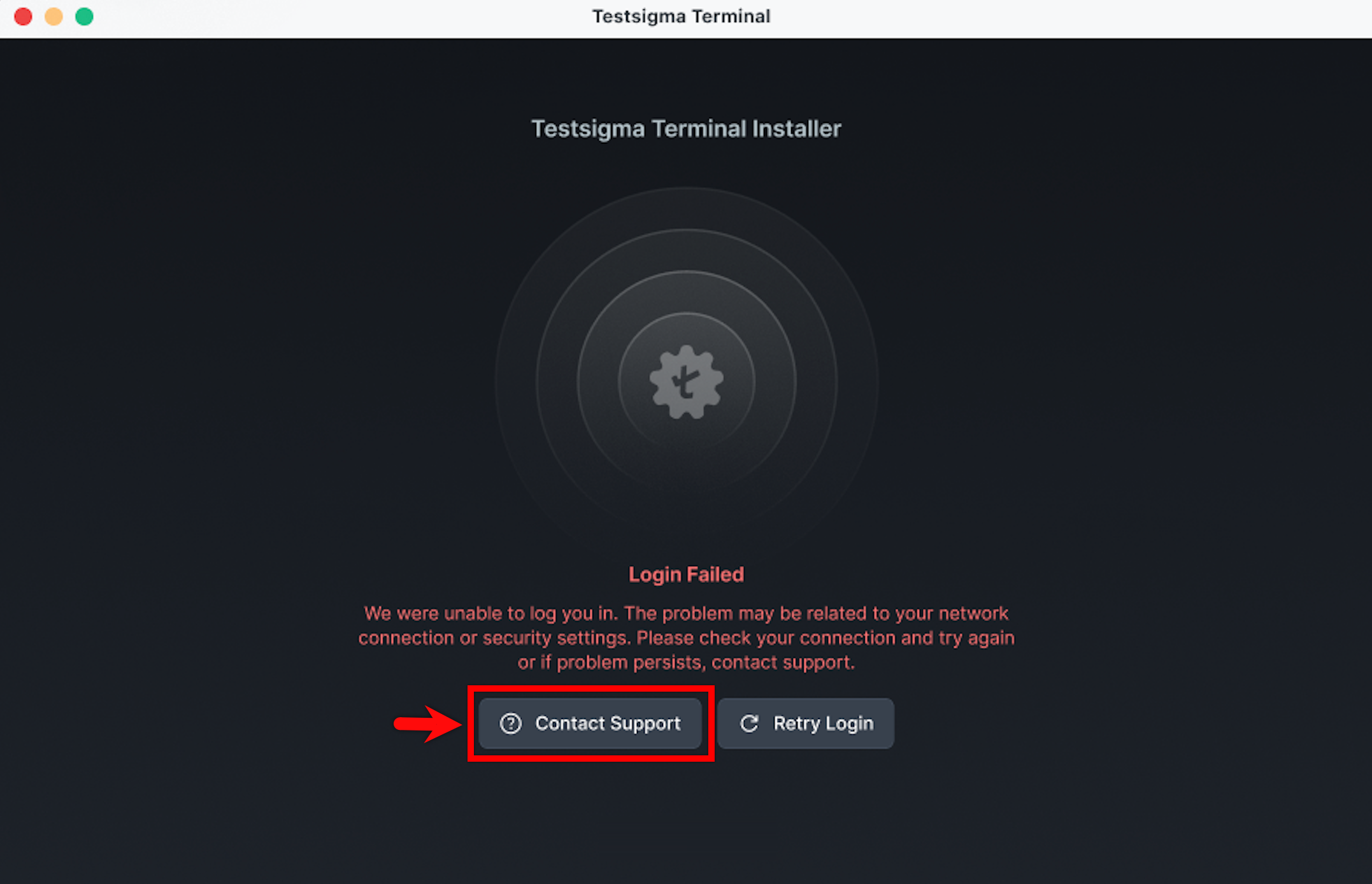
If the issue persists, click Contact Support and reach out to our Support team for assistance.