Help
How to Upgrade Testsigma Agent Automatically?
Prerequisites
Before you begin, ensure that you have referred to:
Steps to Upgrade Testsigma Agent Automatically
Section titled “Steps to Upgrade Testsigma Agent Automatically”-
Start Testsigma agent. For more information, refer to the documentation on starting agent as a process.
-
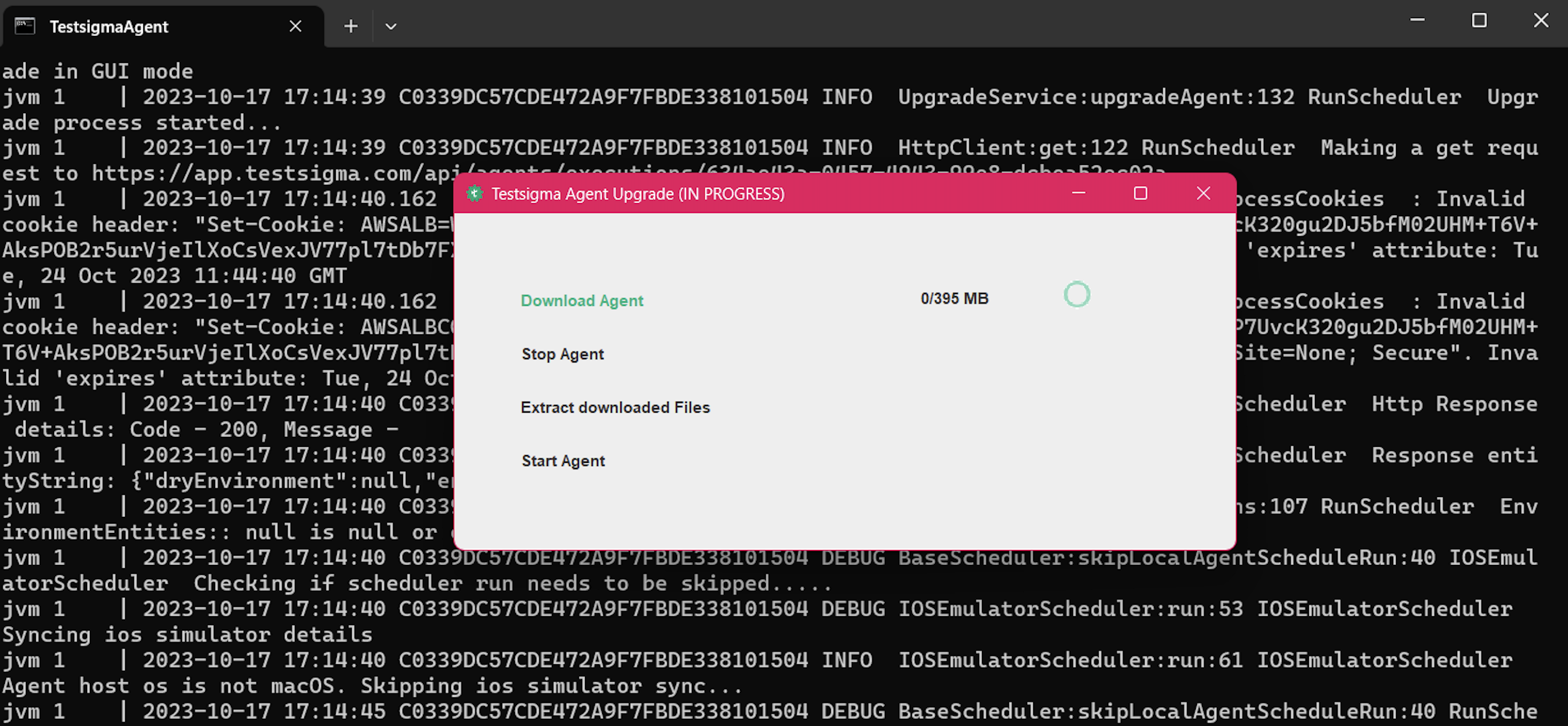
Once you start the agent, if a higher version is available, it’ll automatically download the agent.
-
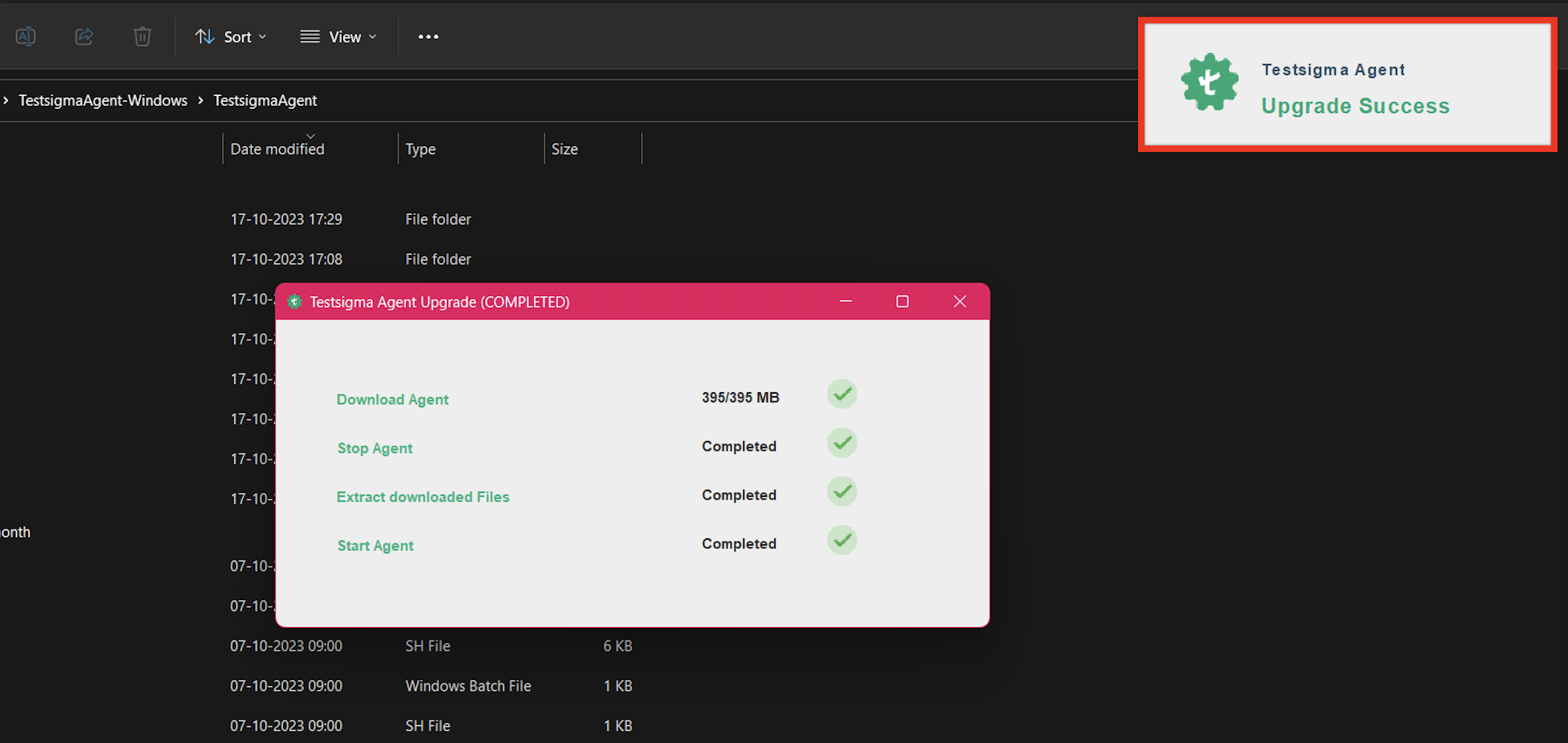
Post download, the agent will start automatically, and you’ll get the Upgrade Success message.