
Help
Uploading Files NLP
Using Upload Files NLP
Section titled “Using Upload Files NLP”Example Test Steps
Section titled “Example Test Steps”-
Type uplaod and select the Upload file test data using the element NLP
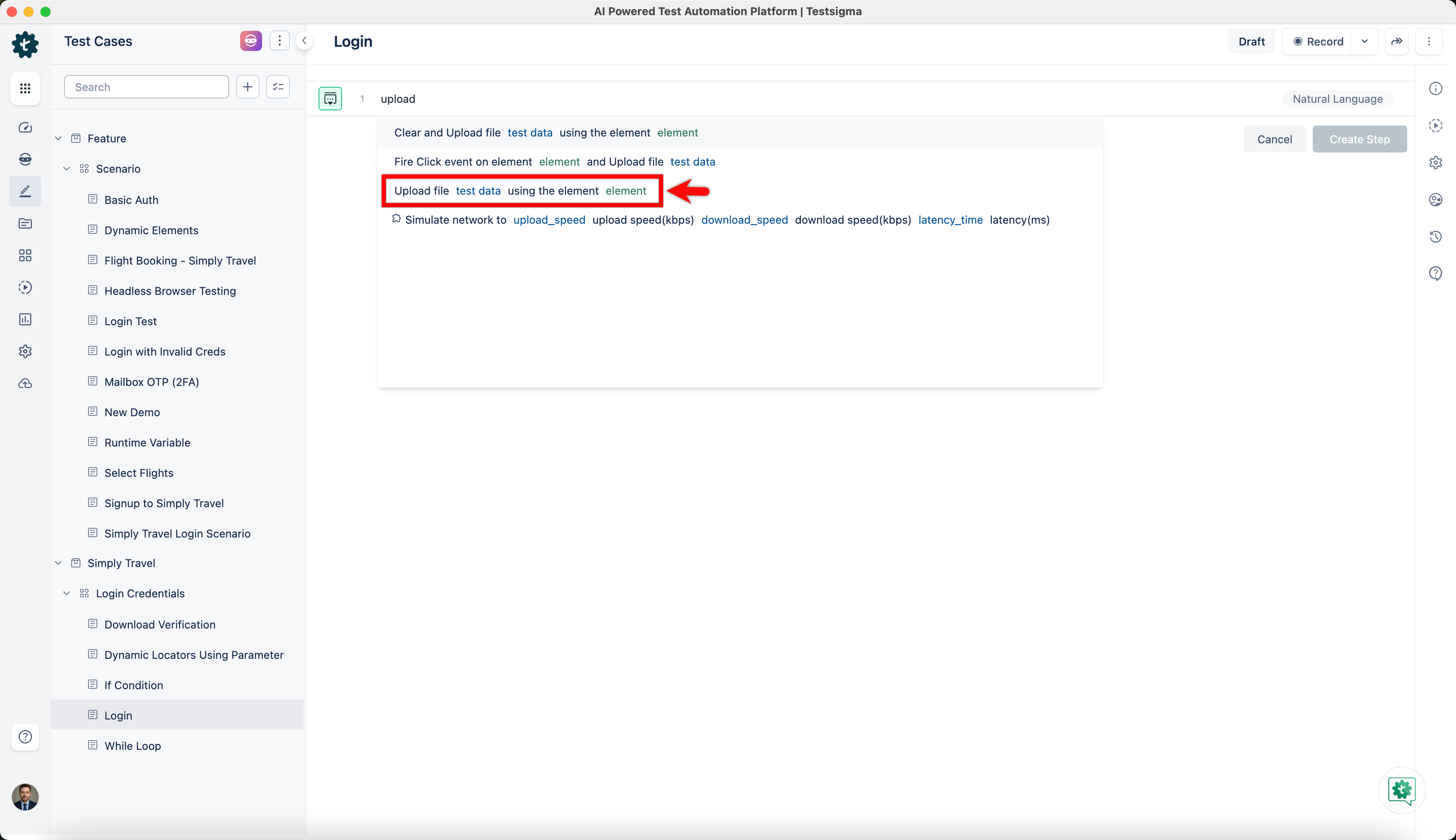
Replace the test data and with actual values. The test step will look similar to the following:
-
Testsigma Cloud Storage: Upload file testsigma-storage:/testsigma.com/uploads/9/7/adventure-beach-compass-691637-resized.jpg using the element upload_button
-
Third Party Storage: Upload file https://s3.amazonaws.com/dev.testsigma.com/samples/videos1.mp4 using the element upload_button
-
Local Windows File: Upload file C:\Users\user\My Documents\adventure-beach-compass-691637-resized.jpg using the element upload_button
-
Local Linux/Mac File: Upload file /home/user/Documents/adventure-beach-compass-691637-resized.jpg using the element upload_button