Help
Why Is a Single Video for All Test Cases in a Test Plan Unavailable in Some Cases?
Prerequisites
Before you begin, ensure that you have referred to:
Disabling the Reset Session in Parallel Settings
Section titled “Disabling the Reset Session in Parallel Settings”-
On the Create or Edit Test Plan page, go to the Add Test Suites & Link Machine Profiles tab.
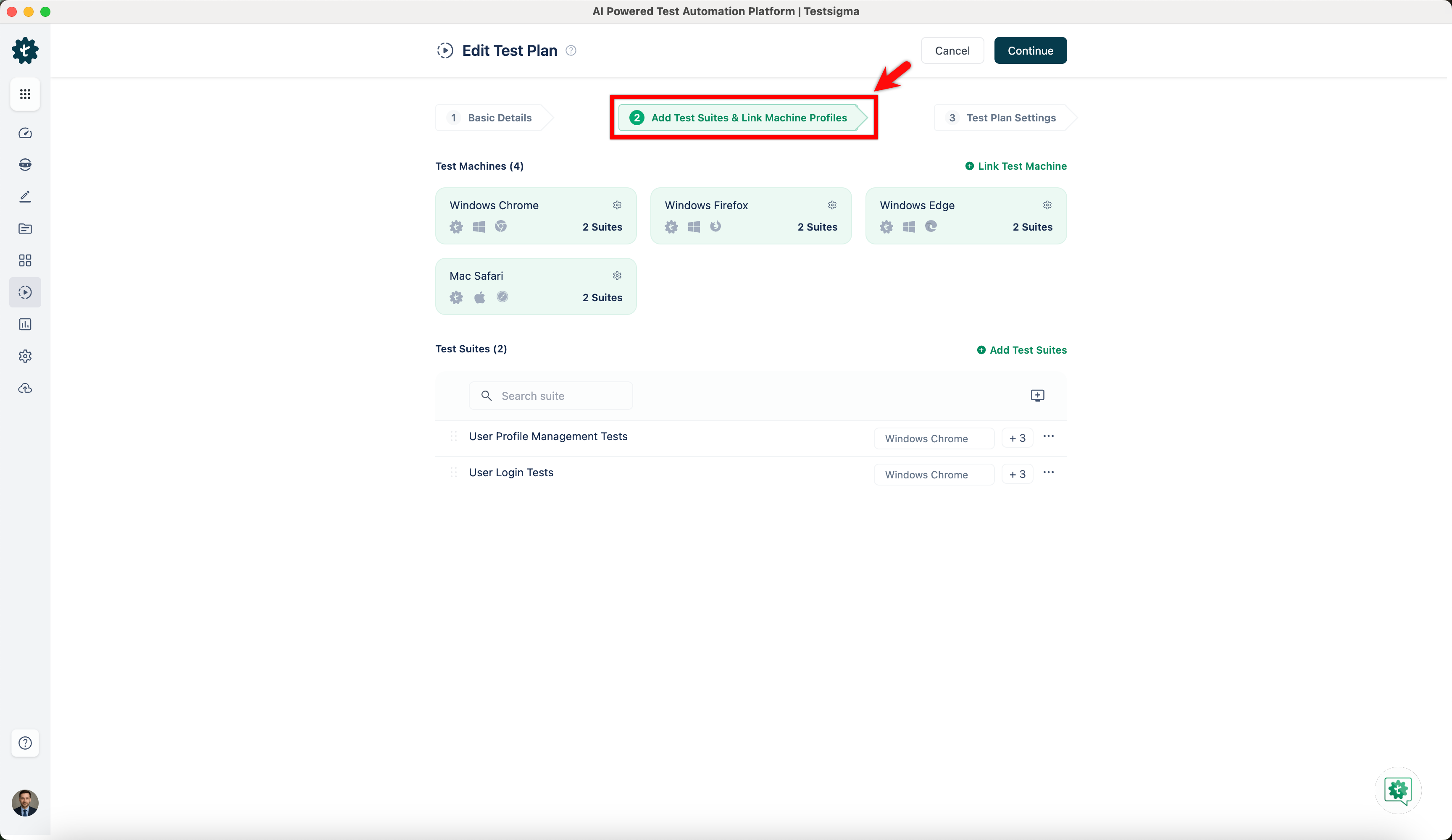
-
If the test machine is already linked, click the Settings icon under the Test Machine tab. Click the Link to Test Machine icon to add a new machine profile.
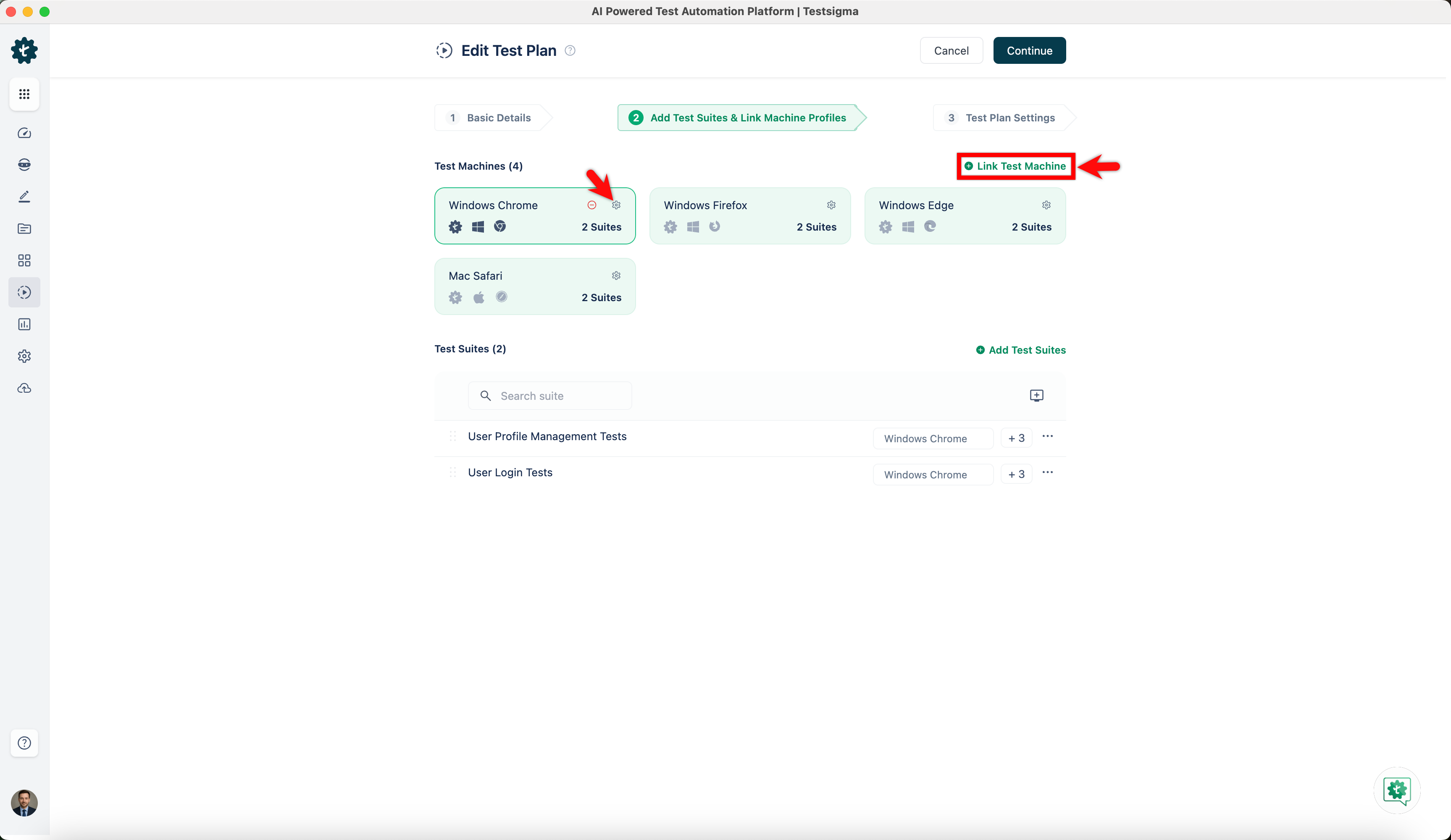
-
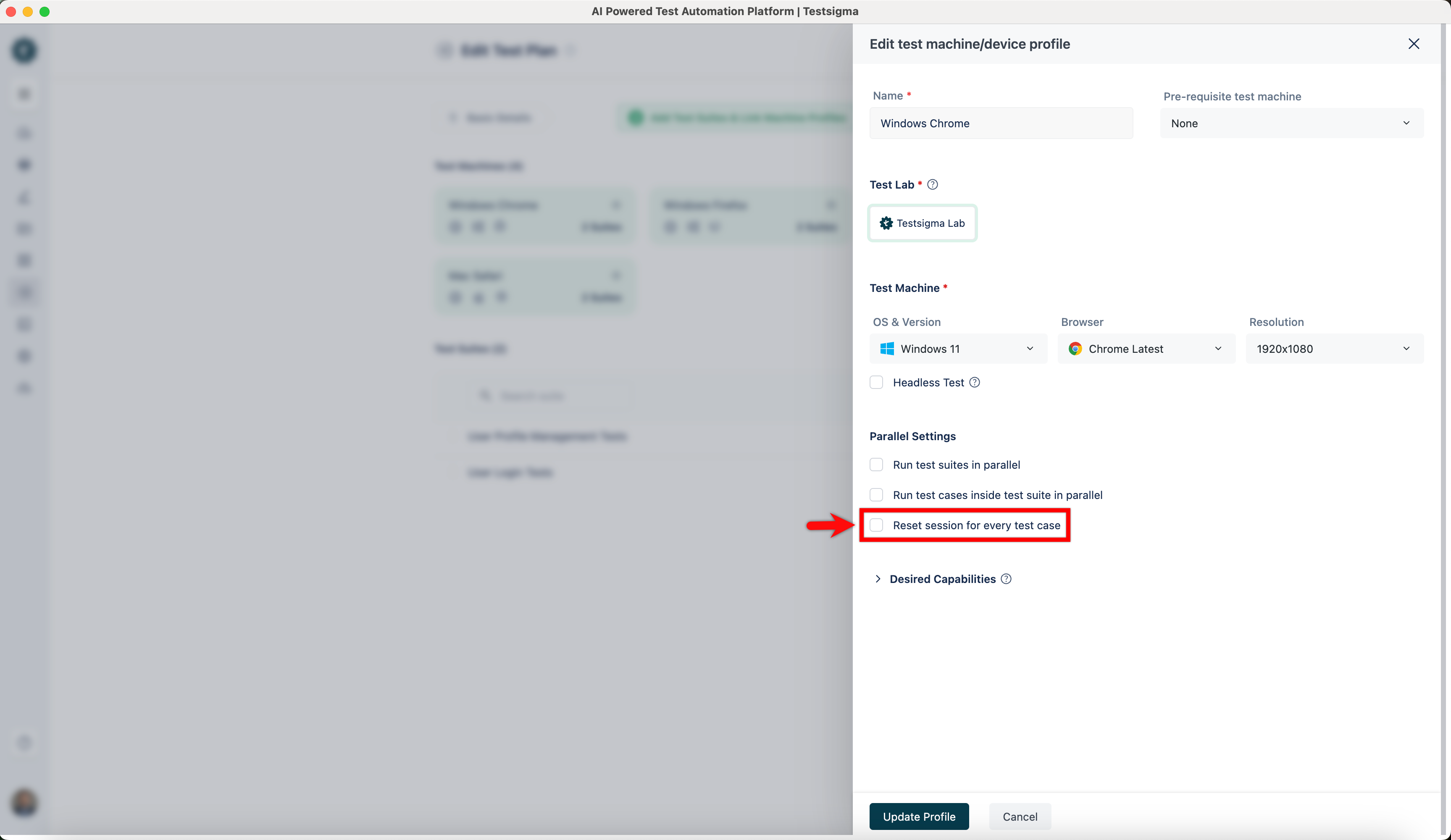
In the Edit Test Machine or Device Profile overlay, locate the checkbox labelled Reset session for every test case.
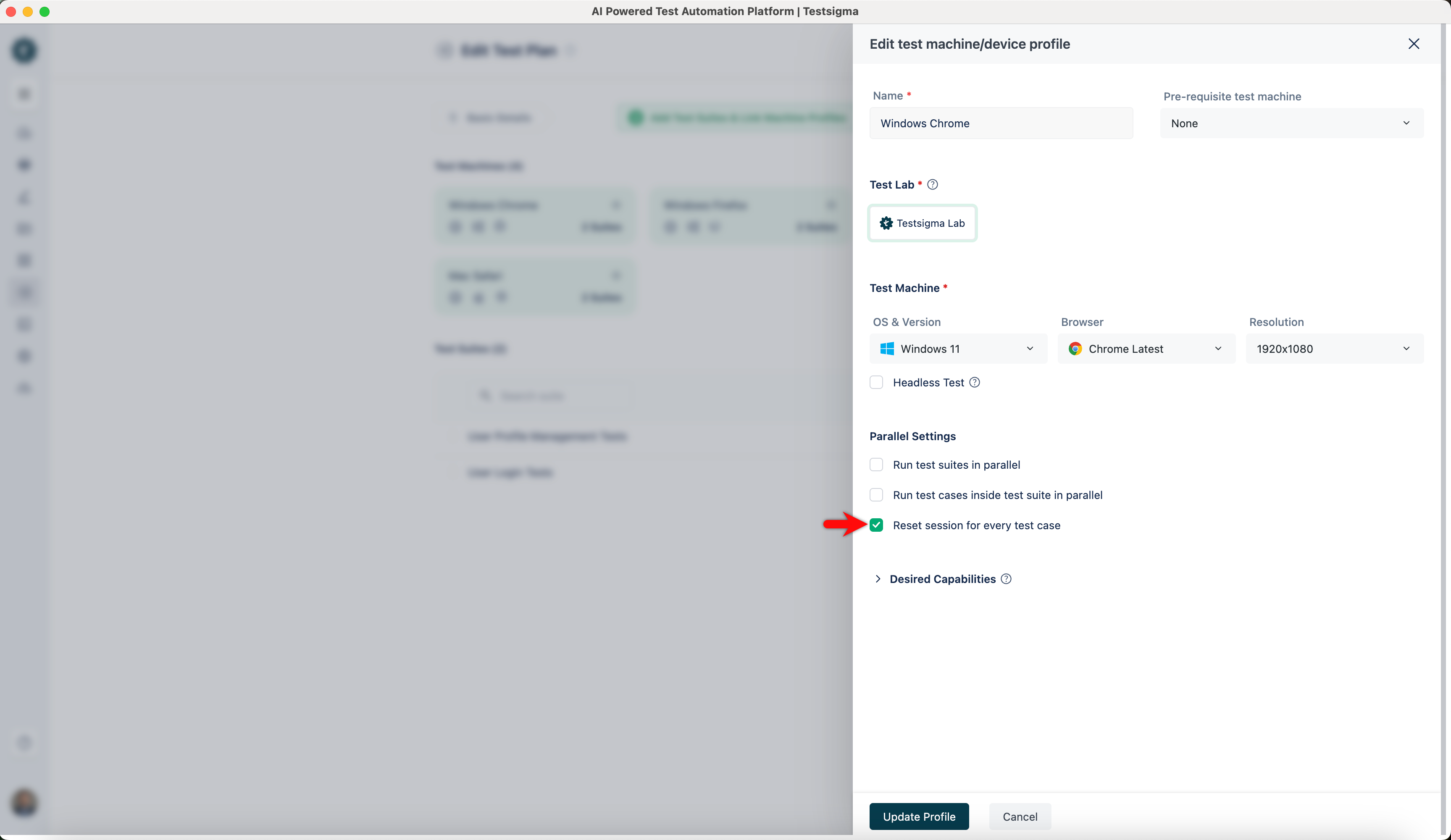
-
Unselect this checkbox to disable the reset session for all test cases.
-
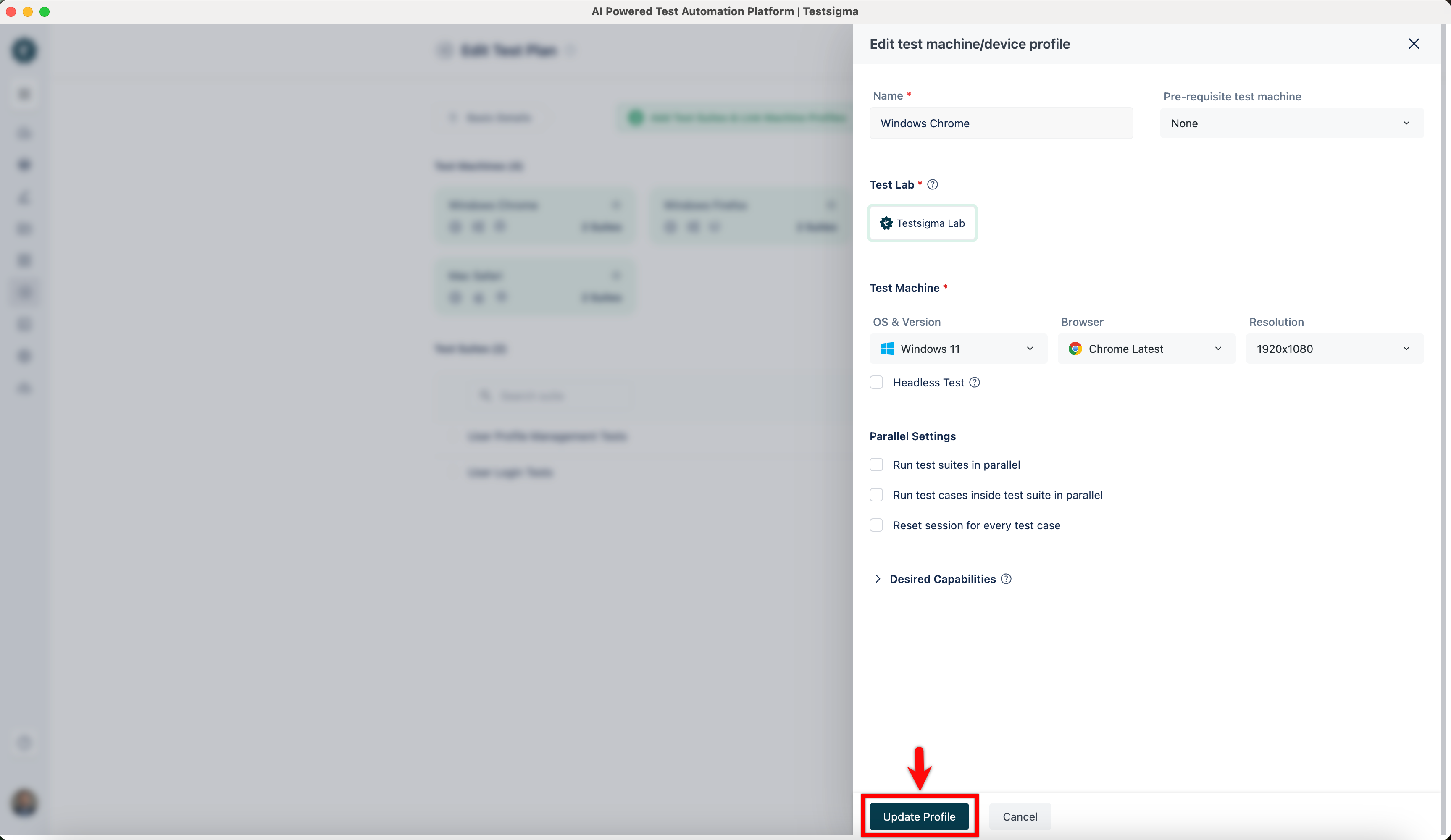
Click Create or Update Profile to save your changes.
-
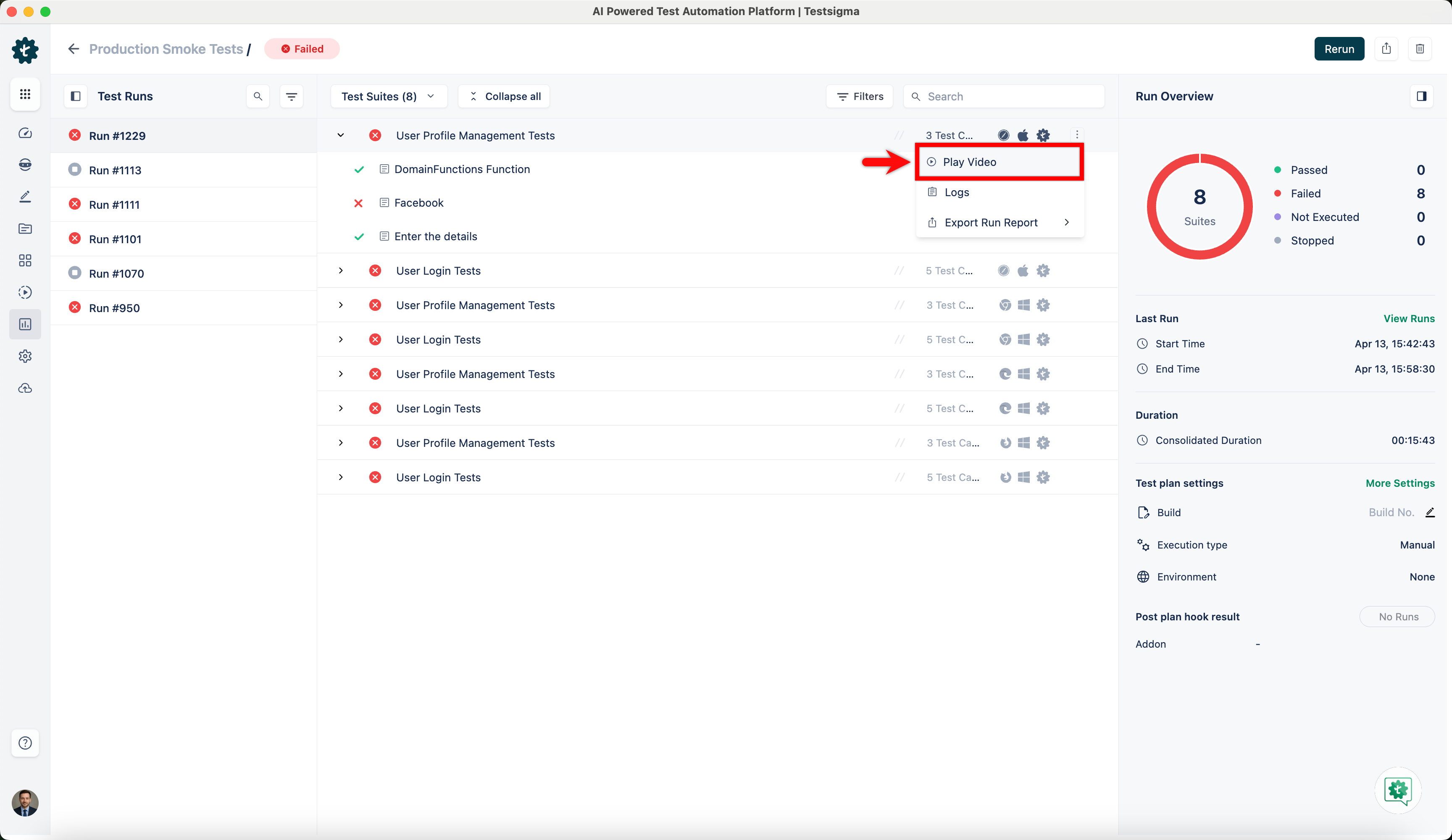
You can now watch the complete video for each test suite under Run Results > Test Suite > Watch Video.