Help
How to Add Multiple Runtime Variables in Data Generator Functions?
Steps to Add Multiple Runtime Variables in Data Generator Functions
Section titled “Steps to Add Multiple Runtime Variables in Data Generator Functions”-
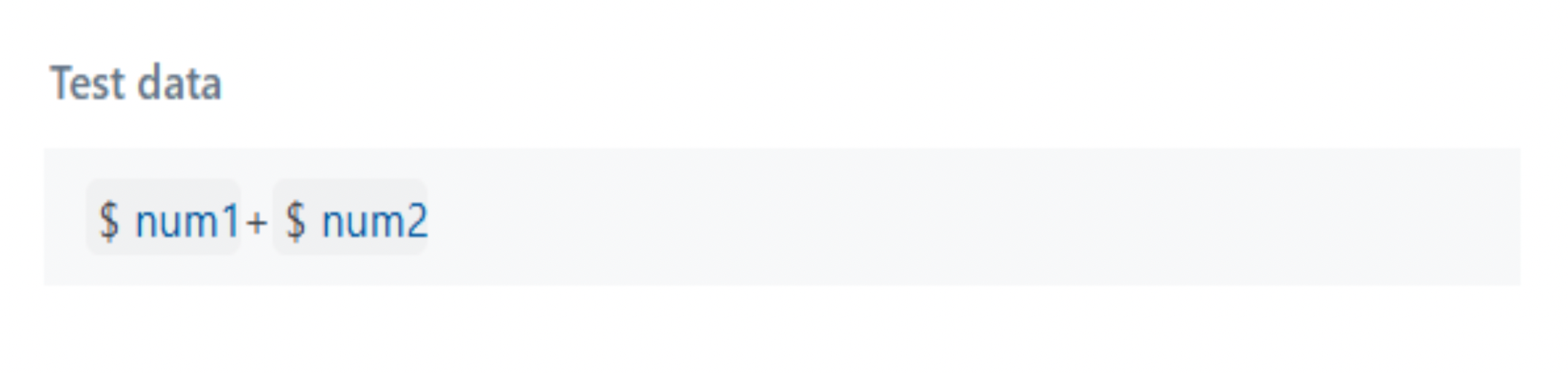
After adding the first variable, press the right arrow key twice on your keyboard to insert another variable, parameter, or environment.
Example:
$num1->-> + ->-> $num2 -
This will generate the desired output as shown below: