Help
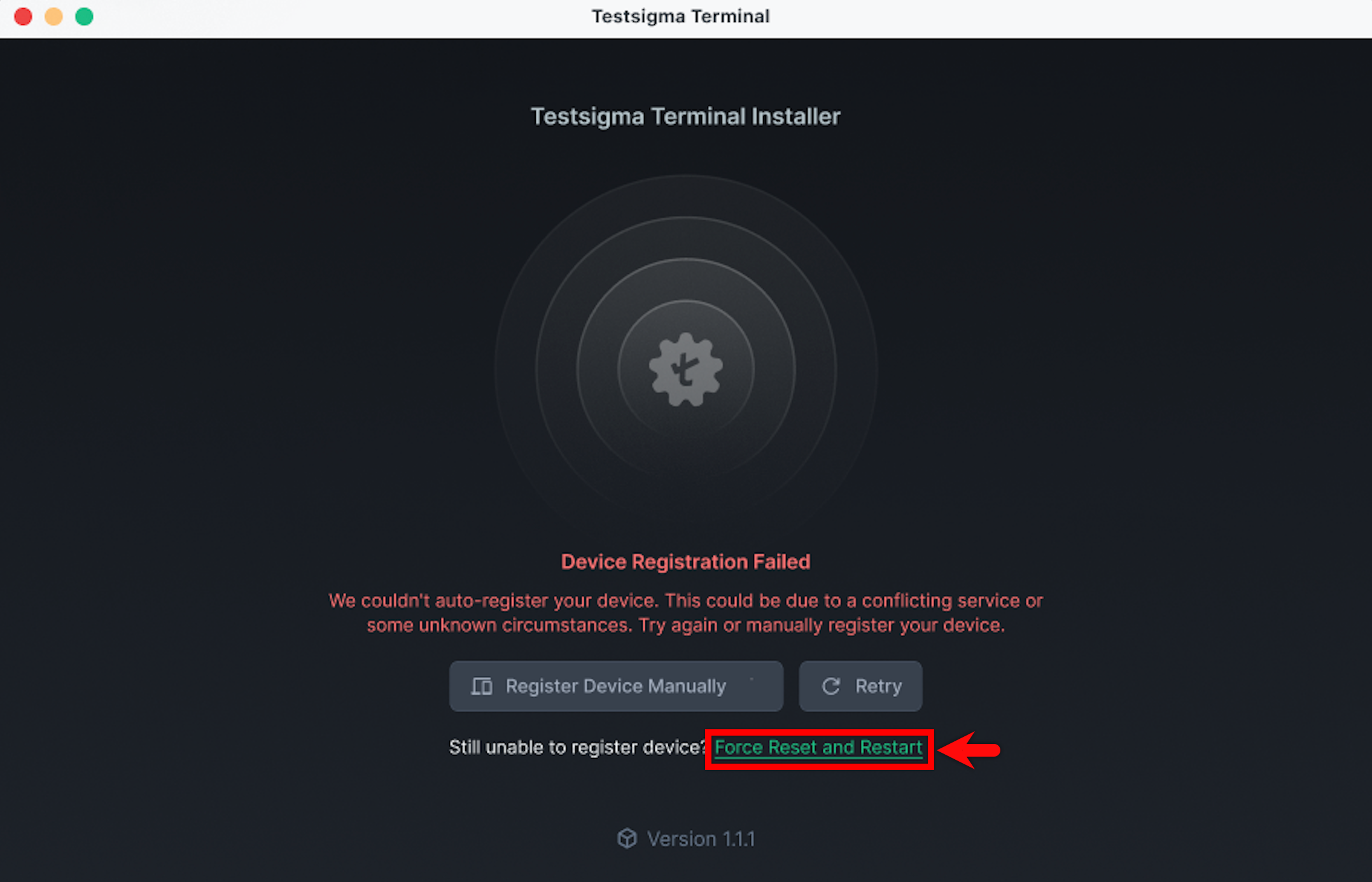
Unable to Auto-Register Your Device Using Testsigma Terminal?
Steps to Register Your Device Manually
Section titled “Steps to Register Your Device Manually”-
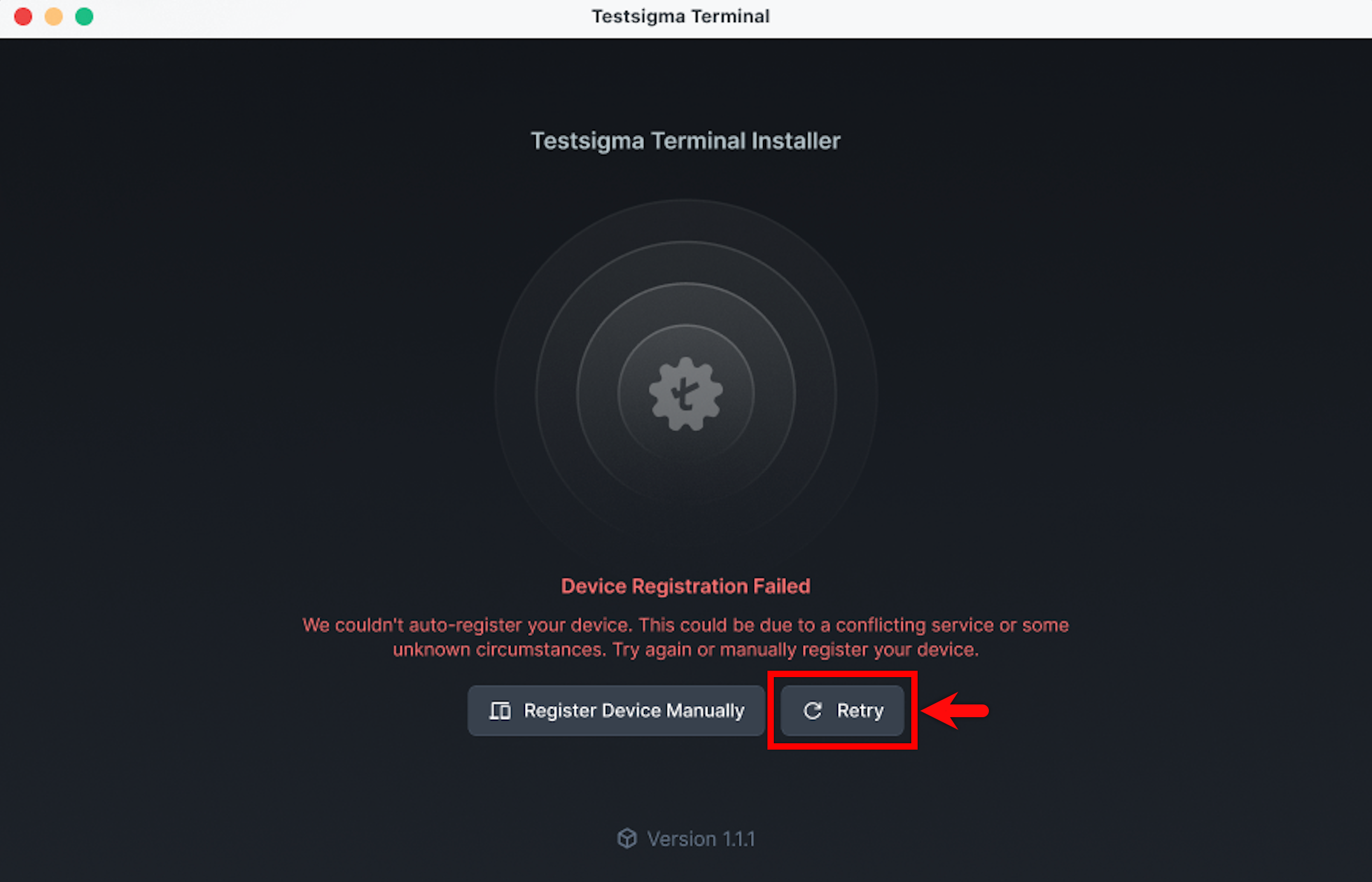
In the Testsigma Terminal window, click Retry. This tries to automatically register your device again.
-
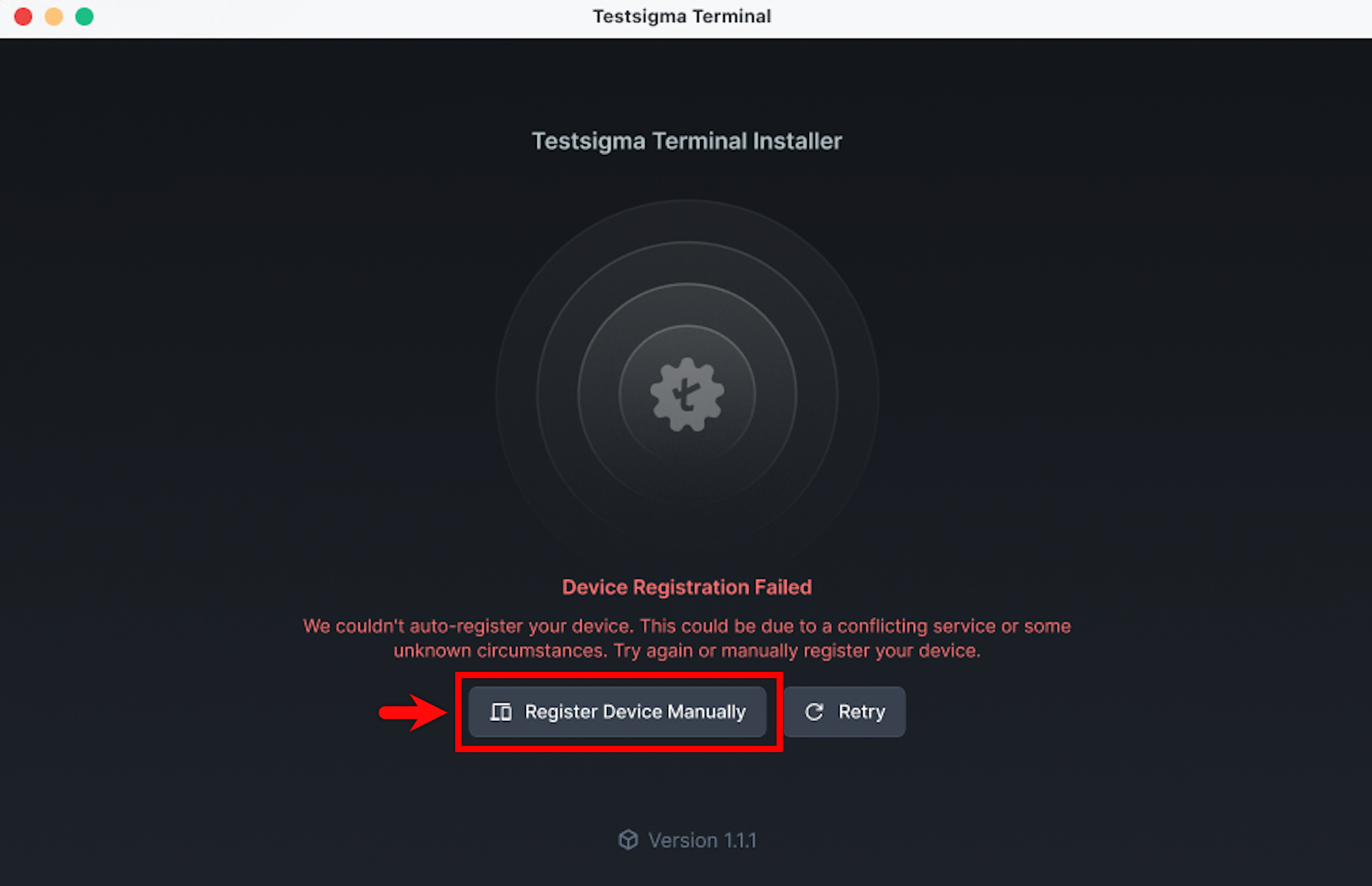
If the issue persists, click Register Device Manually. You will be redirected to Testsigma.
-
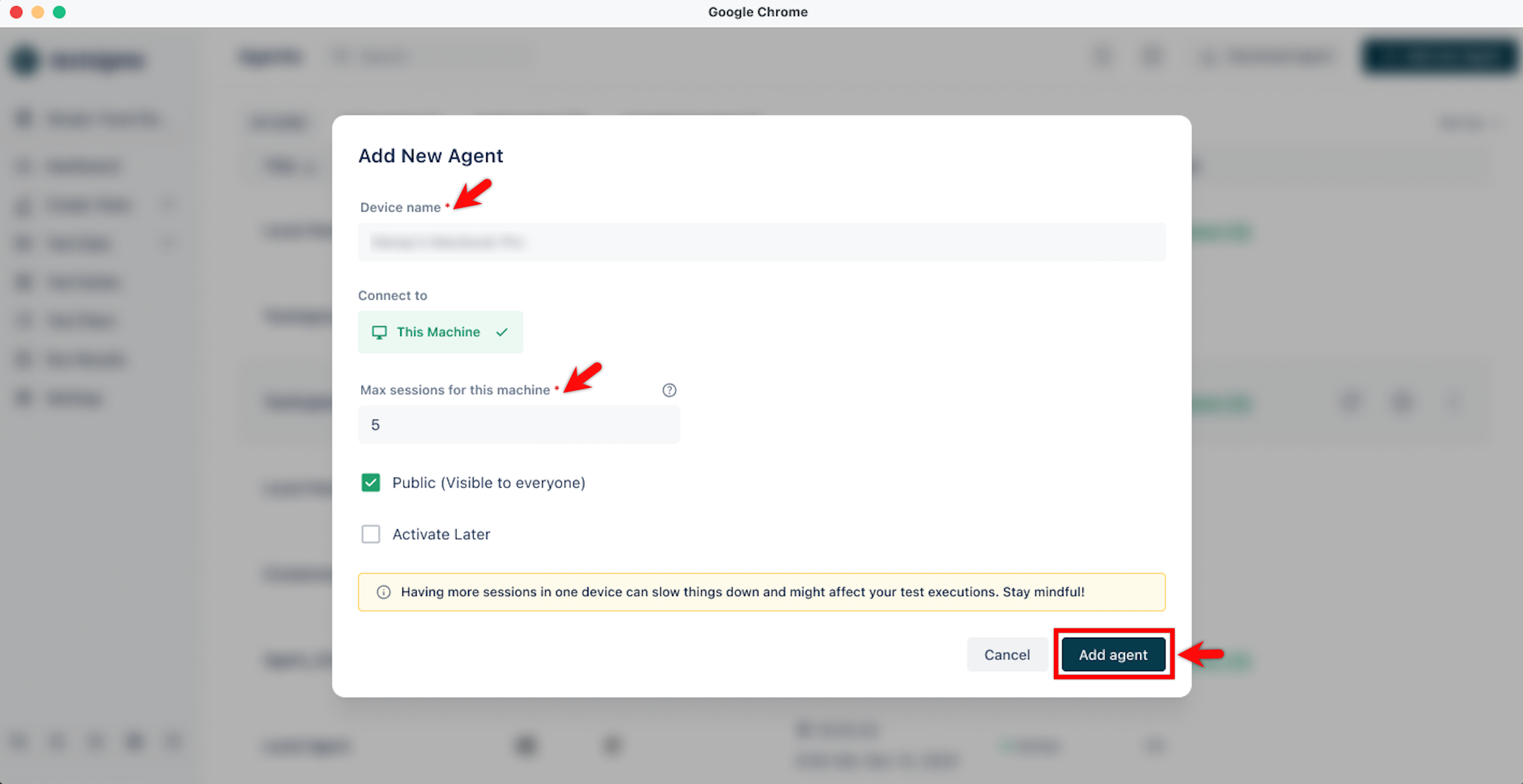
In the Add New Agent dialog, enter a name, specify the maximum sessions for the machine, and click Add Agent.
- If the issue continues, click Force Reset and Restart. This will delete existing dependencies, re-download them and retry automatic registration.