
Help
Unable to Start the Agent?
Steps to Resolve the Issue
Section titled “Steps to Resolve the Issue”-
In the Testsigma Terminal window, click Retry. This tries to restart the agent.
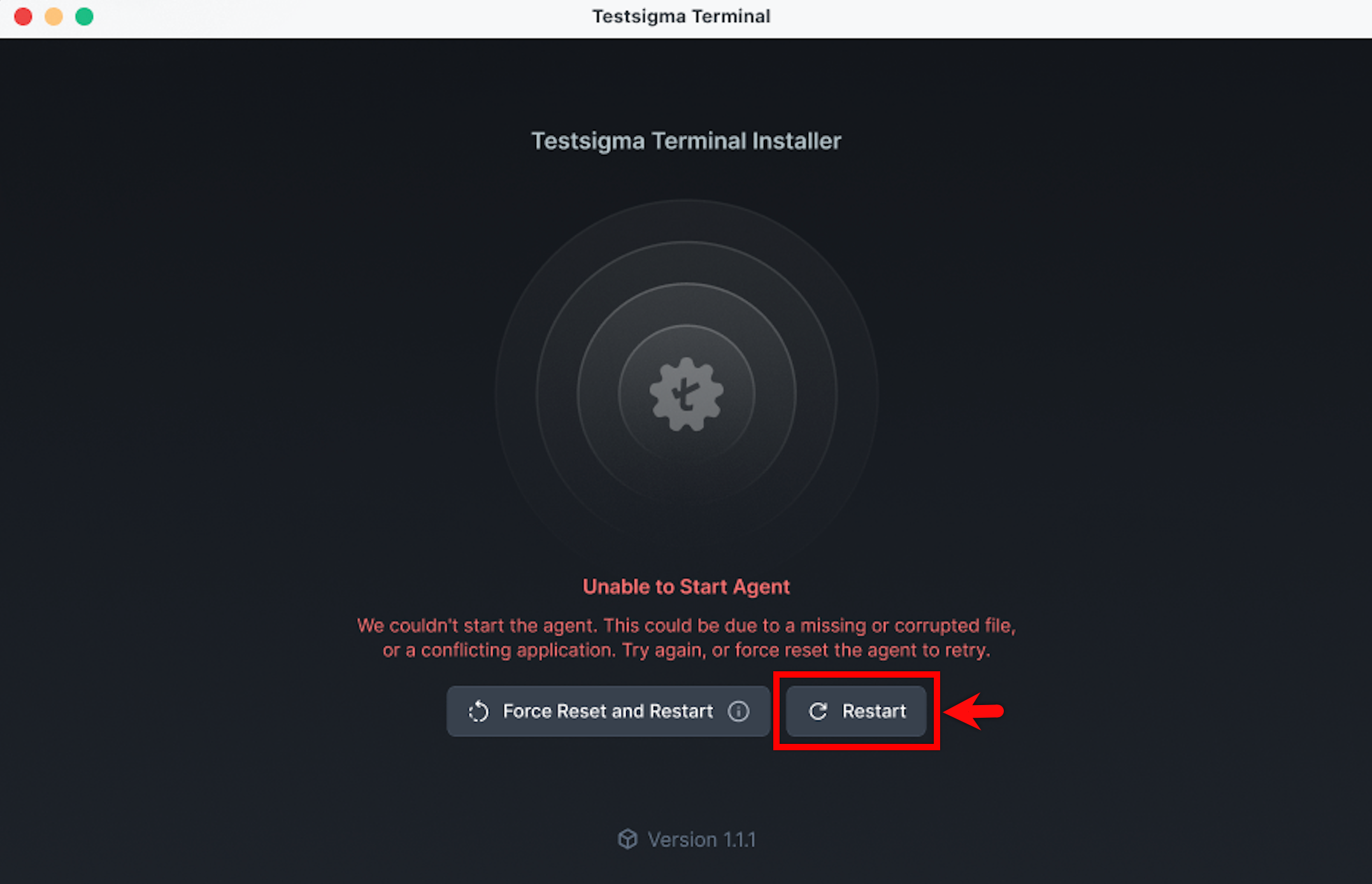
-
If the issue persists, click Force Reset and Restart.
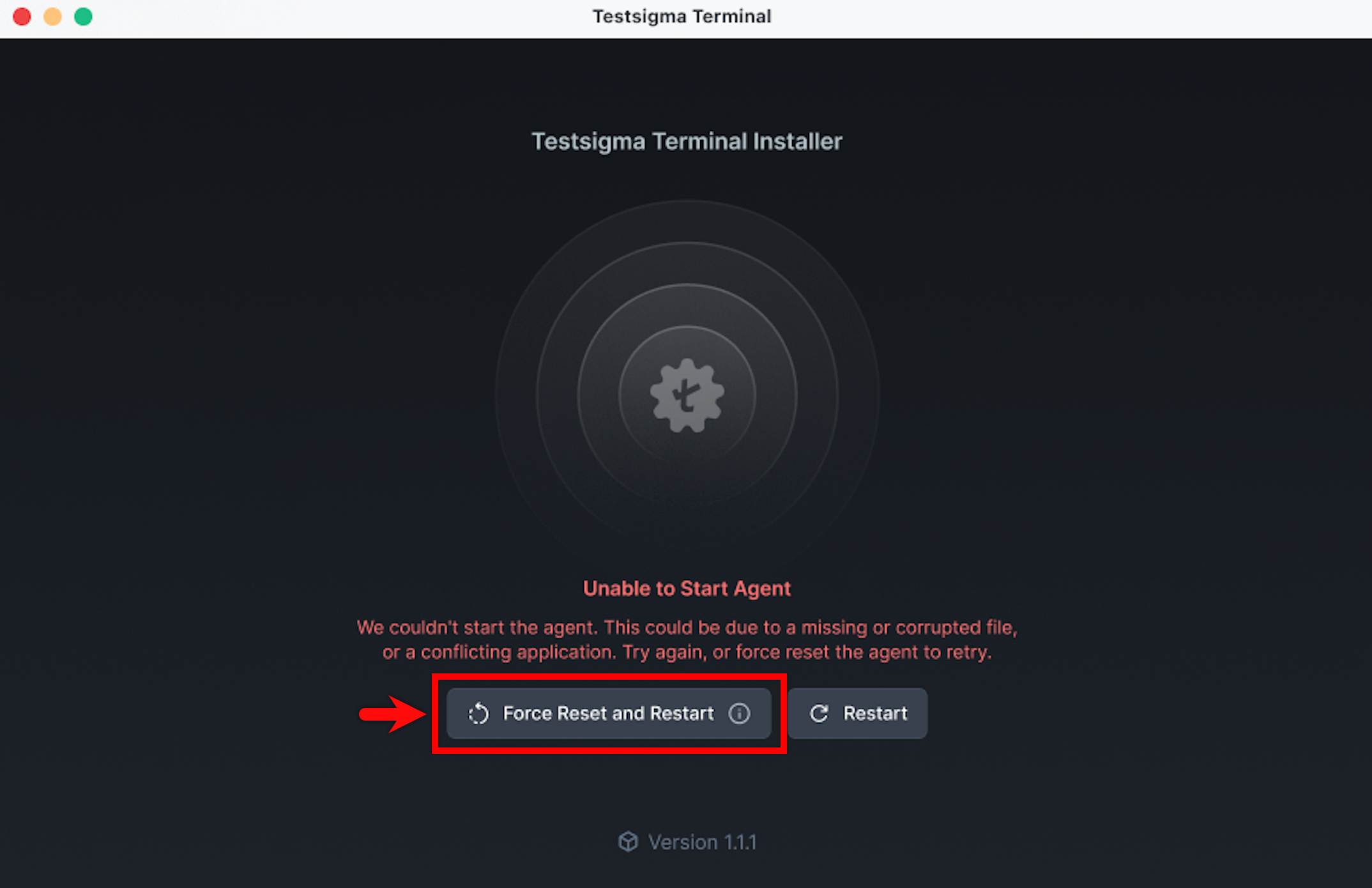
- Testsigma Terminal removes the existing files and starts a new installation.