Help
What Causes Longer Automation Test Execution Times in a Test Plan?
Steps to Resolve the Issue
Section titled “Steps to Resolve the Issue”-
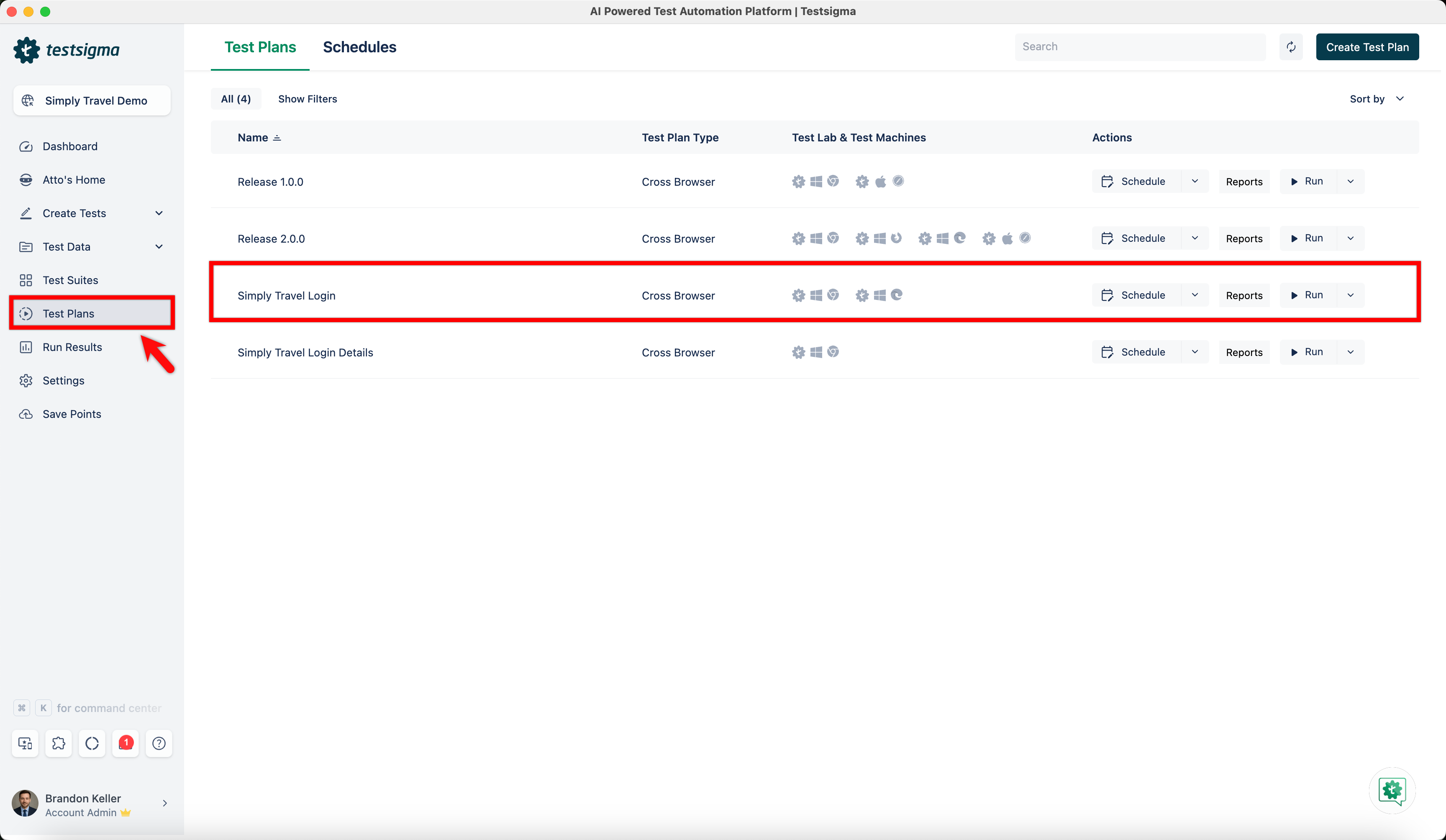
From the left navigation bar, navigate to Test Plans and click on an existing test plan.
-
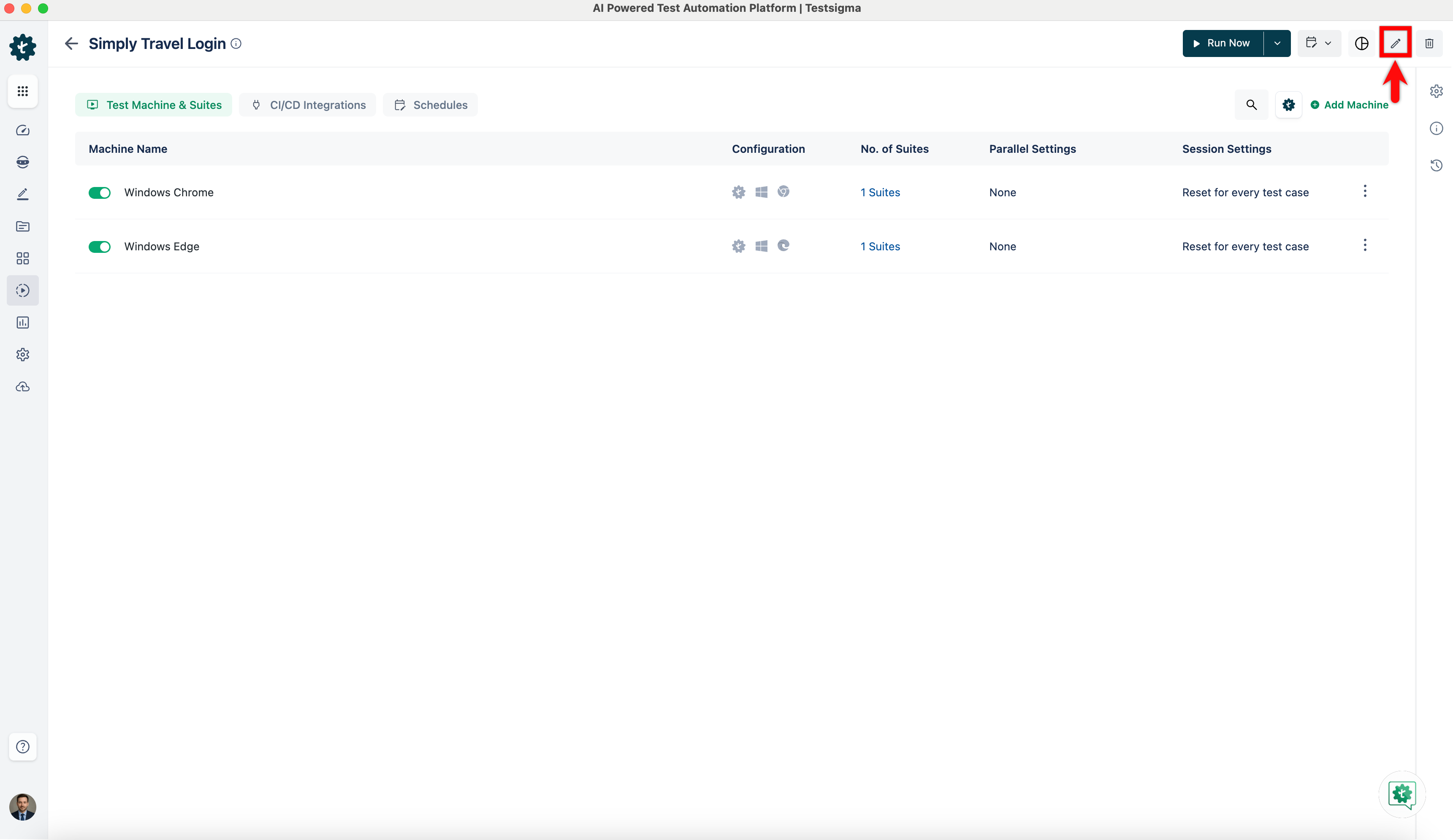
On the Test Plan details page, click Edit.
-
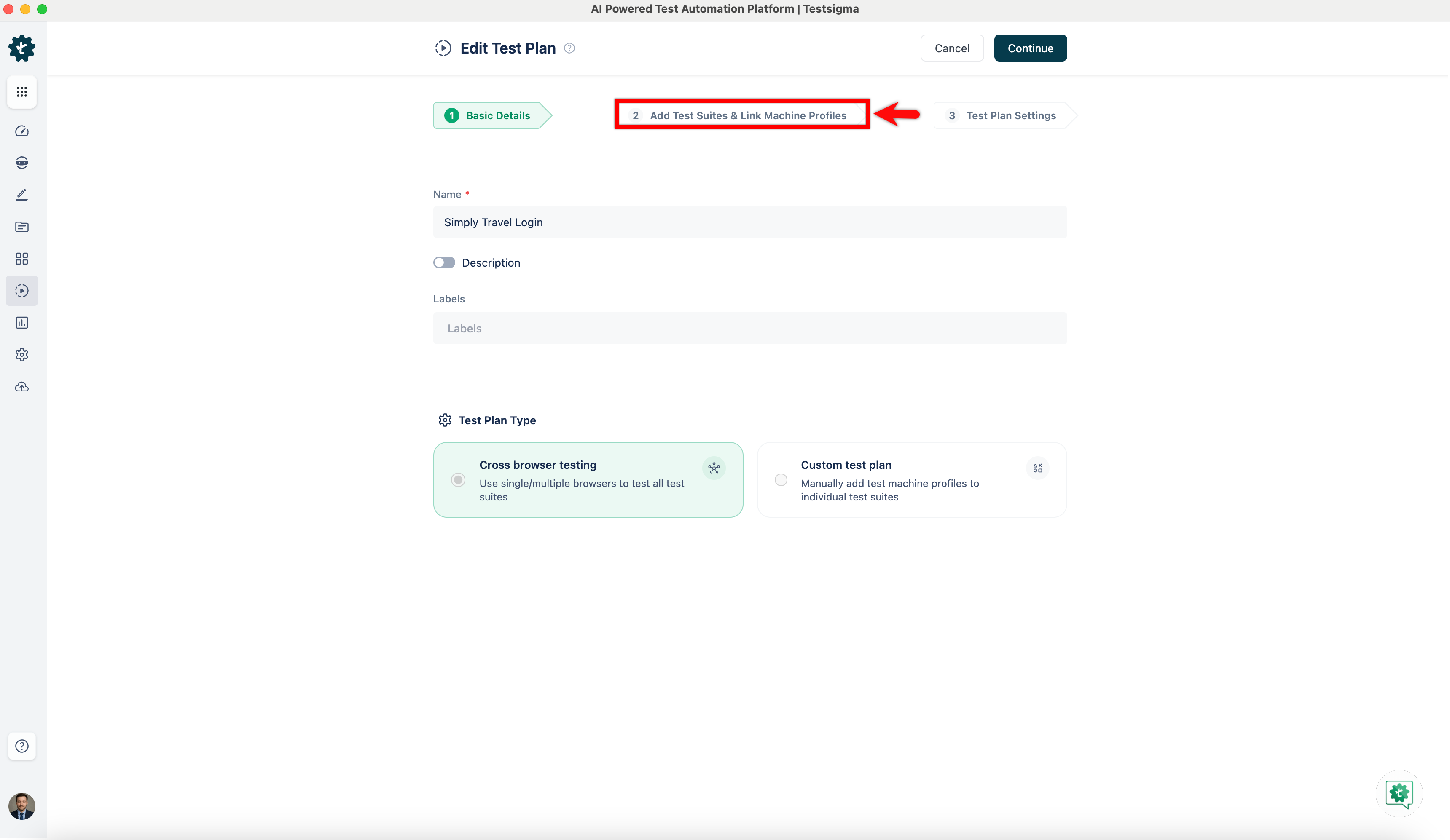
Go to the Add Test Suites & Link Machine Profiles tab.
-
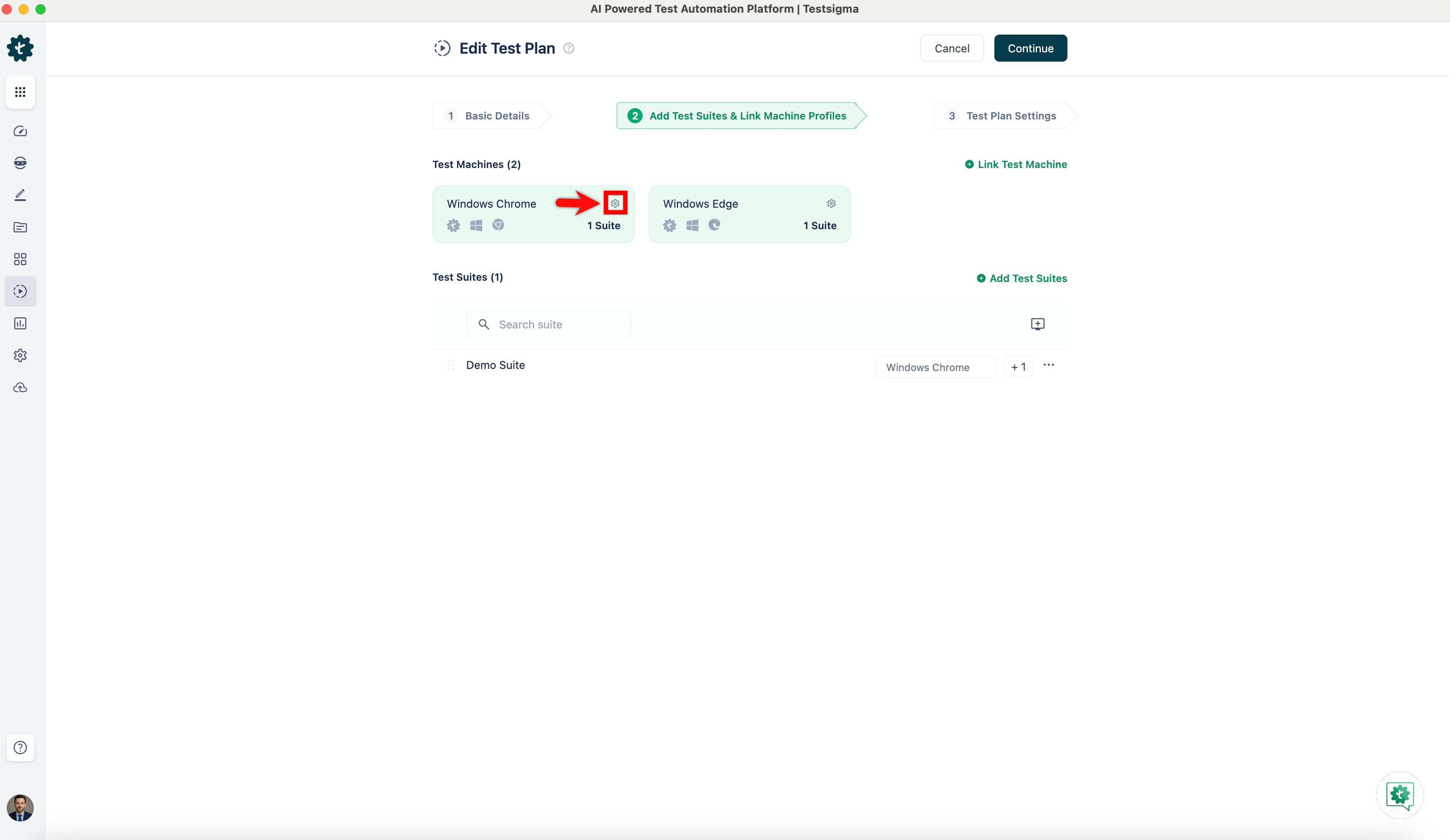
Click the test machine settings icon for the required test machine.
-
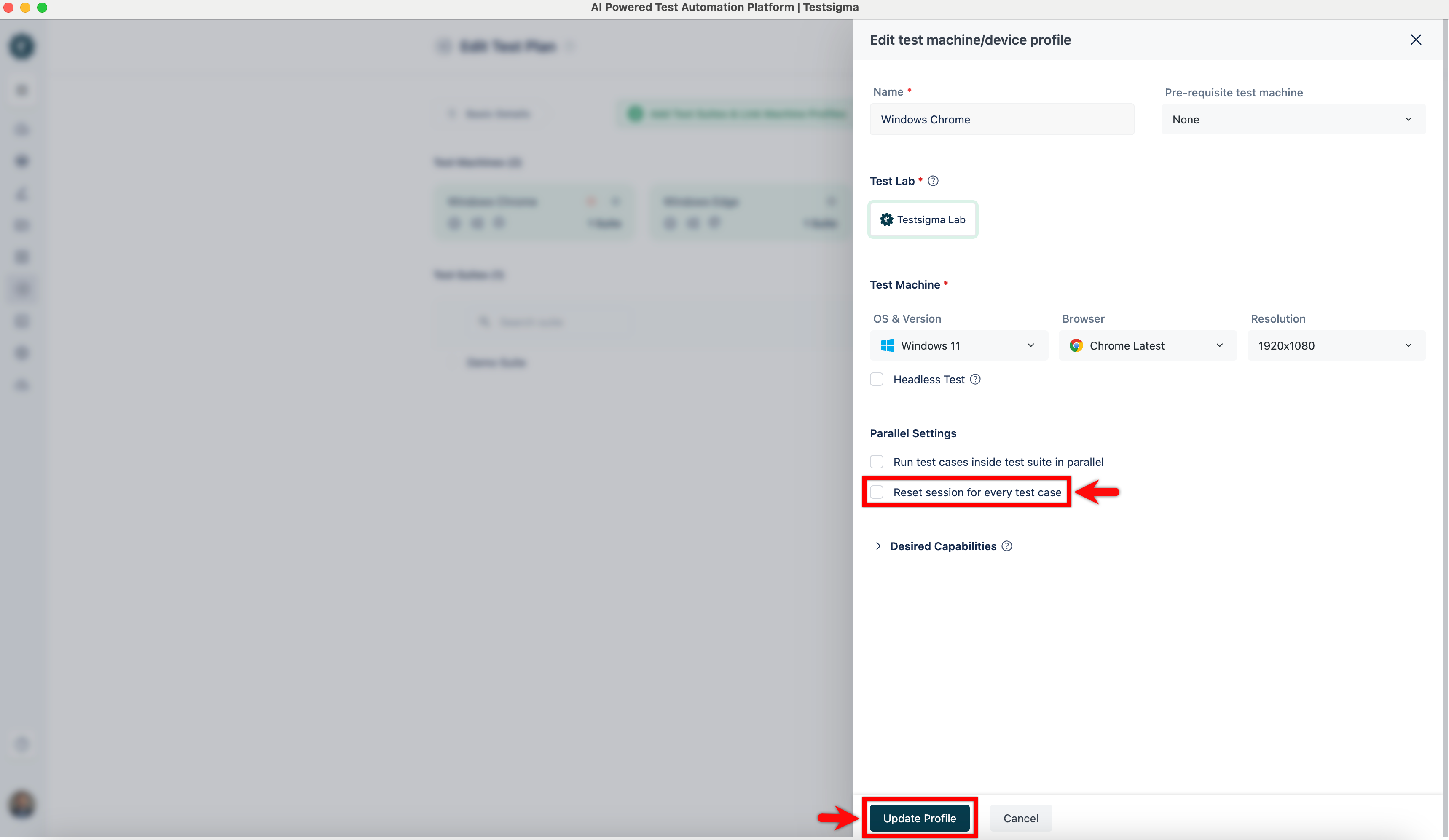
In the Edit test machine/device profile overlay, unselect the Reset session for every test case checkbox and click Update Profile.
-
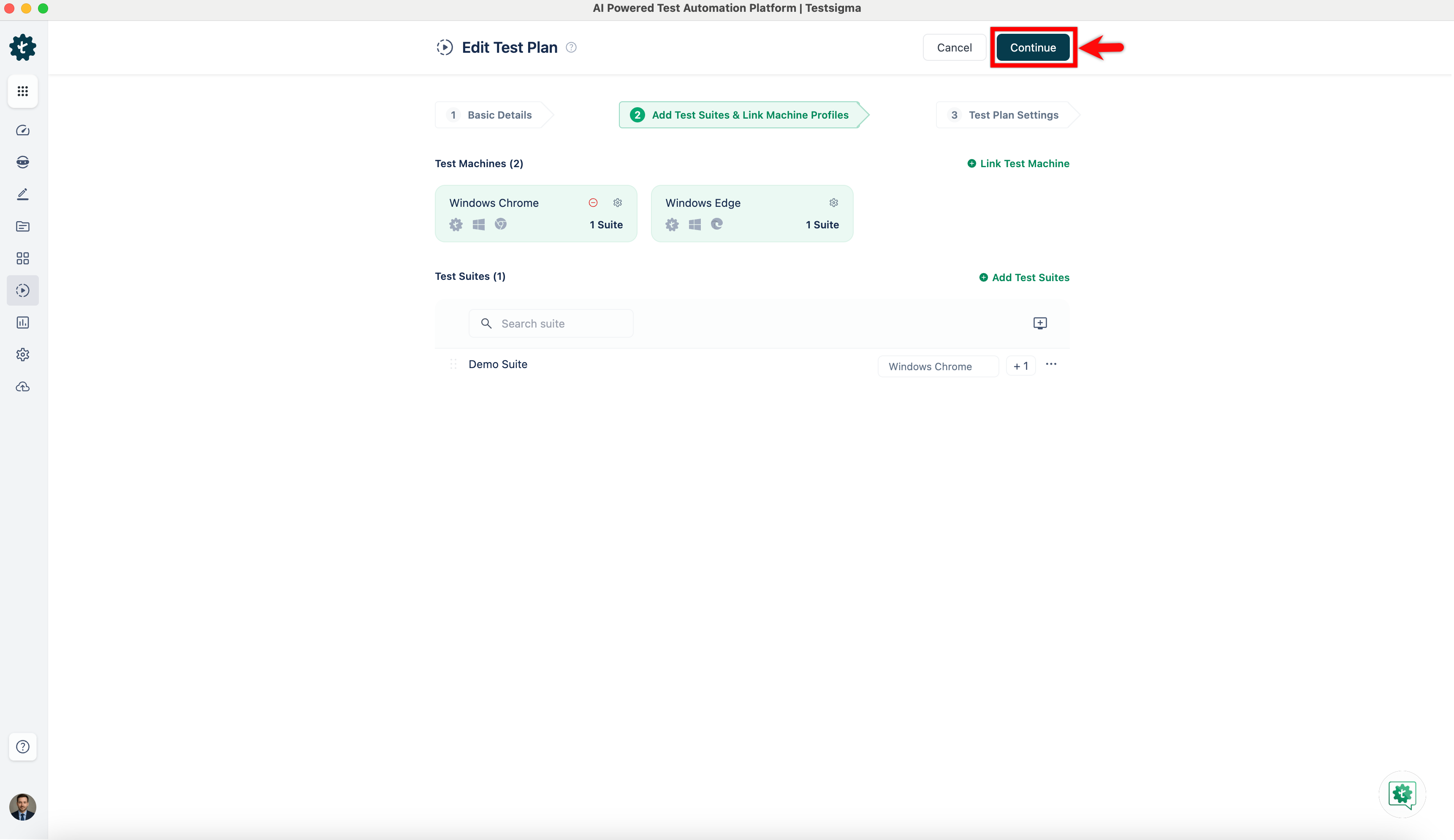
In the Edit Test Plan page, click Continue.
-
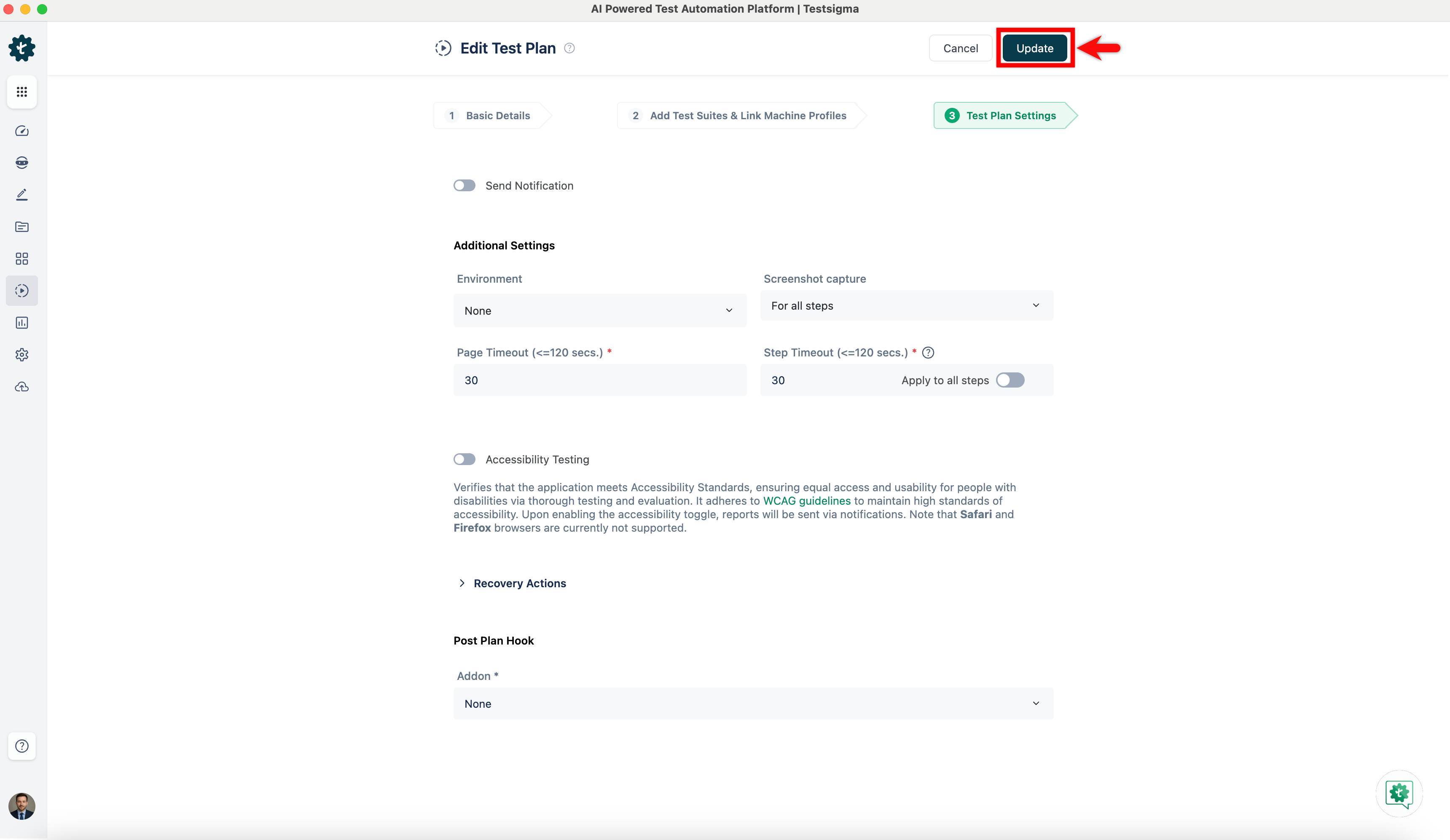
Click Update.