Help
Unable to Download the Terminal Files?
Steps to Resolve the Issue
Section titled “Steps to Resolve the Issue”-
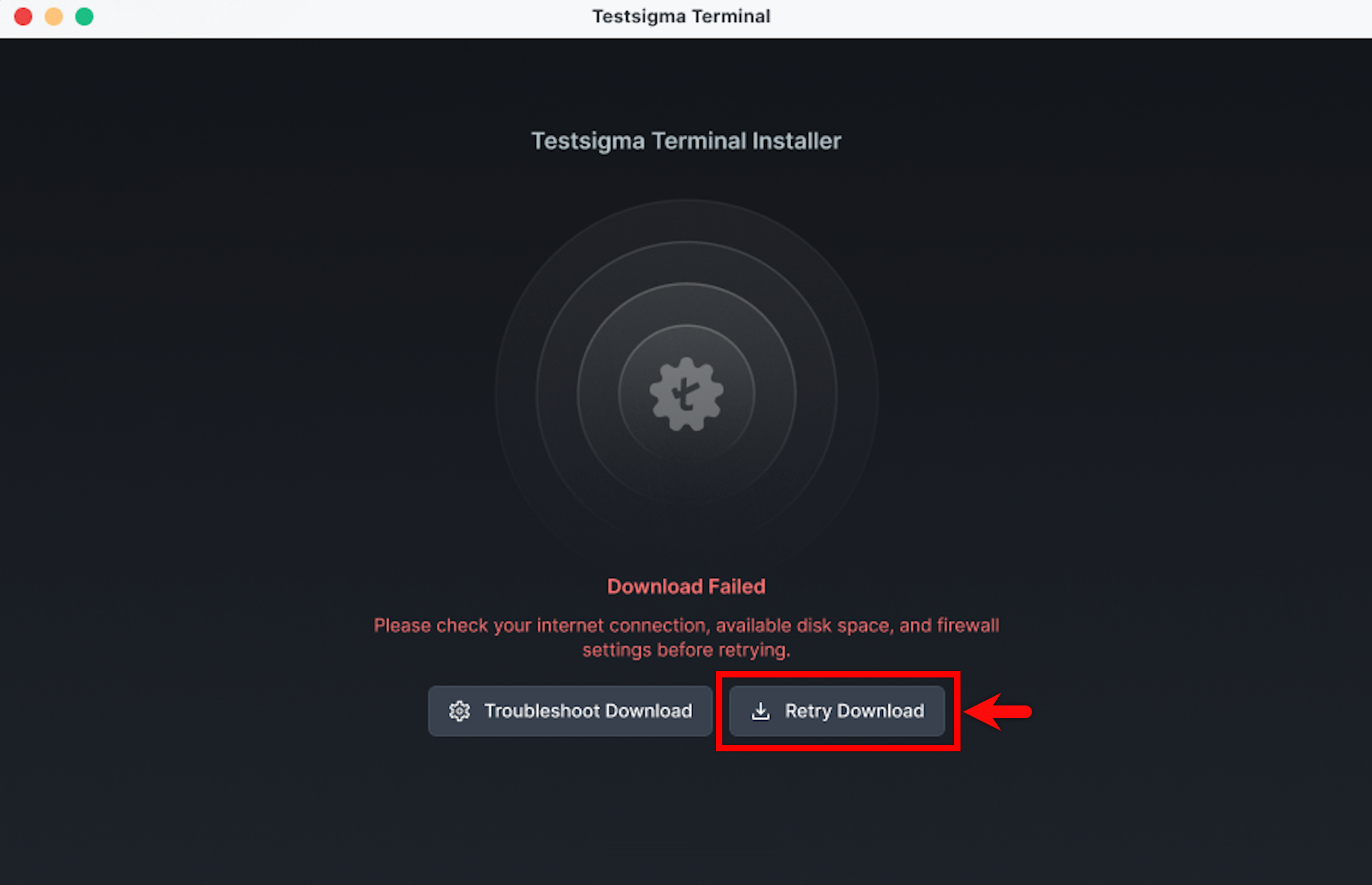
In the Testsigma Terminal window, click Retry Download. This restarts the download process.
-
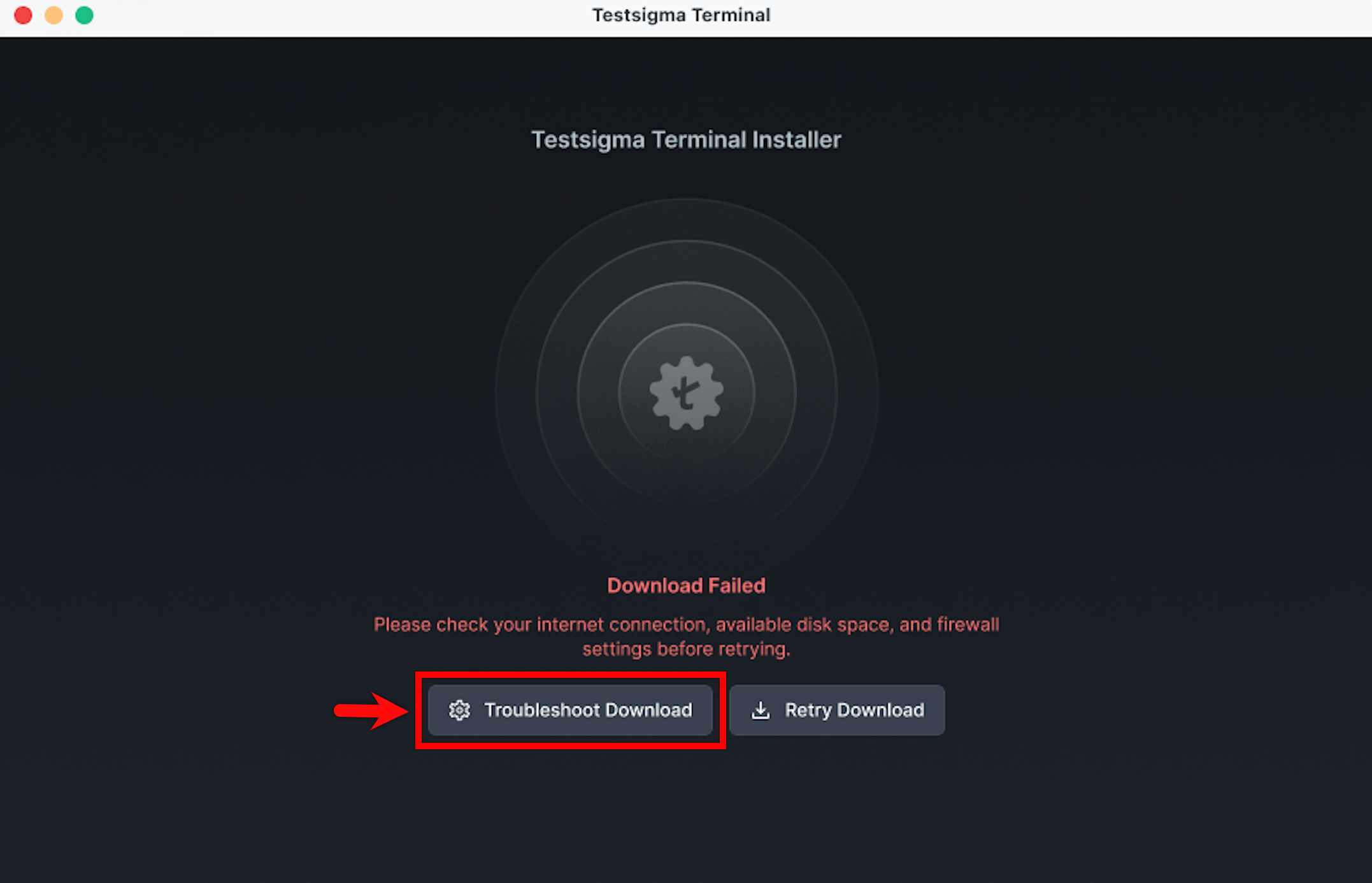
If the issue persists, click Troubleshoot Download.
-
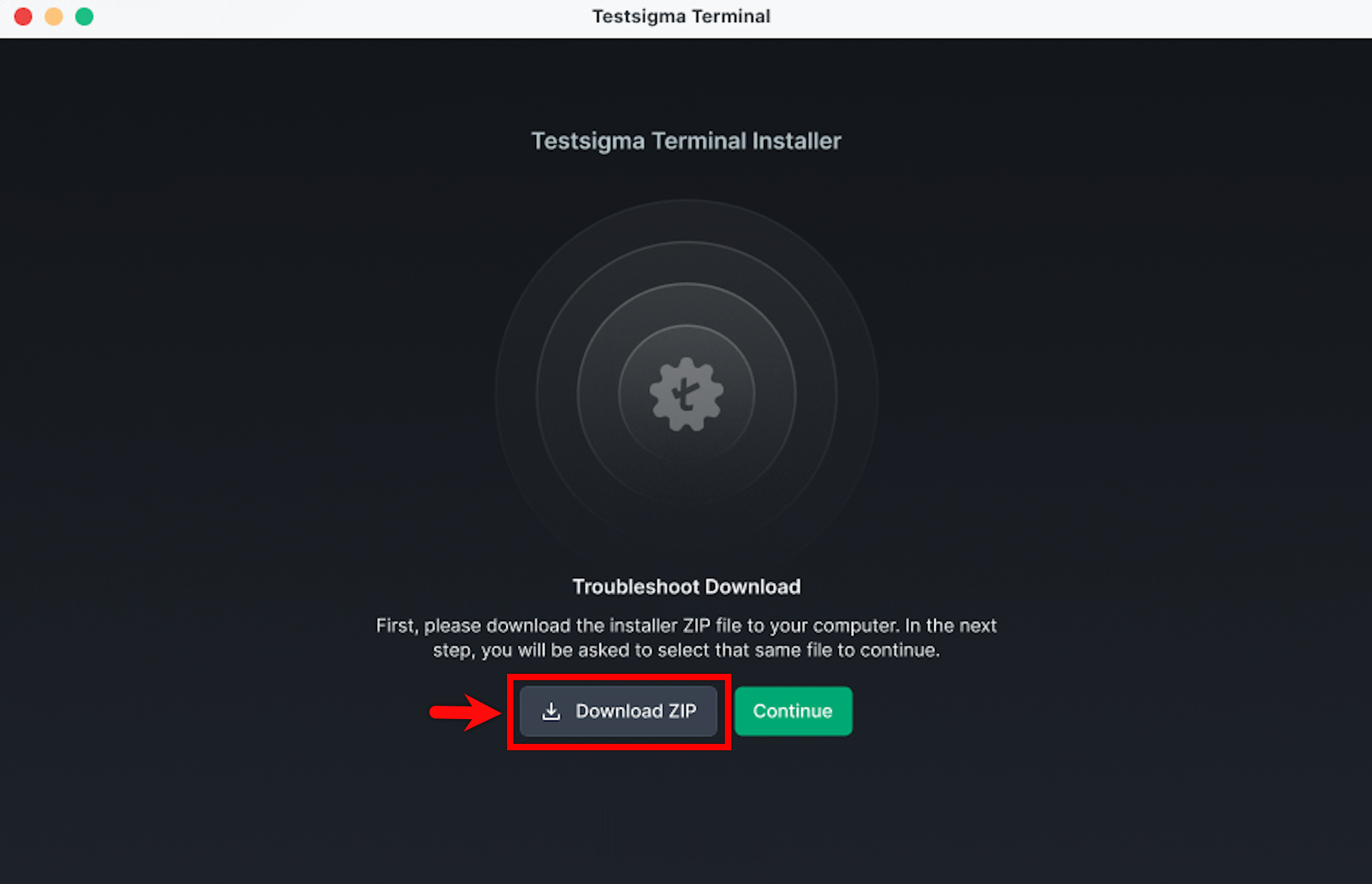
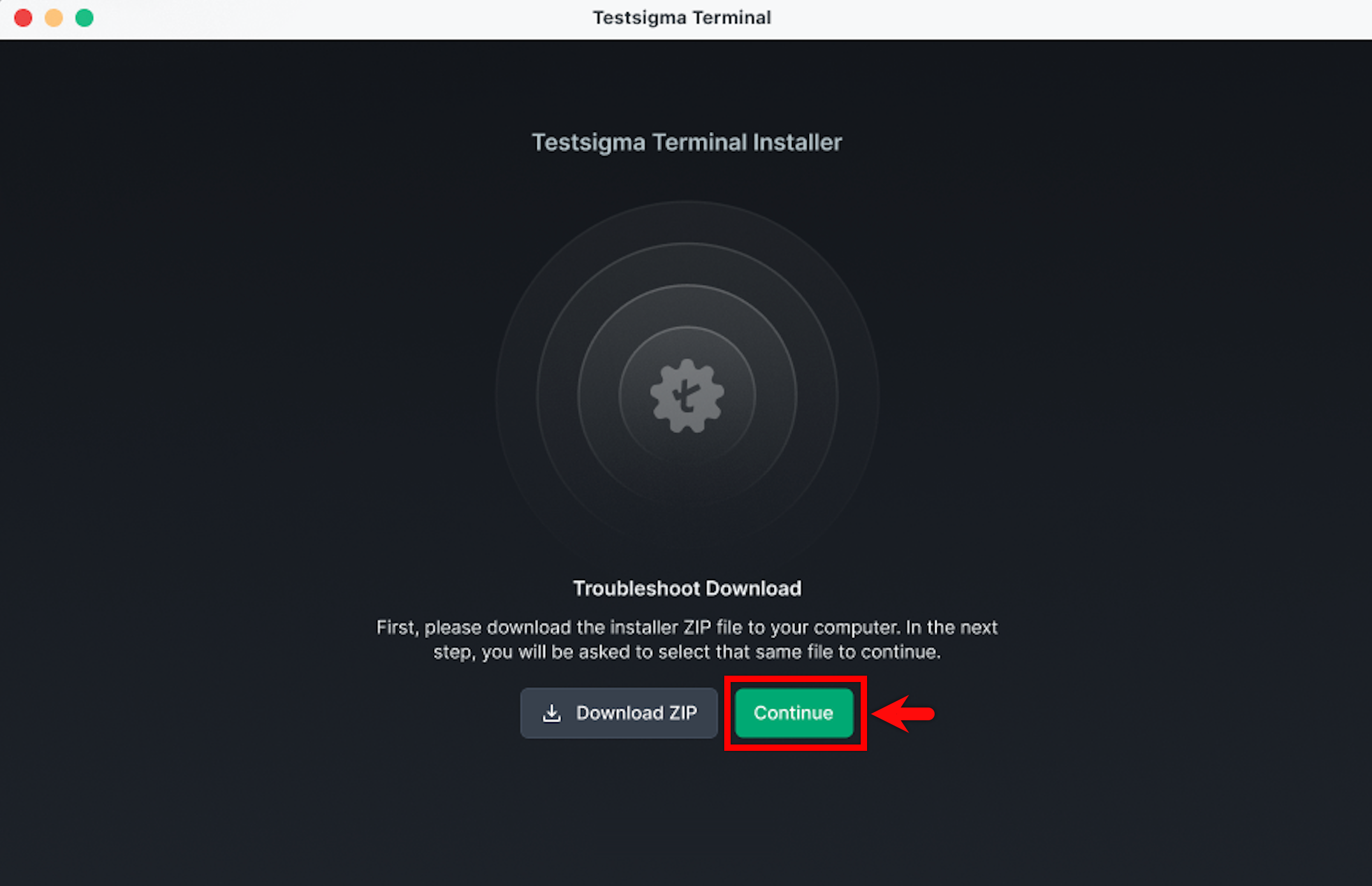
Click Download ZIP to download the installer ZIP files to your device.
-
After the ZIP file is downloaded, select Continue.
-
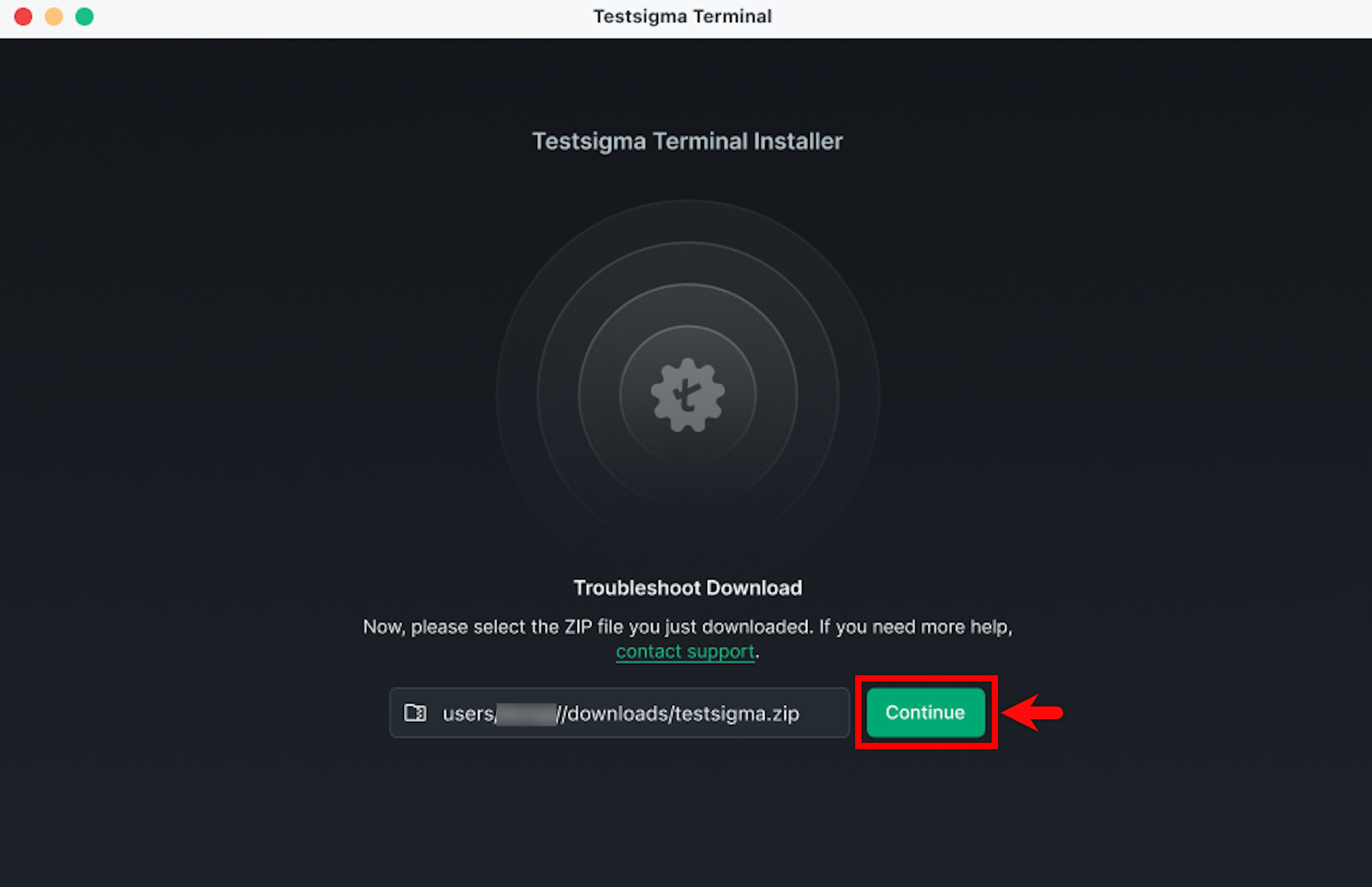
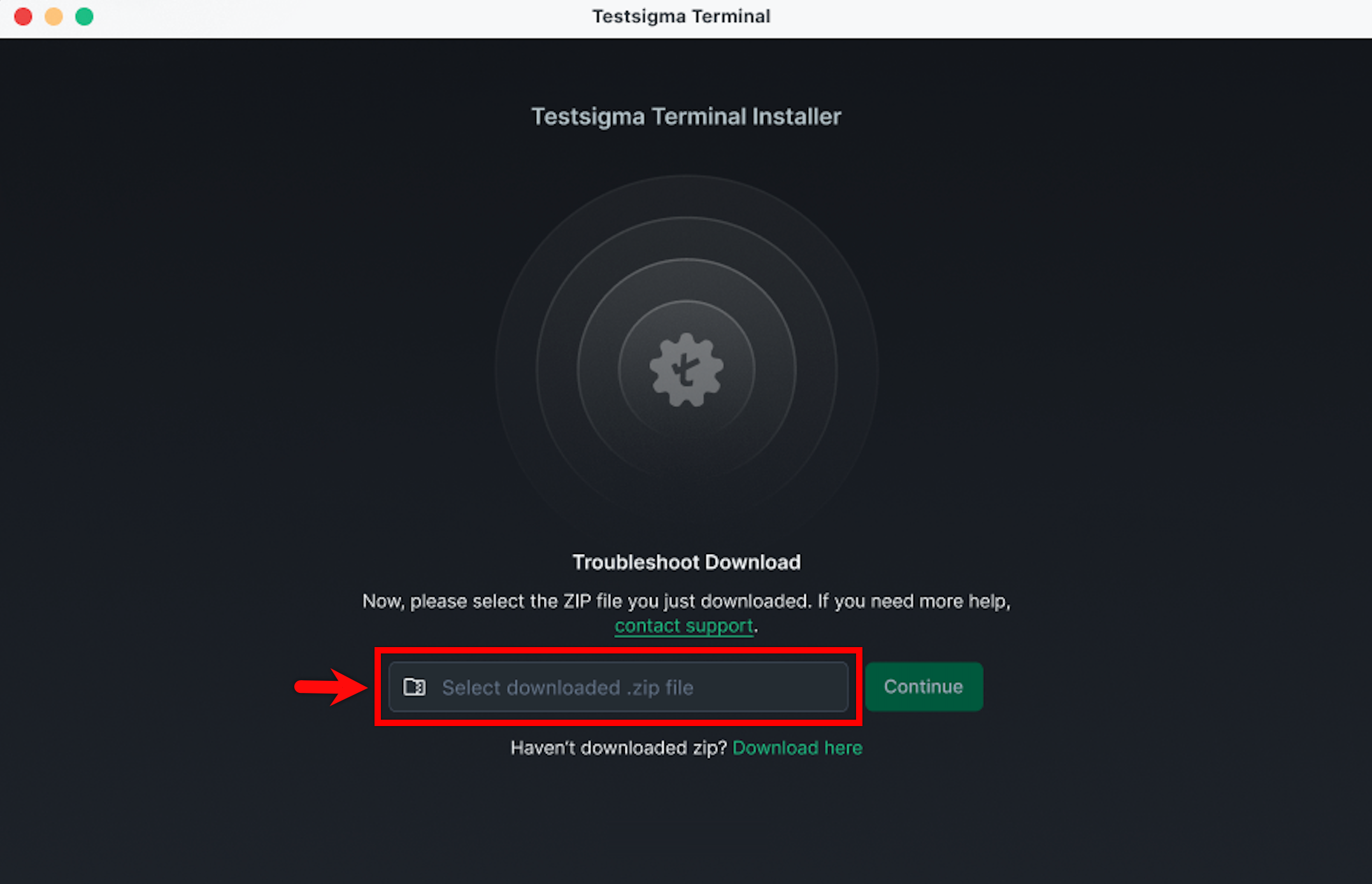
Select Select downloaded .zip file and choose the ZIP file you downloaded.
-
Click Continue to resume the installation.